Every week, our production line ships shockwave therapy machines to clinics worldwide role-based access control 1. One question keeps coming up from buyers: how do I stop unauthorized staff from using this expensive equipment?
Password lock features in shockwave therapy machines prevent unauthorized use through multi-level PIN authentication, role-based access control, tamper detection alerts, and encrypted firmware protection. These security layers ensure only trained personnel operate the device while maintaining FDA compliance and protecting your investment from theft or misuse.
Let me walk you through the specific password lock features you should demand when purchasing shockwave therapy machines encrypted firmware protection 2. These details can save you from costly compliance violations and operational headaches down the road.
Staff turnover is a constant challenge for salon owners geofencing alerts 3. When we design our control panels, we think about how a busy clinic manager handles daily access issues without slowing down treatments.
Password lock settings prevent unauthorized staff operation by requiring unique PIN codes for each user level, logging all access attempts, and automatically locking the device after failed login attempts. Administrators can instantly revoke access when staff members leave or change roles.
Understanding User-Level Access Control
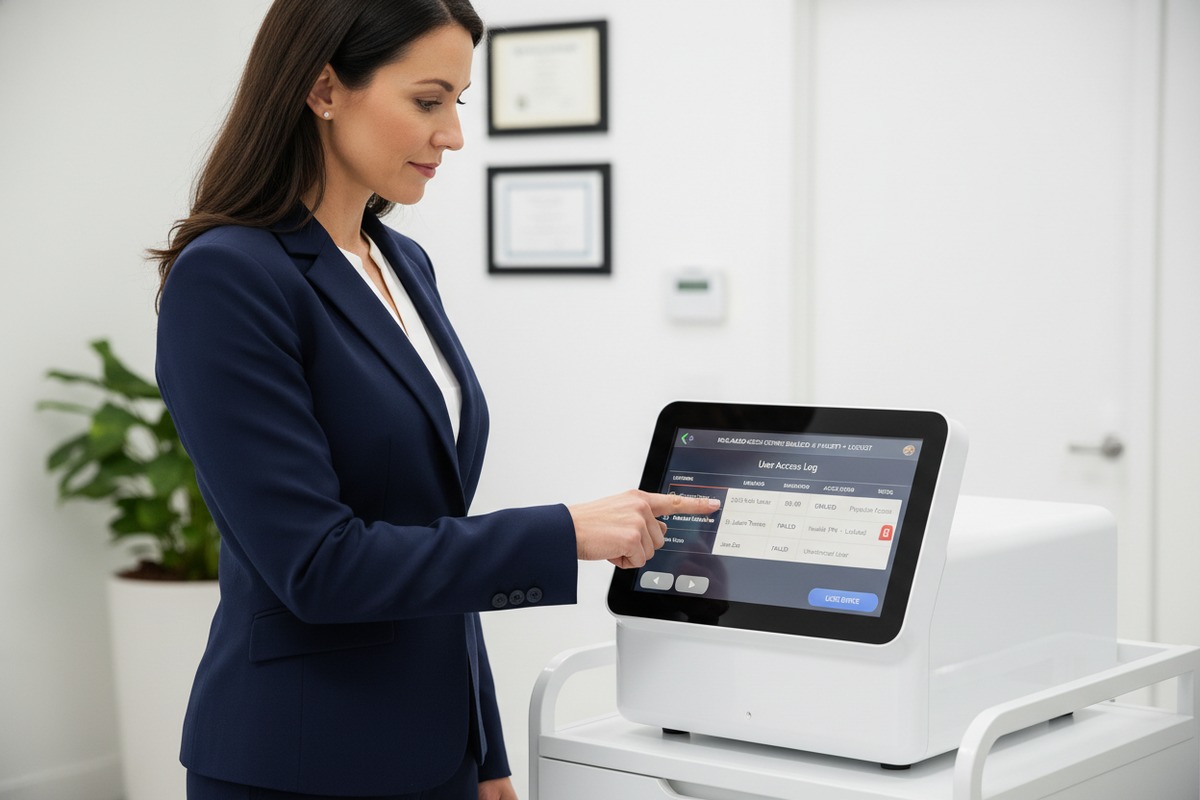
Our engineering team builds password systems with clear hierarchy. The administrator holds the master code. Treatment technicians get limited access codes. Reception staff may only view schedules but cannot operate the device.
This structure stops accidents before they happen. A front desk employee cannot accidentally fire the handpiece. A junior aesthetician cannot change energy parameters beyond their training level.
Setting Up Your Password Protocol
When you first receive your machine, follow these steps:
- Change the default factory password immediately
- Create unique codes for each staff member
- Set automatic lockout after 3 failed attempts
- Enable session timeout for idle periods
| Access Level | Permissions | Typical User |
|---|---|---|
| Administrator | Full system control, password management, settings adjustment | Clinic owner, manager |
| Senior Technician | All treatment modes, parameter adjustment within preset ranges | Experienced staff |
| Junior Technician | Basic treatment modes only, fixed parameters | New staff, trainees |
| View Only | Schedule viewing, no operation capability | Reception, admin staff |
Why Individual Codes Matter
Shared passwords create problems. When something goes wrong, you cannot trace who operated the machine. Individual codes create accountability. Every treatment session links to a specific staff member.
Our machines log each login with timestamp and user ID. This data proves valuable during quality audits 4. It also helps you identify training gaps when certain staff members consistently need supervisor assistance.
Handling Staff Departures
The moment an employee leaves, change their access code. Better yet, disable it entirely. Our system allows immediate revocation through the admin panel. This prevents disgruntled former employees from returning to misuse equipment.
Can I customize the password interface with my own brand logo through your OEM services?
Brand consistency matters to our wholesale partners. When salon clients see your logo on the login screen, it reinforces your professional image. Our OEM team handles these customizations daily. OEM services 6
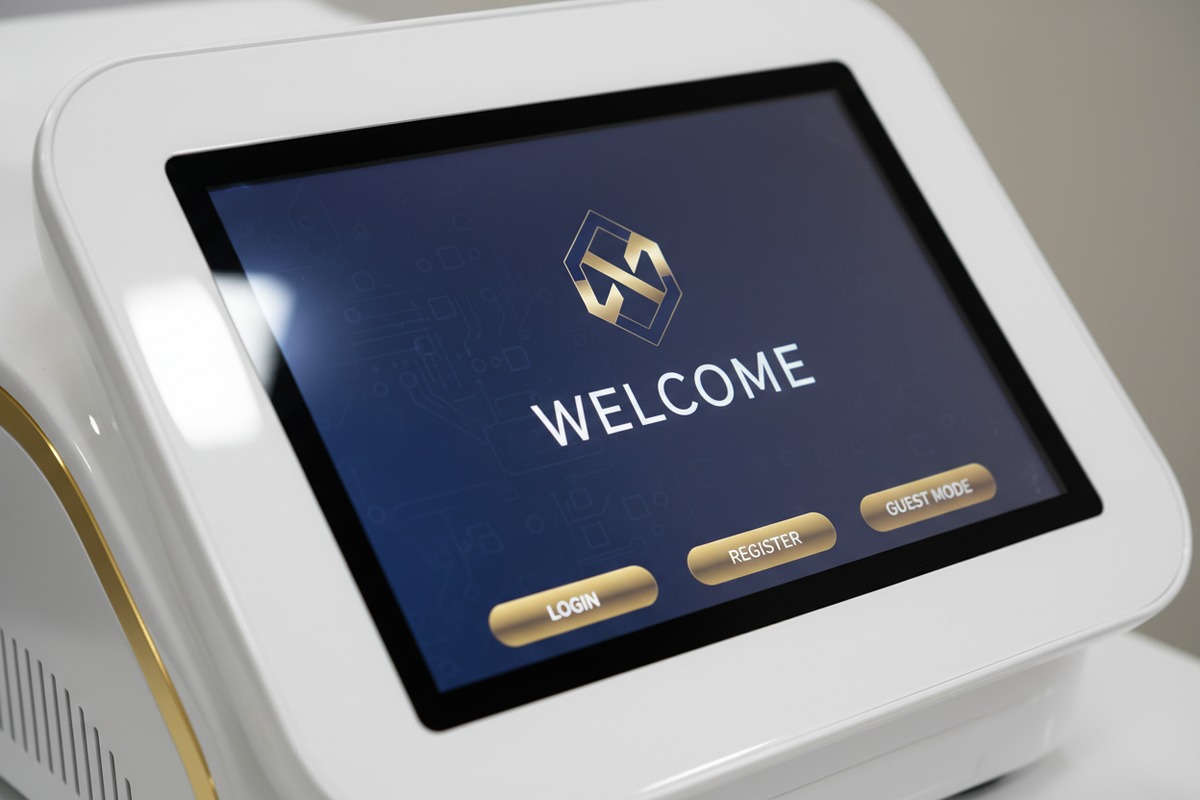
Yes, our OEM services fully customize the password interface with your brand logo, colors, and welcome messages. We modify the boot screen, login prompts, and user interface elements to match your corporate identity while maintaining all security functionality intact.
What We Can Customize
The password interface offers multiple branding opportunities. The boot screen displays your logo during startup. The login prompt shows your company name. Even error messages can carry your branding.
| Interface Element | Customization Options | Lead Time |
|---|---|---|
| Boot Screen | Logo, company name, tagline | 5-7 days |
| Login Prompt | Background color, font style, welcome text | 3-5 days |
| User Dashboard | Logo placement, color scheme, button styling | 7-10 days |
| Error Messages | Custom text, branded icons | 3-5 days |
| Screen Saver | Promotional images, contact information | 5-7 days |
Technical Requirements for Your Logo
Send us your logo in these formats for best results:
- PNG format with transparent background
- Minimum resolution: 300 x 300 pixels
- Vector file (AI or EPS) for highest quality
- RGB color mode for screen display
Maintaining Security During Customization
Some buyers worry that customization weakens security. Our process preserves all password protection layers. We only modify visual elements. The encryption, lockout protocols, and access logging remain unchanged.
Minimum Order Quantities for OEM Branding
Custom interface work requires setup costs. Here is our standard MOQ structure:
- Basic logo placement: 10 units minimum
- Full interface customization: 20 units minimum
- Custom color scheme: 15 units minimum
For orders below MOQ, we offer a one-time setup fee option. This makes branding accessible even for smaller distributors testing new markets.
Timeline From Approval to Delivery
After you approve the interface mockup, production takes 2-3 weeks. We send photo documentation of the first unit for your final approval. This ensures the on-screen appearance matches your expectations before we complete the full batch.
How do multi-level access codes help me control device usage across different salon locations?
Managing multiple locations creates unique challenges. When we consult with multi-site operators, centralized control always tops their priority list. Our multi-level access system addresses exactly this need.
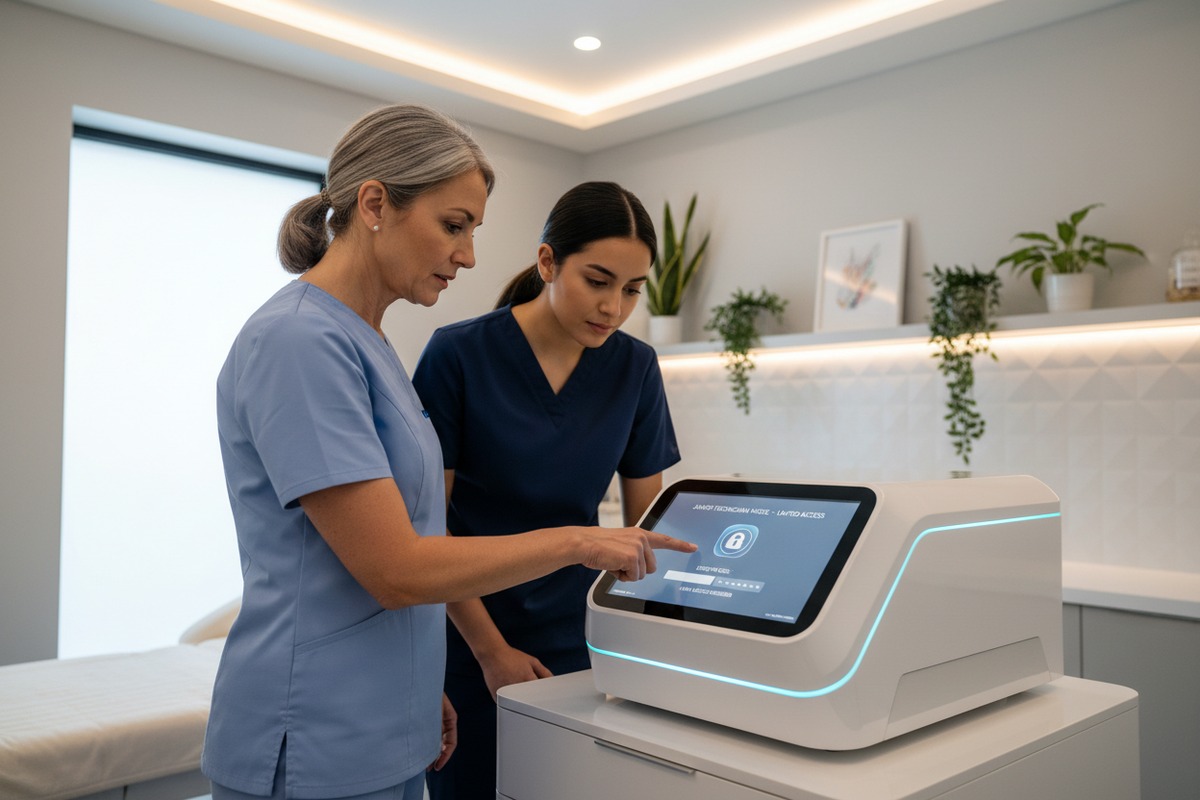
Multi-level access codes control device usage across locations by creating a hierarchical permission structure. Corporate administrators manage all sites remotely, while local managers handle daily operations. Usage data syncs to a central dashboard for real-time monitoring and compliance tracking.
The Three-Tier Control Structure
Our system uses three tiers for multi-location management:
Tier 1: Corporate Administrator
Full control over all devices at all locations. Can create and revoke any access code. Views consolidated usage reports.
Tier 2: Location Manager
Controls devices at their assigned location only. Creates staff codes within their site. Cannot access other locations.
Tier 3: Treatment Staff
Operates devices with permissions granted by location manager. No administrative access. Activity fully logged.
Centralized Dashboard Benefits
The corporate dashboard shows real-time status of every machine. You see which devices are active, idle, or offline. Usage statistics help you identify underperforming locations.
| Dashboard Feature | Business Benefit |
|---|---|
| Real-time device status | Immediate awareness of equipment issues |
| Usage statistics by location | Identify training needs and productivity gaps |
| Access log review | Compliance documentation for audits |
| Remote lockdown capability | Instant response to security concerns |
| Maintenance alerts | Proactive service scheduling |
Handling Inter-Location Staff Movement
Staff sometimes work at multiple locations. Our system accommodates this through linked profiles. A technician's code works at any approved location. Their access level remains consistent.
When that technician arrives at a different branch, the local manager sees their credentials instantly. No phone calls to corporate. No waiting for code creation. Smooth operations continue.
Usage Quotas and Restrictions
Some operators want to limit treatments per location. Our system supports this through session quotas. Set maximum daily treatments. Receive alerts when approaching limits. Lock the device when quotas are reached.
This feature prevents overuse that leads to equipment wear. It also helps franchise operators ensure consistent service levels across their network.
Compliance Reporting Made Simple
FDA compliance requires documented access control. Our multi-level system generates reports automatically. Export data in formats your compliance officer needs. Save hours of manual documentation work.
What security features ensure my shockwave machines remain locked if they are stolen or moved without permission?
Equipment theft happens more often than buyers expect. Our security engineers designed multiple layers specifically for this threat. Physical and digital protections work together to protect your investment.
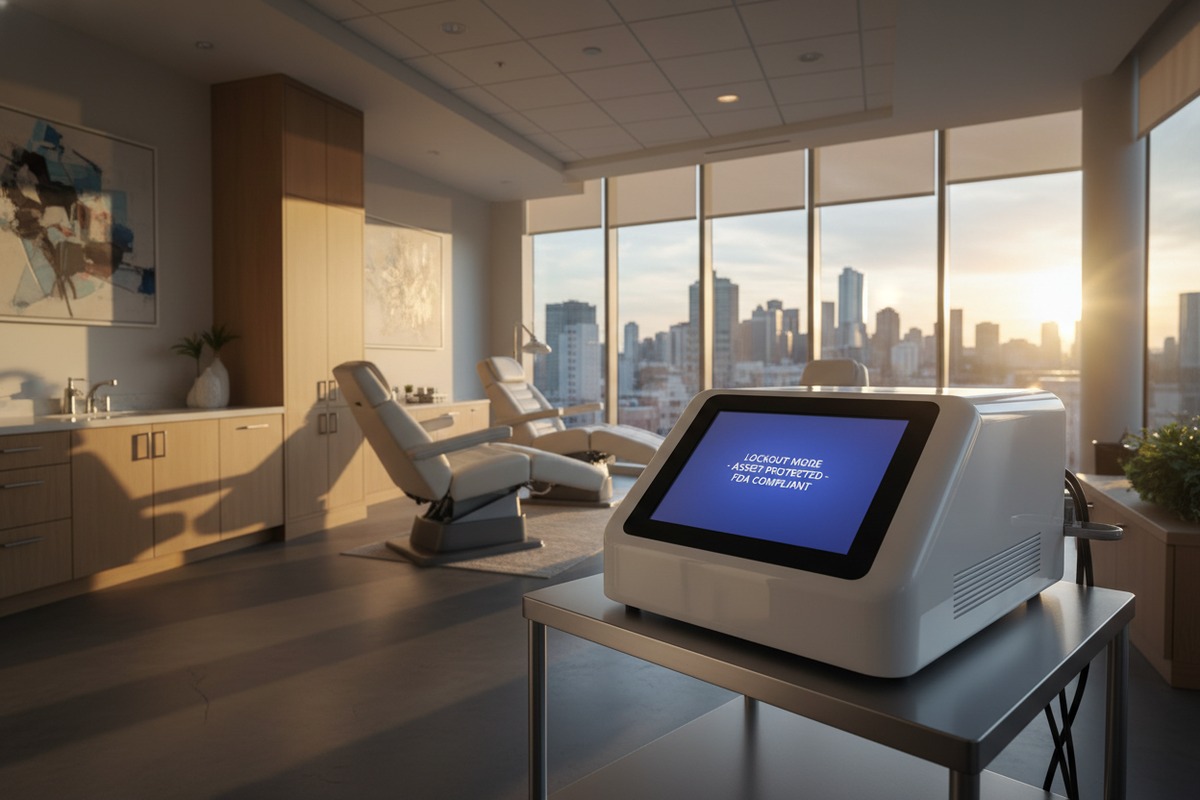
Security features protecting against theft include GPS tracking, motion-triggered lockdown, geofencing alerts, remote device bricking, and tamper detection sensors. If your shockwave machine is stolen or moved without authorization, it automatically locks and becomes inoperable while alerting you immediately.
GPS Tracking and Location Services
Higher-tier models include embedded GPS modules. You see your device location on a map anytime. If the machine moves unexpectedly, you receive instant alerts via SMS and email.
This feature helped one of our European distributors recover a stolen unit within 48 hours. Police used the GPS data to locate the machine at a unauthorized clinic across the border.
Geofencing Technology Explained
Geofencing creates a virtual boundary around your approved location. When the device crosses this boundary, several things happen automatically:
- Alert sent to administrator
- Device enters lockdown mode
- GPS location logged every 5 minutes
- Camera footage request triggered (if integrated)
You set the boundary size. A small clinic might use 50 meters. A large hospital campus might use 500 meters.
Motion-Triggered Security
Internal accelerometers detect movement. During operating hours, this feature stays dormant. After hours, any movement triggers the security protocol.
The system distinguishes between normal vibrations and actual transport. A passing truck does not trigger false alarms. Loading the machine into a vehicle does.
| Security Feature | Trigger Condition | Response Action |
|---|---|---|
| Motion detection | Movement during locked hours | Alert + access log entry |
| Geofence breach | Device leaves approved area | Alert + automatic lockdown |
| Tamper detection | Case opened without authorization | Alert + immediate shutdown |
| Failed login attempts | 5+ incorrect passwords | Temporary lockout + admin alert |
| Remote brick command | Admin-initiated emergency | Permanent lockdown until reset |
Remote Bricking Capability
The most powerful anti-theft tool is remote bricking 7. Through the admin dashboard, you can permanently disable any device. The machine becomes completely inoperable. Only factory reset with your authorization can restore function.
Thieves quickly learn that stolen units have zero resale value. Word spreads. Your equipment becomes less attractive target.
Tamper Detection Sensors
Physical tampering triggers immediate response. If someone opens the case without proper shutdown procedure, sensors detect this. The device locks. An alert goes out. Detailed logs capture the event.
This protects against:
- Internal component theft
- Unauthorized repairs that void warranty
- Attempts to bypass security systems
Insurance Documentation Support
When theft occurs, insurance companies want proof. Our security system provides complete documentation:
- Last known GPS coordinates
- Timeline of unauthorized movement
- Access log showing no valid login
- Tamper detection events
This data strengthens your insurance claim significantly. Several clients reported faster claim processing because of comprehensive documentation.
Firmware Integrity Protection
Sophisticated thieves might try to reflash the firmware. Our secure boot process prevents this. The device verifies firmware authenticity on every startup. Tampered software will not load. The machine stays locked.
This protection also guards against counterfeit repair services that might install modified software to bypass your security settings.
Conclusion
Password lock features protect your shockwave therapy investment through user authentication, multi-level access control, brand customization options, and anti-theft security. Verify these features before purchasing to ensure compliance and operational safety.
Footnotes
1. NIST provides a foundational definition of role-based access control in cybersecurity. ↩︎
2. Defines firmware security and its components, including cryptographic protection. ↩︎
3. Authoritative Wikipedia page explaining geofencing, including alerts. ↩︎
4. Explains the definition, types, and importance of quality audits for businesses. ↩︎
5. Official FDA guidance on quality and compliance for medical devices. ↩︎
6. Details what OEM services entail in manufacturing and product branding. ↩︎
7. Original research and detailed explanation of remote bricking from a cybersecurity firm. ↩︎
8. Explains how GPS tracking technology functions for location monitoring and security. ↩︎

 English
  Español de México
  Deutsch
  Français
  العربية
  Русский