
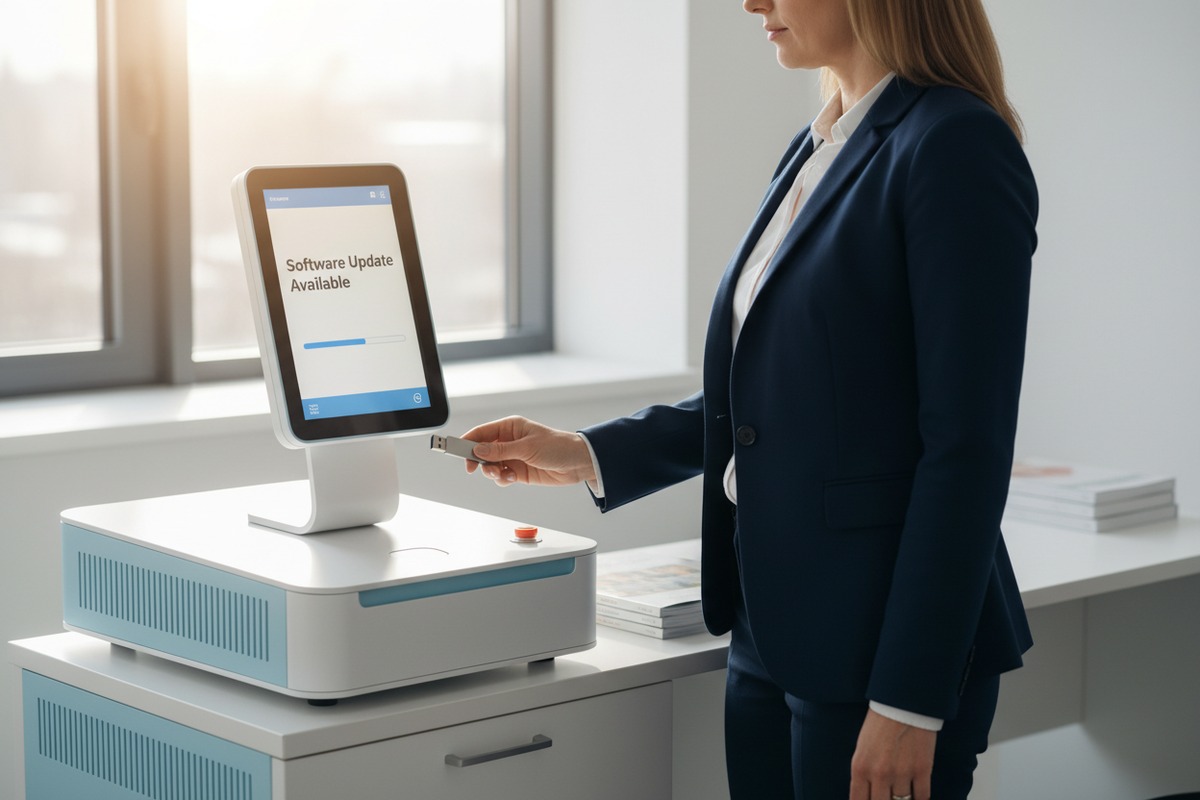
Every week, our customer service team receives emails from clinic owners asking the same question. They bought a shockwave therapy machine 1. Now they worry about falling behind on software updates. This concern is valid and often overlooked during the initial purchase decision.
After purchasing a shockwave therapy machine, you typically receive software updates through manufacturer-provided USB downloads, dedicated online portals, or direct technical support channels. Most suppliers include updates within the standard warranty period, while extended update access may require service contracts or additional fees negotiated at purchase.
Software updates 2 do more than add features. They extend equipment lifespan, improve treatment precision, and ensure regulatory compliance 3. Let me walk you through everything you need to know about keeping your shockwave therapy device current.
How do I receive and install the latest firmware updates for my shockwave therapy equipment?
When we ship machines to clinics across the United States and Europe, this question comes up in almost every follow-up call. Clinic managers want clear steps. They need confidence that they can handle updates without disrupting their daily operations.
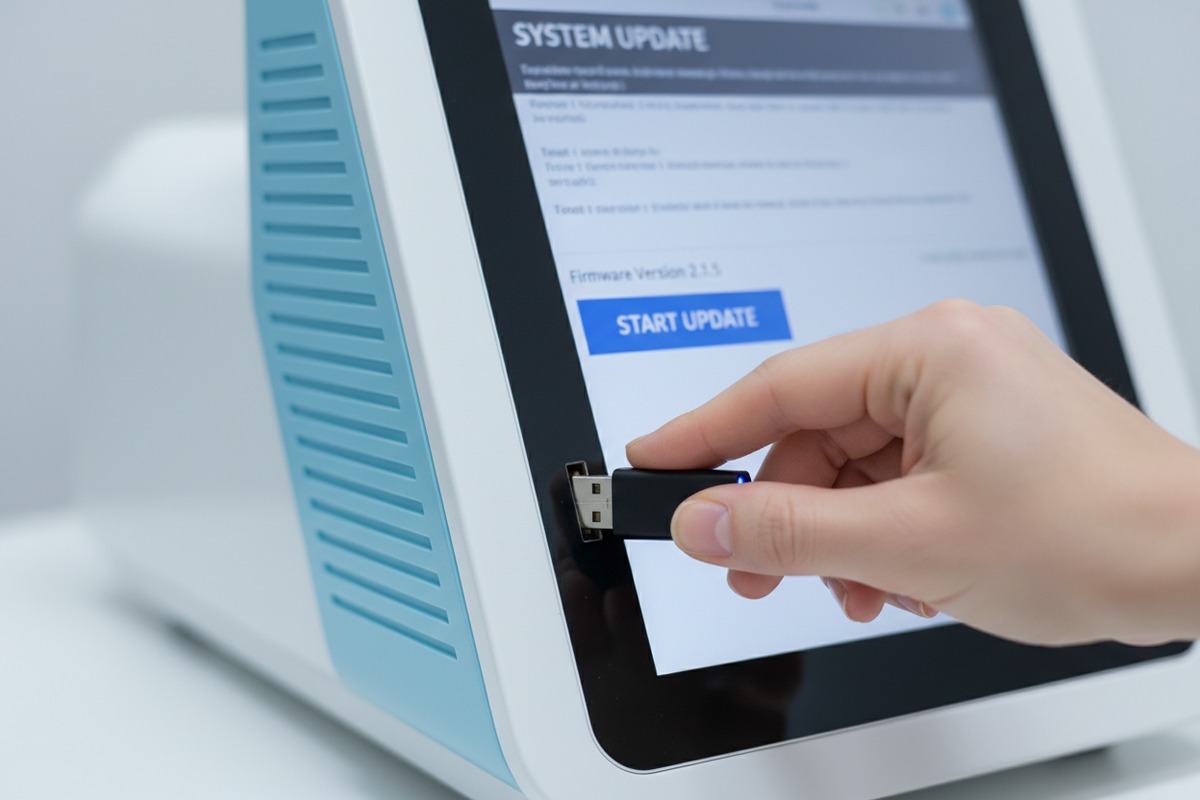
You receive firmware updates through your manufacturer's online portal or direct download links. Installation typically involves downloading the update file to a USB drive, backing up patient data, inserting the USB into your device, and following on-screen prompts. The process usually takes 15-30 minutes and should be scheduled during low-traffic hours.
Understanding Update Distribution Methods
Different manufacturers use different systems. Our engineering team has standardized our approach based on feedback from hundreds of clinic operators. Here is what you should expect from reputable suppliers.
Most manufacturers maintain a dedicated online portal. You create an account using your device serial number. Once logged in, you can see all available updates for your specific model. Some systems send email notifications when new versions release. Others require you to check manually.
The download process is straightforward. You download a compressed file to your computer. Then you transfer it to a USB drive formatted to the manufacturer's specifications. Some devices require FAT32 formatting. Others accept NTFS. Always check your user manual first.
Step-by-Step Installation Process
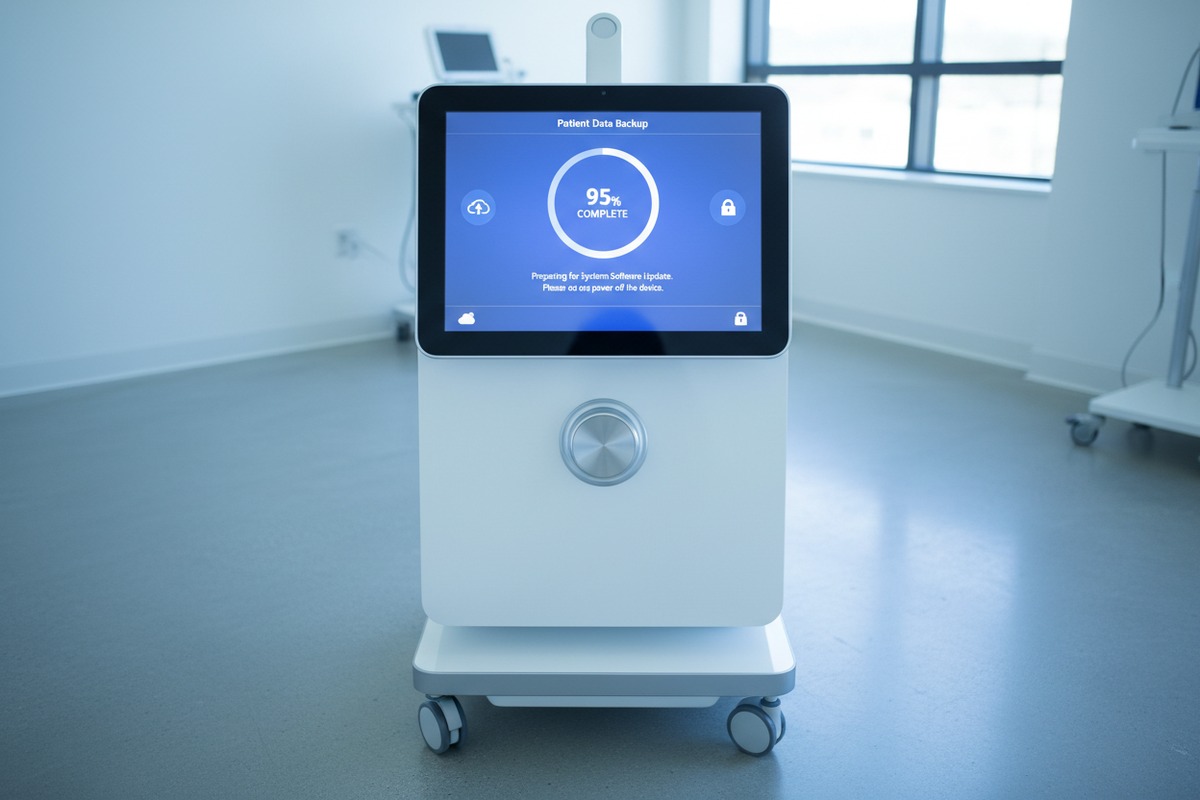
Before any update, protect your data. Export all patient records and custom treatment protocols to a backup location. Our machines support both USB backup and cloud storage options. This step prevents data loss if something goes wrong during installation.
| Step | Action | Time Required |
|---|---|---|
| 1 | Download update file from portal | 5-10 minutes |
| 2 | Transfer to formatted USB drive | 2-3 minutes |
| 3 | Export patient data 4 backup | 5-10 minutes |
| 4 | Insert USB and initiate update | 10-15 minutes |
| 5 | Verify installation and reimport data | 5-10 minutes |
Insert the USB drive into your device's designated port. Navigate to the settings menu and select "System Update" or similar option. The device will detect the update file automatically. Follow the on-screen instructions carefully. Do not power off or disconnect during installation.
Verification and Troubleshooting
After installation completes, restart your machine. Navigate to the system information screen. Verify that the displayed version number matches the update you installed. If numbers do not match, contact your supplier immediately.
Common issues include incompatible USB formats, insufficient storage space on the device, or corrupted download files. Our technical team recommends re-downloading the update file if installation fails on the first attempt. Most issues resolve with a fresh download.
Will my supplier provide technical support if I encounter issues during the software update process?
Our support team handles update-related calls every single day. From our experience working with clinics across North America and Europe, we know that technical problems create real anxiety. Equipment downtime means lost revenue and disappointed patients.
Reputable suppliers provide technical support for software updates, typically through phone, email, or remote desktop assistance. Support availability depends on your warranty status and service agreement. Most manufacturers offer free update support during the standard warranty period, with extended support available through paid service contracts.
What Support Typically Includes
When you contact your supplier about an update issue, expect several levels of assistance. First-line support handles common problems through phone or email guidance. They walk you through basic troubleshooting steps. Most issues resolve at this stage.
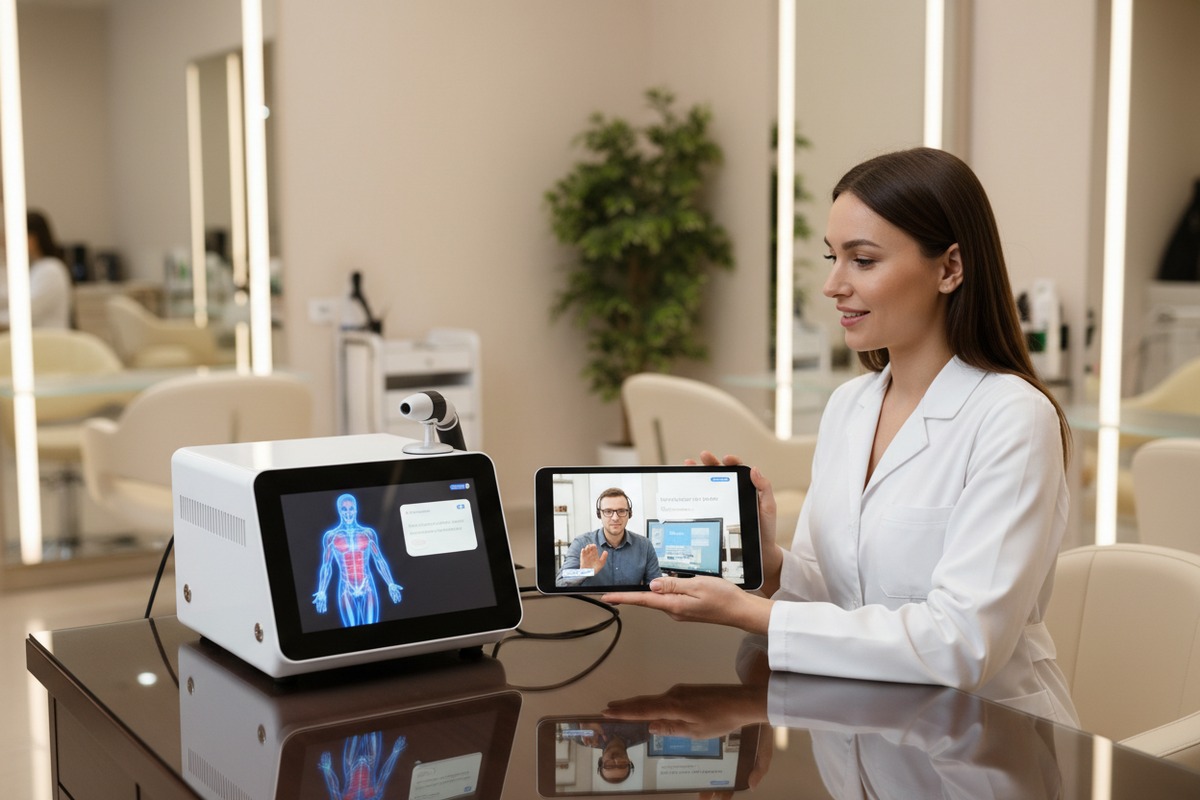
For complex problems, many suppliers offer remote desktop support. A technician connects to your device through secure software. They can see your screen, diagnose issues, and sometimes fix problems directly. This service saves the cost and delay of on-site visits.
Some situations require physical intervention. If your device has hardware damage preventing updates, a technician may need to visit your clinic. On-site support availability varies by location and service agreement terms.
Support Availability by Warranty Status
| Warranty Status | Update Support Level | Response Time | Cost |
|---|---|---|---|
| Standard Warranty (Year 1) | Full phone, email, remote support | 24-48 hours | Included |
| Extended Warranty | Full phone, email, remote support | 24-48 hours | Covered by contract |
| Out of Warranty | Basic email support only | 3-5 business days | Per-incident fee |
| Premium Service Contract | Priority phone, remote, on-site | 4-8 hours | Annual fee |
Personal Insight: Negotiating Extended Support
Here is something suppliers rarely mention upfront. Most manufacturers only provide one year of free warranty support. If you want longer coverage, you can ask about paid extended warranty options. This means paying a higher unit price in exchange for longer support periods.
If you do not ask, suppliers have no incentive to offer this option. During purchase negotiations, specifically request extended warranty pricing. Many suppliers accommodate this request when asked directly. The additional cost often proves worthwhile when complex update issues arise in year two or three.
What to Expect From Quality Suppliers
Professional suppliers maintain detailed documentation. They provide written update instructions specific to each device model. Video tutorials help visual learners understand the process. FAQ sections address common problems before you need to call.
Response time matters. Our team commits to 24-hour response for warranty customers. We understand that every day of downtime costs your clinic money. When evaluating suppliers, ask about their guaranteed response times and escalation procedures.
Can I request custom UI updates for my private-label shockwave therapy machines?
When brands approach us for OEM partnerships 7, this question always surfaces during contract discussions. They want their devices to look and feel like their brand. Custom user interface 8 updates help achieve this goal.
Yes, you can request custom UI updates for private-label machines, but this requires an OEM/ODM agreement with your manufacturer. Custom UI development involves additional engineering costs, minimum order quantities, and longer lead times. Most manufacturers require detailed specifications and branding assets before quoting custom software work.
Types of Custom UI Modifications
Custom UI requests fall into several categories. Simple modifications include logo placement, color scheme changes, and language localization. These changes require minimal engineering time and cost less than structural modifications.
Complex modifications involve workflow changes, new treatment protocol interfaces, or integration with external systems. These require significant development resources. Our engineering team typically needs 4-8 weeks for complex UI projects, depending on scope.
Custom UI Development Process
| Phase | Activities | Timeline | Deliverables |
|---|---|---|---|
| Requirements | Specification review, feasibility assessment | 1-2 weeks | Technical proposal |
| Design | UI mockups, user flow diagrams | 2-3 weeks | Design approval package |
| Development | Coding, internal testing | 3-6 weeks | Beta software version |
| Validation | User acceptance testing, bug fixes | 2-3 weeks | Release candidate |
| Deployment | Final testing, documentation | 1 week | Production software |
Cost Considerations for Custom Development
Custom UI development is not free. Manufacturers invest engineering hours into your specific requirements. Expect to pay development fees, either as a one-time charge or amortized across minimum order quantities.
Small modifications like logo changes might cost a few hundred dollars. Major workflow redesigns can cost several thousand. Always request detailed quotes before committing to custom development projects.
Some manufacturers offer UI customization as part of larger OEM packages. If you commit to significant order volumes, they may include basic customization at no extra charge. Negotiation leverage increases with order size.
Maintaining Custom Software Over Time
Custom UI creates ongoing maintenance obligations. When the manufacturer releases core software updates, your custom modifications need integration. This process requires additional development time and testing.
Discuss maintenance agreements during initial negotiations. Some suppliers include custom software maintenance in annual service fees. Others charge per-update. Understanding these costs upfront prevents budget surprises later.
Our approach involves maintaining a separate code branch for each OEM partner. When we release core updates, we merge changes into partner branches and test thoroughly before distribution. This process ensures custom features survive platform updates.
How will I be notified when new software versions are available for my fleet?
Managing multiple devices across different clinic locations creates unique challenges. Our larger customers operate dozens of machines. They need systematic approaches to software management rather than ad-hoc updates.
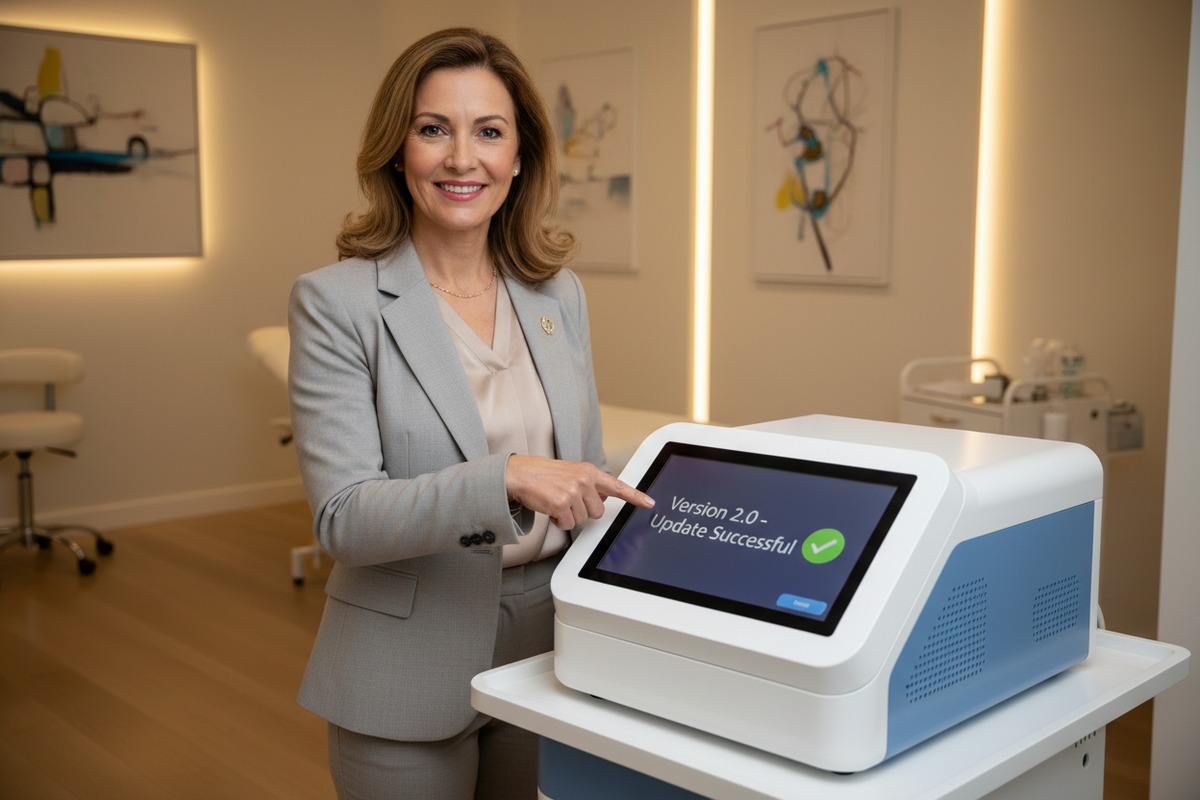
Manufacturers notify you about new software versions through email alerts, online portal notifications, or dedicated account manager communications. For fleet operators, some suppliers offer centralized management dashboards showing all device versions and available updates. Establishing clear communication channels during onboarding ensures you never miss critical updates.
Notification Methods and Their Effectiveness
Different notification methods suit different operational styles. Email remains the most common approach. When we release updates, our system automatically emails all registered device owners. Emails include version numbers, feature summaries, and download links.
Portal notifications work for operators who check regularly. Dashboard indicators show when updates are available. This passive approach requires discipline to check consistently. Many busy clinic managers forget to log in until problems arise.
Setting Up Effective Communication Channels
During device registration, provide accurate contact information. Designate a specific person responsible for receiving and acting on update notifications. Generic info@ email addresses often result in missed communications.
Request your supplier's notification schedule. Some manufacturers release updates quarterly on predictable dates. Others release as needed based on bug discoveries or feature development. Knowing the schedule helps you plan maintenance windows.
For multi-location operations, consider centralizing update management. Assign one technical coordinator to receive all notifications and coordinate updates across locations. This approach ensures consistent software versions throughout your fleet.
Fleet Management Best Practices
Large operators benefit from software version tracking systems. Maintain a spreadsheet or database recording each device's current software version, last update date, and location. This visibility helps identify outdated devices quickly.
Schedule regular update windows. Many clinics designate one day per month for maintenance activities. Batching updates reduces disruption and ensures systematic coverage across all devices.
Consider staggered rollouts for large fleets. Update a few devices first, verify stability, then proceed with remaining units. This approach limits risk if an update introduces unexpected issues.
Emerging Trends in Update Distribution
The industry is moving toward connected devices and over-the-air updates. Future systems may download and install updates automatically, similar to smartphone operating systems. This reduces manual effort but requires reliable internet connectivity.
Some manufacturers now offer subscription models including automatic updates, cloud-based patient management, and predictive maintenance alerts. These services add ongoing costs but reduce administrative burden significantly.
Our engineering team is currently developing remote diagnostic capabilities. Soon, our devices will alert both the clinic and our support team when updates are available or when issues arise. This proactive approach aims to minimize downtime and maximize equipment performance.
Conclusion
Software updates protect your investment and improve patient outcomes. Understand your supplier's update process before purchase. Negotiate extended support if the standard warranty period seems insufficient. Keep accurate records of device versions across your fleet. With proper planning, software maintenance becomes routine rather than stressful.
Footnotes
1. Explains extracorporeal shockwave lithotripsy (ESWL) as a medical procedure. ↩︎
2. FDA guidance on software changes and regulatory submissions for medical devices. ↩︎
3. FDA overview of regulatory requirements for medical devices, including quality systems. ↩︎
4. Explains the HIPAA Privacy Rule for protecting individuals’ medical records and health information. ↩︎
5. Discusses an FDA announcement regarding firmware updates for medical devices. ↩︎
6. FDA guidance on servicing medical devices, which encompasses technical support activities. ↩︎
7. Provides a general definition and explanation of original equipment manufacturer (OEM). ↩︎
8. FDA guidance on human factors and usability engineering for medical device user interfaces. ↩︎

 English
  Español de México
  Deutsch
  Français
  العربية
  Русский