

Every week, our service team receives calls from distributors whose shockwave machines froze mid-treatment alpha and beta testing 1. The salon owner panics. The end client loses trust. You lose repeat orders. This nightmare starts with one overlooked detail: unstable touchscreen software.
To evaluate touchscreen software stability, test for response latency under 100ms, verify jitter below 2 pixels, check EMI resistance near shockwave emitters, request robot-tested accuracy reports from suppliers, and confirm quarterly software update schedules with remote support capabilities.
In this guide, I will walk you through the exact steps our engineering team uses to validate software stability remote diagnostic access 2. You will learn what to check before shipment, which hardware specs matter, how to protect custom UI builds, and what support systems your supplier must have.
How can I verify the software's long-term stability during my pre-shipment inspection?
When we ship machines to US distributors, pre-shipment inspection is the last chance to catch software problems. Many buyers focus only on physical defects. They ignore the touchscreen. This mistake costs thousands in returns and repairs later.
During pre-shipment inspection, run a 30-minute continuous operation test, perform 500 consecutive tap tests across all menu areas, measure response latency with a stopwatch app, check for ghost touches near the shockwave emitter, and log any screen freezes or delayed responses.

Start with Basic Functionality Tests
Before anything else, test the three core gestures: tap, swipe, and multi-touch. Our QC team taps every button on the interface at least 10 times. We swipe through all menus repeatedly. We test pinch-to-zoom if the software supports it.
Why does this matter? A touchscreen that works fine for 5 minutes may fail after 500 touches. Missing inputs signal calibration drift or software bugs. Record every missed tap. If you see more than 5% missing inputs, reject the batch.
Measure Performance Metrics
Professional buyers request quantifiable data. Here are the key metrics to check:
| Metric | Acceptable Range | Red Flag |
|---|---|---|
| Tap Response Latency | Under 100ms | Over 150ms |
| Jitter (stationary touch) | Under 2 pixels | Over 5 pixels |
| Reporting Rate | Over 100Hz | Under 80Hz |
| Missing Inputs | Under 2% | Over 5% |
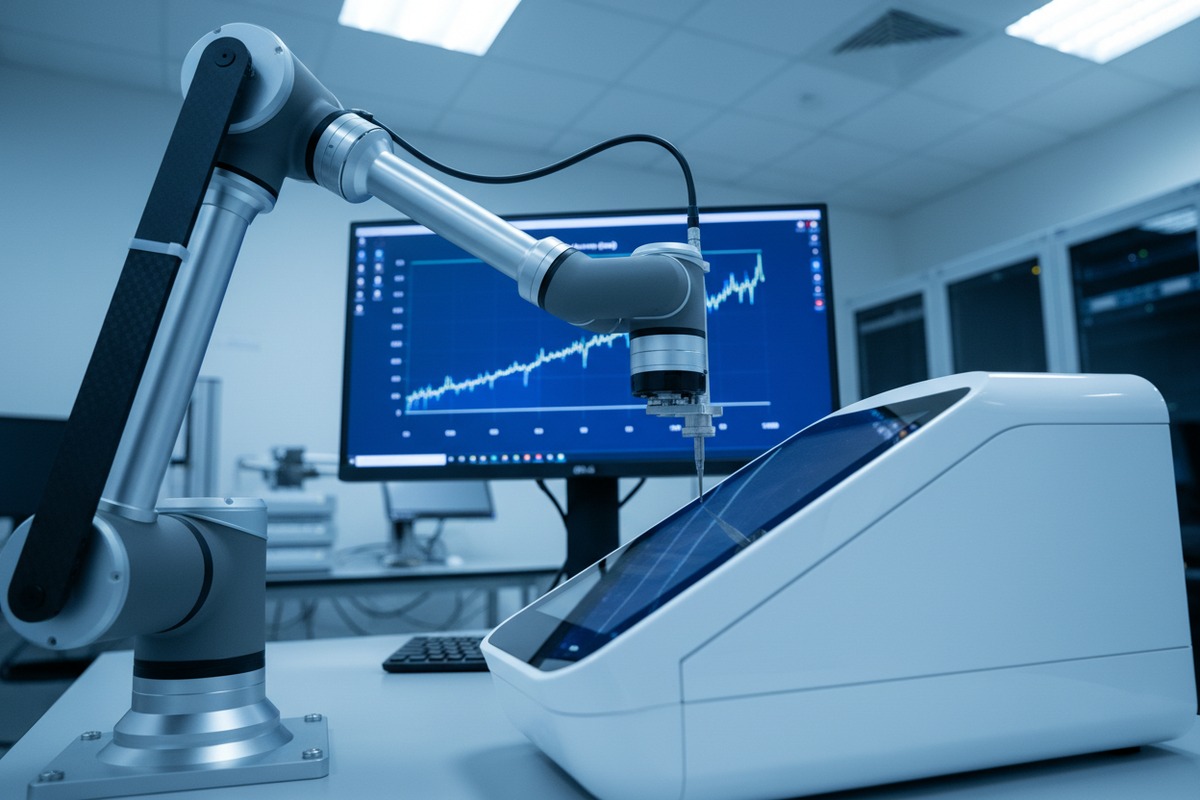
Ask your supplier for robot-tested reports. Automated testing platforms use 3-axis gantries to deliver precise, repeatable touches. These reports give you data that manual testing cannot match.
Run Environmental Stress Tests
Shockwave machines emit electromagnetic interference 3. This EMI can disrupt touchscreen signals. During inspection, turn on the shockwave emitter and operate the touchscreen simultaneously.
Watch for ghost touches. These are phantom inputs that appear without any finger contact. Ghost touches during active therapy can change treatment parameters mid-session. This is dangerous for patients and devastating for your brand reputation.
Our factory runs EMI tests at full power for 15 minutes. We check signal-to-noise ratio. A stable screen maintains SNR above 40 dB even with the emitter running.
Create a Test Log Template
Document everything. A simple spreadsheet works:
| Test Item | Pass/Fail | Notes |
|---|---|---|
| 500-tap test | Pass | 3 missed inputs |
| Swipe navigation | Pass | Smooth |
| Multi-touch zoom | Fail | Delayed response |
| EMI test (emitter on) | Pass | No ghost touches |
| 30-minute continuous run | Pass | No freezes |
Share this log with your supplier before shipment. Make corrections mandatory for any failed item.
What hardware specifications should I look for to prevent my private-label machines from freezing?
Our R&D team spent three years learning which hardware choices prevent freezes. The wrong processor, insufficient memory, or cheap touchscreen panel will cause problems no software patch can fix. Hardware is the foundation.
To prevent freezing, specify an ARM Cortex-A53 or better processor, minimum 2GB RAM, 16GB eMMC storage, industrial-grade capacitive touchscreen rated for 1 million touches, and a dedicated graphics processor for smooth UI rendering without system lag.

Processor Requirements
The processor runs everything. Treatment algorithms, touchscreen input processing, and data logging all compete for CPU cycles. A weak processor causes delays and freezes.
For shockwave machines, we recommend ARM Cortex-A53 4 quad-core or better. This processor handles medical device workloads without breaking. Avoid single-core processors. They cannot multitask effectively.
Memory Specifications
RAM determines how many tasks run simultaneously. When RAM fills up, the system slows down or crashes. Shockwave software needs memory for the operating system, user interface, treatment logs, and real-time parameter calculations.
Minimum 2GB RAM is essential. For machines with EHR integration or complex treatment protocols, specify 4GB. Never accept 1GB RAM machines for clinical use.
Storage Type Matters
eMMC storage 5 is faster and more reliable than SD cards. SD cards fail after repeated write cycles. They also slow down over time. eMMC is soldered to the board and rated for industrial use.
Specify 16GB minimum. This allows space for the operating system, software updates, treatment logs, and diagnostic data.
Touchscreen Panel Quality
Not all touchscreens are equal. Here is a comparison:
| Feature | Industrial Grade | Consumer Grade |
|---|---|---|
| Touch Durability | 1-5 million cycles | 100,000 cycles |
| Operating Temperature | -20°C to 70°C | 0°C to 40°C |
| EMI Shielding | Yes | No |
| Glove Compatibility | Yes | Limited |
| Response Time | Under 10ms | 15-25ms |
Industrial-grade capacitive panels 6 cost more upfront. They save money long-term through fewer returns and warranty claims.
Graphics Processing
A dedicated GPU renders the user interface smoothly. Without one, complex screens with animations or real-time waveforms may stutter. Stuttering looks like freezing to users.
Check that the system has hardware graphics acceleration. This appears in spec sheets as "Mali GPU" or "Vivante GC" for ARM systems.
How do I ensure that custom UI changes won't lead to system crashes for my salon clients?
When distributors request private-label machines, they often want custom interfaces. New logos, different colors, renamed treatment modes. Our development team handles these requests weekly. But custom changes introduce risk. One wrong code change can crash the entire system.
To ensure custom UI stability, request a staged development process with alpha and beta testing phases, require 72-hour burn-in tests after each UI modification, demand rollback capability to factory software, and verify that custom code is isolated from core treatment algorithms.
Understand the Risk Zones
Not all UI changes carry equal risk. Simple branding changes are low risk. Functional changes to treatment screens are high risk.
| Change Type | Risk Level | Testing Required |
|---|---|---|
| Logo replacement | Low | Visual inspection |
| Color scheme change | Low | 24-hour burn-in |
| Menu reorganization | Medium | 48-hour burn-in |
| New treatment presets | Medium | Clinical validation |
| Parameter input modification | High | 72-hour burn-in + EMI test |
| Core algorithm changes | Critical | Full certification |
Ask your supplier which category your changes fall into. Insist on appropriate testing for each level.
Require Isolated Code Architecture
Good software architecture separates the user interface from core functions. This means a bug in the UI cannot crash the treatment system. Our engineers use modular design for this reason.
Ask your supplier: "If the touchscreen interface crashes, will the therapy output stop safely?" The answer must be yes. The treatment algorithms should run independently and fail safe.
Implement Staged Testing
Custom UI development should follow these phases:
Alpha Testing: Internal testing at the factory. Engineers verify basic functionality. Duration: 1 week minimum.
Beta Testing: Extended testing under simulated clinical conditions. Run the machine 8 hours daily for 5 days. Log all errors.
Burn-In Testing: Continuous operation for 72 hours without human intervention. Any crash during this period means the code needs revision.
Demand Rollback Capability
What happens if custom software fails after delivery? Your supplier must be able to restore factory software remotely. This rollback capability is your safety net.
Before accepting custom development, confirm these points:
- Factory software image is stored separately
- Rollback can be done remotely via internet
- Rollback time is under 30 minutes
- No data loss occurs during rollback
Validate Glove and Wet Hand Performance
Clinics use the touchscreen with gloves. Some use wet hands after applying gel. Custom UI changes can affect touch sensitivity settings.
Test your custom interface with:
- Nitrile exam gloves
- Latex gloves
- Wet bare fingers
- Dry bare fingers
If any condition shows more than 10% missed inputs, the touch sensitivity needs recalibration.
What support system should my supplier have for fixing software glitches remotely after delivery?
Our service team learned this lesson the hard way. A US client had machines freeze at three different salons. Flying technicians to fix software would cost $15,000. Remote support solved all three issues in one afternoon for zero travel cost. The right support system is not optional.
Your supplier should offer 24/7 remote diagnostic access, secure VPN connections for software updates, real-time screen sharing for troubleshooting, quarterly preventive maintenance schedules, and a dedicated technical support contact with response time guarantees under 4 hours.
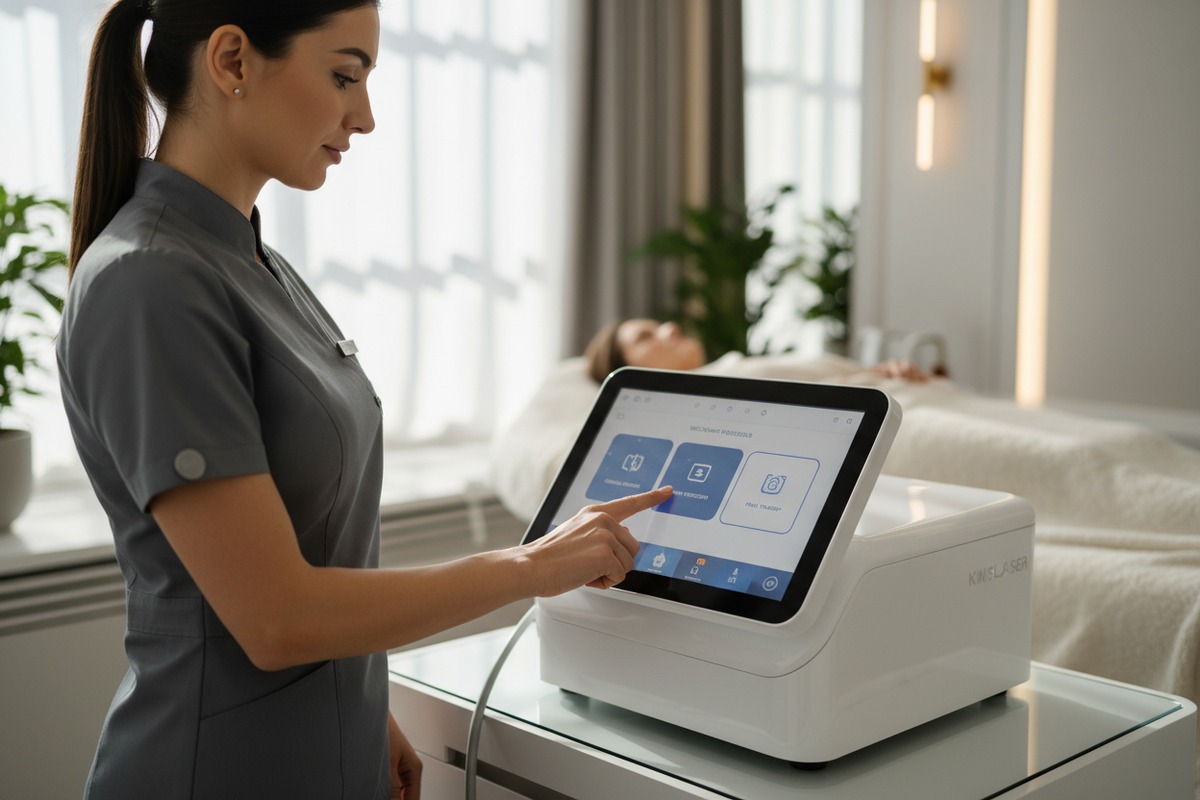
Essential Remote Support Features
Not all remote support is equal. Here is what to require:
| Feature | Why It Matters | Minimum Standard |
|---|---|---|
| Remote Desktop Access | Diagnose UI issues in real-time | TeamViewer or equivalent |
| Log File Retrieval | Identify crash causes | Automated daily logs |
| Software Push Updates | Fix bugs without site visits | OTA update capability |
| Real-Time Monitoring | Catch problems before failures | Performance dashboards |
| Rollback Capability | Recover from bad updates | One-click restore |
Response Time Guarantees
A frozen machine means lost revenue for your salon client. Every hour of downtime costs money. Demand written response time guarantees in your purchase contract.
Reasonable standards:
- Critical issues (machine non-functional): 4-hour response
- Major issues (partial functionality): 8-hour response
- Minor issues (cosmetic bugs): 48-hour response
Response means a qualified technician begins working on the problem. Resolution may take longer, but response must be fast.
Quarterly Preventive Maintenance
Software stability degrades over time. Calibration drifts. Log files accumulate. Cache memory fills. Preventive maintenance catches these issues before they cause failures.
Our support contracts include quarterly remote check-ups. We:
- Clear accumulated logs and cache
- Verify touchscreen calibration accuracy
- Check for firmware updates
- Run diagnostic tests
- Document system health
This proactive approach reduces emergency support calls by 60%.
Security Requirements
Remote access creates security risks. Patient data may be on the machine. Require these security features:
Encrypted connections: All remote sessions must use VPN or encrypted protocols.
Access logging: Every remote session is logged with timestamp, technician ID, and actions taken.
Permission controls: Remote access requires explicit authorization from the machine operator.
Data isolation: Technicians cannot access patient treatment records during software support.
Evaluate Your Supplier's Track Record
Ask for references. Contact existing clients in your market. Ask these questions:
- How often do software glitches occur?
- How quickly does the supplier respond?
- Are issues resolved remotely or do they require site visits?
- Does the supplier provide regular software updates?
A supplier with 90% client retention over 3 years demonstrates reliable support. High turnover suggests systemic problems.
Software Update Frequency
Medical device software 8 needs regular updates. Security patches, bug fixes, and feature improvements should come quarterly at minimum.
Ask your supplier:
- How often do you release software updates?
- Are updates included in the purchase price or extra?
- Can updates be installed remotely?
- What is the testing process before updates are released?
Avoid suppliers who have not updated their software in over 12 months. Stagnant software accumulates vulnerabilities.
Conclusion
Touchscreen software stability determines whether your shockwave machines build or destroy your brand reputation. Test thoroughly before shipment. Specify the right hardware. Protect custom UI changes with proper testing. Partner with suppliers who provide comprehensive remote support.
Footnotes
1. Explains the distinct phases and purposes of alpha and beta testing in software development. ↩︎
2. Replaced with a Wikipedia article providing a clear definition and context for remote diagnostics. ↩︎
3. Replaced with a Wikipedia article providing a comprehensive definition and explanation of electromagnetic interference. ↩︎
4. Provides specifications and applications of the ARM Cortex-A53 processor. ↩︎
5. Explains embedded MultiMediaCard (eMMC) storage technology and its characteristics. ↩︎
6. Replaced with a Wikipedia section specifically detailing capacitive touchscreens, which are a type of capacitive panel. ↩︎
7. Replaced with a Wikipedia section on modular design in computer software, directly addressing modular software architecture. ↩︎
8. Provides guidance from the FDA regarding software functions in medical devices. ↩︎

 English
  Español de México
  Deutsch
  Français
  العربية
  Русский