

Every week, our engineering team reviews interface customization requests from brand owners across three continents software requirements 1. The frustration is real—you invest months developing your brand identity, only to receive a machine with a clunky, generic screen that screams “white-label.” Your customers notice. Your reputation suffers.
To evaluate supplier custom UI capabilities for shockwave therapy machines, assess their design portfolio alignment with your brand guidelines, verify technical benchmarks including IEC 62366-1 compliance, request live demos of stability testing protocols, and examine documented multi-language localization projects from existing international clients.
This guide walks you through the exact evaluation framework we use when onboarding new private-label partners. Let’s break down each critical area step by step.
How can I ensure the supplier's design team can accurately replicate my brand's visual identity on the machine screen?
Our design engineers have seen it all—logos stretched beyond recognition, brand colors that look nothing like the original hex codes, and fonts substituted without approval. These mistakes destroy the premium perception you worked hard to build.
Request the supplier's UI style guide template, verify their color calibration process for medical-grade displays, examine their font licensing agreements, and demand a pixel-perfect mockup approval stage before any production begins. Suppliers with ISO 13485 certification typically have documented design control procedures.
Understanding Display Color Accuracy
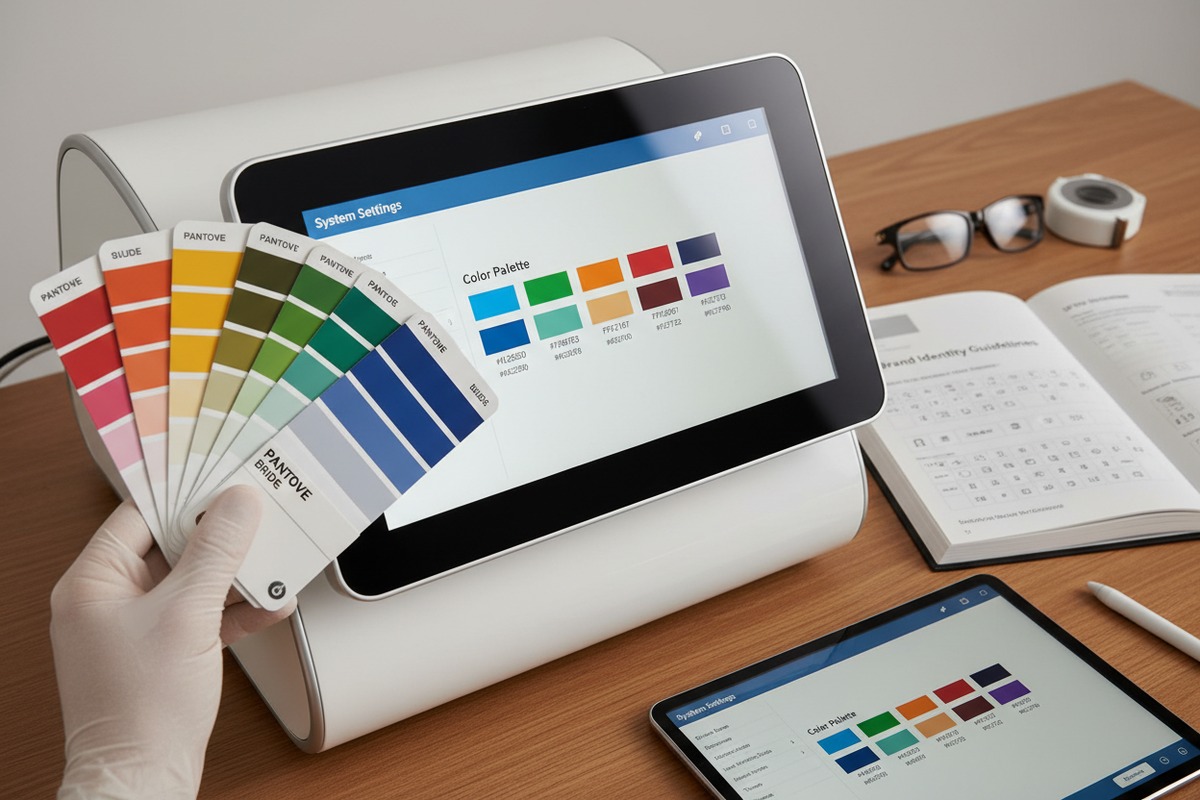
The screen on your shockwave therapy machine is not like a consumer tablet. Medical device displays must maintain consistent color reproduction across varying ambient lighting conditions. When we calibrate screens in our facility, we test against Delta E values 2—a measurement of color difference that the human eye can perceive.
A Delta E value under 2.0 means the average person cannot distinguish between the intended color and the displayed color. Many budget suppliers skip this calibration step entirely. Ask your potential supplier what their Delta E tolerance is for brand color matching.
Font Licensing and Rendering
Custom fonts require proper licensing for embedded use. If your brand uses a proprietary typeface, confirm the supplier can legally embed it in their software. Some suppliers substitute similar-looking free fonts without telling you. This creates legal liability and visual inconsistency.
| Brand Element | Verification Method | Red Flag |
|---|---|---|
| Logo | Request vector file handling protocol | Only accepts JPG/PNG |
| Colors | Ask for Delta E calibration report | No color calibration process |
| Fonts | Verify font embedding license | Uses "similar" substitutes |
| Layout | Demand grid-aligned mockup review | Freehand positioning |
| Icons | Check icon library source licensing | Unlicensed icon packs |
The Mockup Approval Process
Professional suppliers provide a structured mockup approval workflow. This should include static screen designs, interactive click-through prototypes, and on-device preview before final production. At our facility, we never proceed to software compilation without signed mockup approval from the brand owner.
Ask to see their design revision policy. How many revision rounds are included? What is the turnaround time for each revision? Unclear answers here signal potential delays and cost overruns later.
What technical benchmarks should I use to judge if their software can handle my custom treatment parameters?
When our R&D team develops custom protocols for international partners, we often encounter requests that push software limits. A clinic in Germany wanted 47 preset protocols. A distributor in Canada needed real-time energy density calculations displayed during treatment. These features require robust software architecture.
Evaluate software against IEC 62366-1 usability standards, verify parameter ranges match your clinical requirements (typically 1-22 Hz frequency, 10-185 mJ energy), confirm the database can store unlimited custom protocols, and test response latency under maximum parameter load. Require demonstration of safety lockout integration.
Core Parameter Specifications
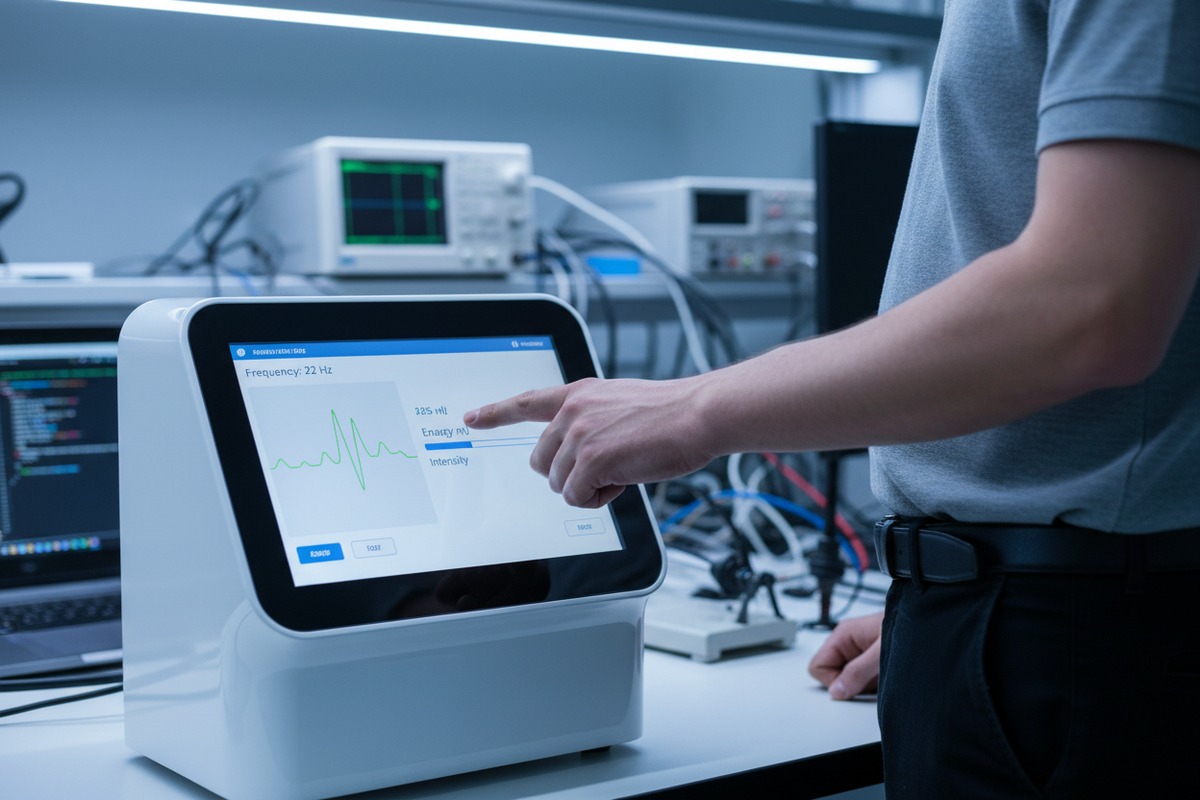
Your treatment parameters define clinical outcomes. The software must handle your specific ranges without glitches. Here is a benchmark table we use internally when qualifying software capabilities:
| Parameter | Industry Standard Range | Premium Requirement |
|---|---|---|
| Frequency | 1-22 Hz | Adjustable in 0.5 Hz increments |
| Energy | 10-185 mJ | Real-time EFD display (mJ/mm²) |
| Pulse Count | 500-5,000 per session | Cumulative tracking across sessions |
| Pressure | 1-5 bar | Automatic compensation for handpiece wear |
| Protocol Storage | 25 presets | Unlimited custom saves with search |
Database Architecture Matters
Simple devices store protocols in flat files. This works fine for 10-20 presets. But when you need patient profiles, treatment history, and custom protocol libraries, you need relational database architecture.
Ask the supplier what database system their software uses. SQLite is acceptable for standalone devices. Cloud-connected systems should use PostgreSQL or equivalent. Proprietary systems without documentation are a major red flag.
Safety Lockout Integration
Medical device software must include safety interlocks. The UI should prevent parameter combinations that exceed safe energy flux density. It should lock out operation when handpiece maintenance is due. It should require user authentication before accessing certain functions.
Review IEC 60601-1 compliance documentation. This standard covers electrical safety 3 but also includes software requirements for medical devices. Suppliers who cannot produce this documentation should not be considered.
Real-Time Performance Testing
Request a live demonstration where the operator changes parameters rapidly during simulated treatment. Watch for lag, screen freezing, or parameter display errors. Professional software handles these stress tests smoothly. Budget systems often reveal their limitations here.
How do I verify that the custom interface will remain stable and bug-free after the private-labeling process?
Our quality control team once traced a firmware crash to a single misplaced semicolon in localized text. The original software worked perfectly. The private-labeled version crashed every time a specific menu was accessed. This is why post-customization testing is non-negotiable.
Demand a documented testing protocol including regression testing after each customization change, stress testing under continuous operation, and field-condition simulation. Verify the supplier maintains version control with rollback capability. Request mean time between failure data from existing production units.
Understanding Regression Testing
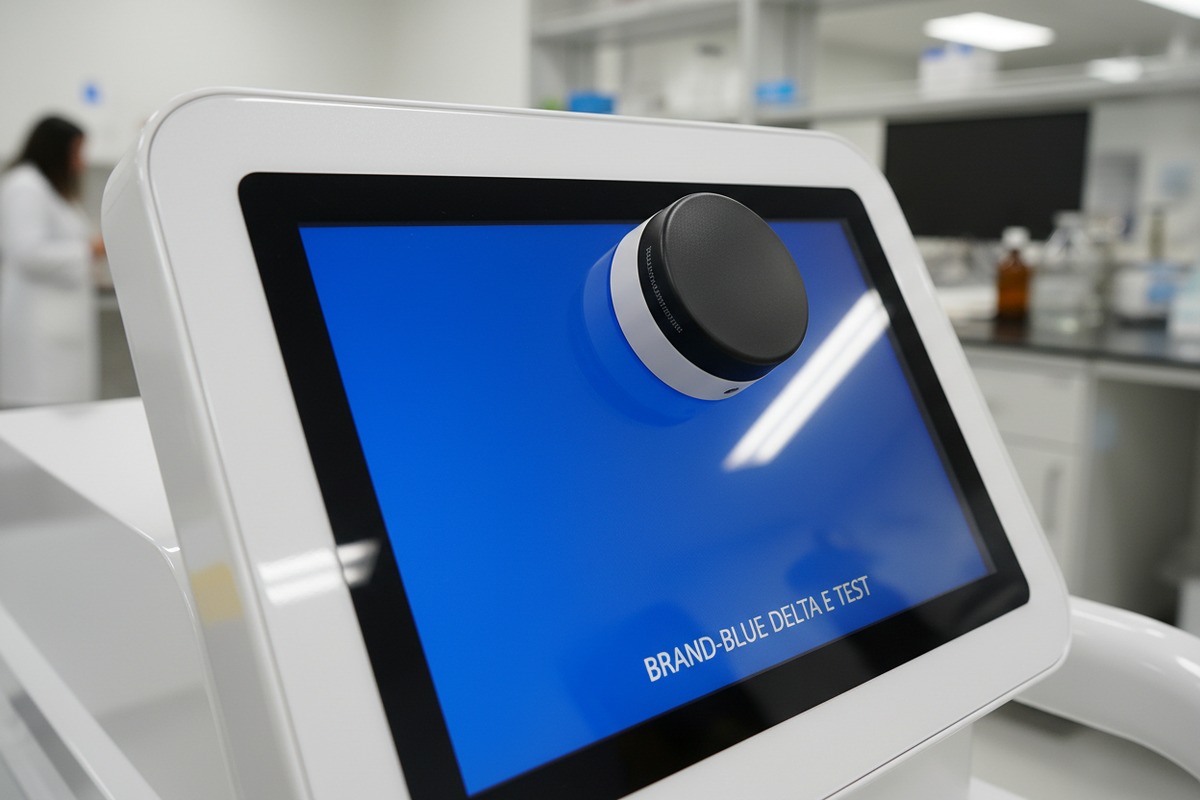
Every change to software code—even something as simple as replacing a logo file—can introduce unexpected bugs. Regression testing means running the complete test suite 4 after every modification. This catches problems before they reach your customers.
Ask the supplier to describe their regression testing procedure. How many test cases do they run? How long does full regression take? Suppliers who rush this step create problems you will pay for later in warranty claims and reputation damage.
Stress Testing Protocols
Shockwave therapy machines operate in demanding environments. Sessions can last 20-30 minutes with continuous parameter adjustments. The interface must remain responsive throughout.
Our standard stress test runs the device for 8 continuous hours with randomized parameter changes every 30 seconds. We monitor for memory leaks 5, display artifacts, and response latency degradation. Request similar documentation from your potential supplier.
| Test Type | Duration | Pass Criteria |
|---|---|---|
| Continuous Operation | 8 hours | No crashes, no memory leaks |
| Rapid Parameter Changes | 500 cycles | Response time under 200ms |
| Database Stress | 1,000 protocol saves | No data corruption |
| Power Cycle | 100 on/off cycles | Clean boot every time |
| Ambient Temperature | -10°C to 50°C range | Full functionality maintained |
Version Control and Rollback
Professional software development requires version control. Every change is tracked. Every release is numbered. If problems emerge in the field, the supplier can quickly identify when the bug was introduced and deploy a fix.
More importantly, they can roll back to a previous stable version while investigating. Ask to see their version control system. Git-based workflows are industry standard. Suppliers who manually track versions in spreadsheets cannot provide reliable long-term support.
Field Failure Documentation
Request mean time between failure data from units already deployed. Good suppliers track this actively. They know which components fail most often and have already addressed common issues. If the supplier cannot provide MTBF data, they either have not shipped enough units or do not track quality—both concerning signs.
Can I see examples of how they have managed UI localization and multi-language support for other international brands?
When our team localized a shockwave therapy interface for a Middle Eastern distributor, we discovered that right-to-left text rendering broke several menu layouts. Arabic characters displayed correctly, but button alignment was completely wrong. This experience taught us that localization is far more than translation.
Request case studies showing complete localization projects including right-to-left language support, character encoding for Asian languages, regulatory terminology compliance per target market, and user testing documentation from native speakers. Verify they maintain translation memory databases for consistency across software updates.
Beyond Simple Translation
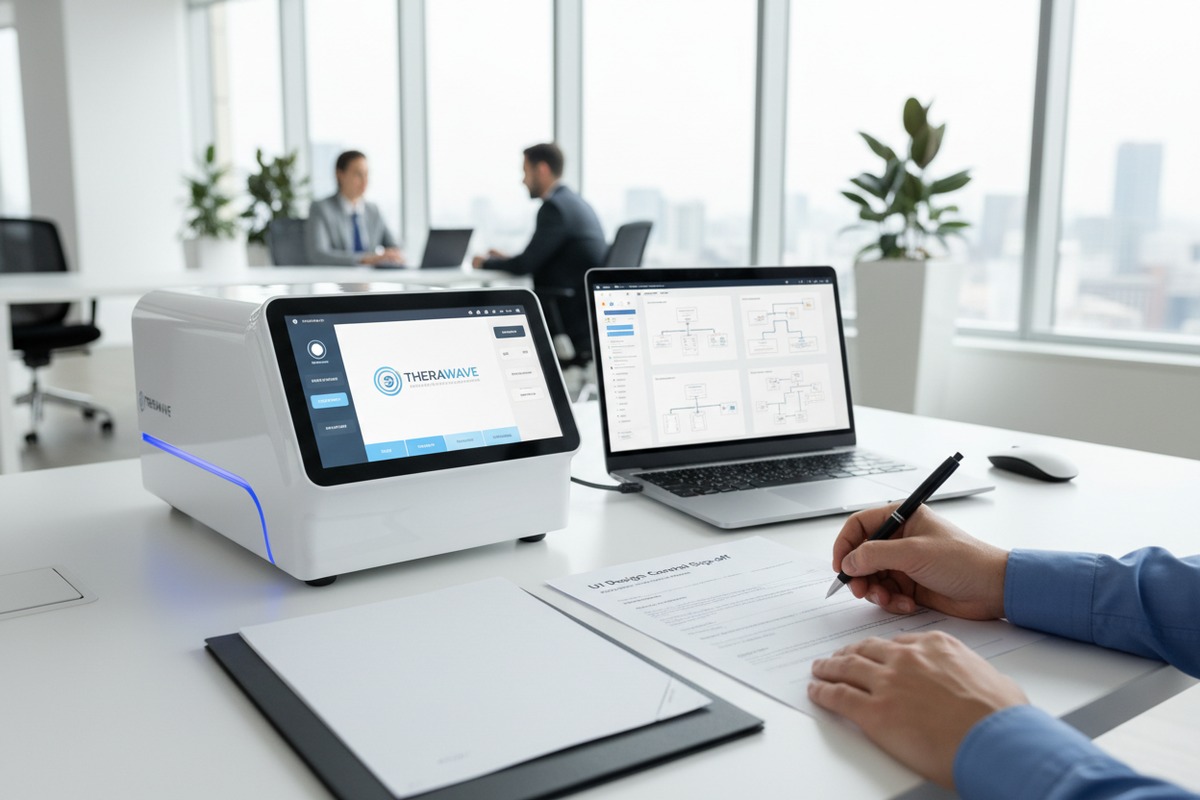
Localization involves adapting every interface element for the target culture and language. Date formats change. Number separators differ. Some languages require more screen space for the same content. German medical terms are often twice as long as English equivalents.
Professional suppliers plan for this from the beginning. Their UI design includes flexible text containers that expand without breaking layouts. They test every screen in every supported language before release.
Character Encoding Challenges
Chinese, Japanese, and Korean interfaces require Unicode support 6 with appropriate font rendering. Character spacing differs from Latin alphabets. Some characters require specific stroke rendering that budget fonts handle poorly.
Ask to see existing interfaces in the languages you need. Look closely at character clarity, spacing, and alignment. Blurry or misaligned characters signal inadequate font configuration.
Regulatory Terminology Requirements
Medical device interfaces must use approved terminology for each target market. The FDA has specific requirements for US interfaces. CE marking requires compliance with European terminology standards. Using incorrect medical terms can create regulatory compliance issues 7 and confuse users.
Your supplier should work with regulatory specialists 8 for each target market. Ask how they verify terminology compliance. Machine translation is never acceptable for medical device interfaces.
Translation Memory Systems
When software updates occur, previously translated content should remain consistent. Translation memory databases store approved translations and automatically apply them to new versions. This ensures your German interface uses the same terminology across all software updates.
Suppliers without translation memory systems will produce inconsistent localizations over time. Each update becomes an expensive re-translation project.
| Localization Element | Professional Approach | Red Flag Approach |
|---|---|---|
| Text Translation | Native medical translator | Machine translation |
| Layout Adaptation | Flexible containers, tested per language | Fixed layouts, text overflow |
| Terminology | Market-specific regulatory review | Generic medical dictionaries |
| Character Rendering | Unicode with proper fonts | Basic ASCII fallbacks |
| Consistency | Translation memory database | Manual spreadsheet tracking |
User Testing Documentation
The ultimate test of localization quality is native speaker feedback. Professional suppliers conduct usability testing with native speakers from each target market. They document findings and incorporate feedback before release.
Request this documentation for existing localization projects. If the supplier has successfully localized for German, Spanish, and Japanese markets, they have demonstrated capability. If they have only shipped English interfaces, consider them unproven for your international needs.
Conclusion
Evaluating supplier custom UI capabilities requires systematic verification across design accuracy, technical performance, stability testing, and localization experience. Use documented benchmarks, request specific case studies, and never skip live demonstrations. Your brand reputation depends on getting this right.
Footnotes
1. International standard for medical device software lifecycle processes. ↩︎
2. Technical metric for quantifying color accuracy on medical displays. ↩︎
3. Replaced with a working, authoritative link to the International Electrotechnical Commission (IEC) website, which details the IEC 60601 series for electrical safety in medical devices. ↩︎
4. Quality assurance process to ensure software changes do not introduce new bugs. ↩︎
5. Explains a common software stability issue tested during stress protocols. ↩︎
6. Official standard for consistent character encoding across different languages. ↩︎
7. Link to EU regulatory framework for medical device compliance. ↩︎
8. Professional organization for specialists handling medical device regulatory compliance. ↩︎

 English
  Español de México
  Deutsch
  Français
  العربية
  Русский