
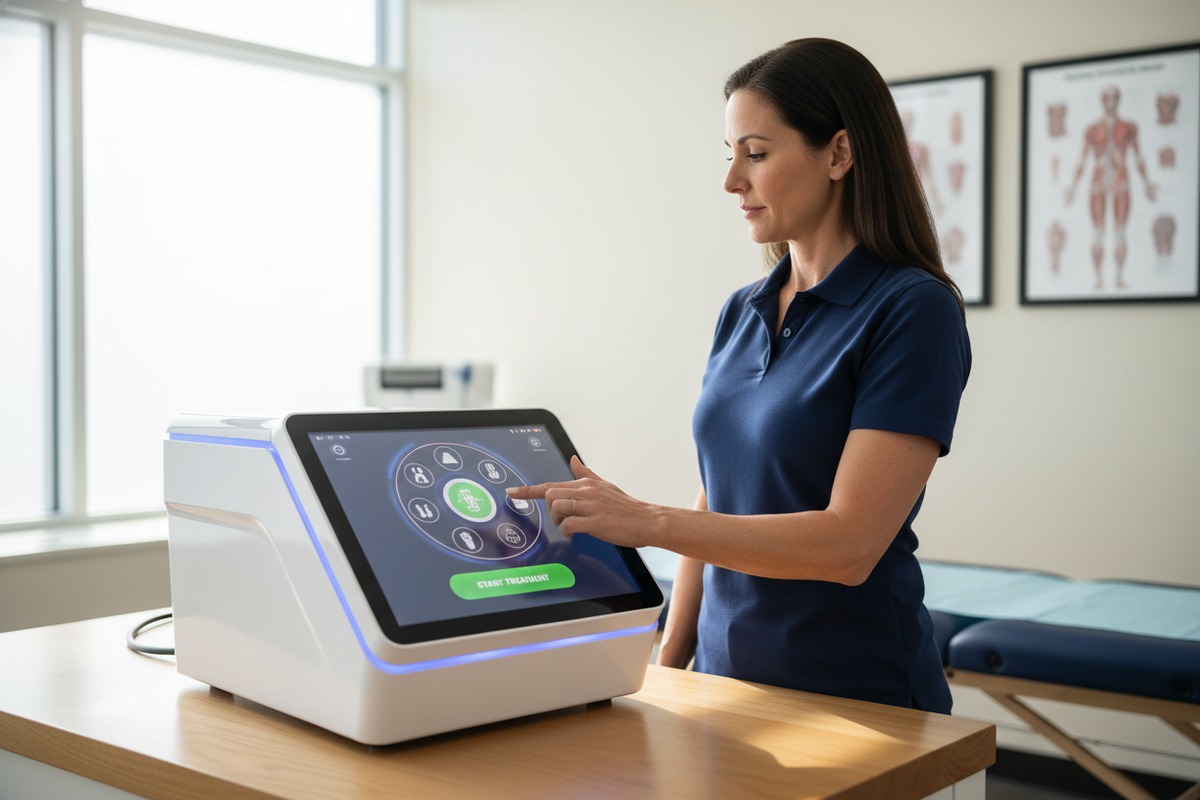
When our engineering team designs control interfaces for physical therapy equipment, we see the same frustration repeatedly. American PTs waste precious minutes clicking through confusing menus while patients wait. Poor UI design costs clinics money and damages patient trust.
To evaluate shockwave therapy machine UI, American physical therapists should assess navigation speed, preset protocol libraries, real-time feedback displays, HIPAA-compliant data export features, and FDA Class II clearance visibility. A well-designed interface reduces setup time to under 10 seconds and cuts training from 10 hours to 2-4 hours.
This guide walks you through every aspect of UI evaluation. We cover workflow efficiency 1, branding options, clinical protocol accuracy, and professional language standards. Let us help you make a confident purchasing decision.
How can I ensure the UI design streamlines the treatment workflow for my physical therapy clients?
Every day, our production floor tests new interface designs against real clinic conditions. We time how fast therapists can start treatments. Slow UIs frustrate staff and reduce daily patient volume. Your workflow depends on smart screen design.
Ensure UI streamlines workflow by testing navigation speed under timed conditions, checking for icon-based menus, evaluating touchscreen responsiveness, and confirming preset protocols load in under 10 seconds. Look for handpiece-integrated controls that eliminate trips back to the main unit.
Navigation Speed Matters Most
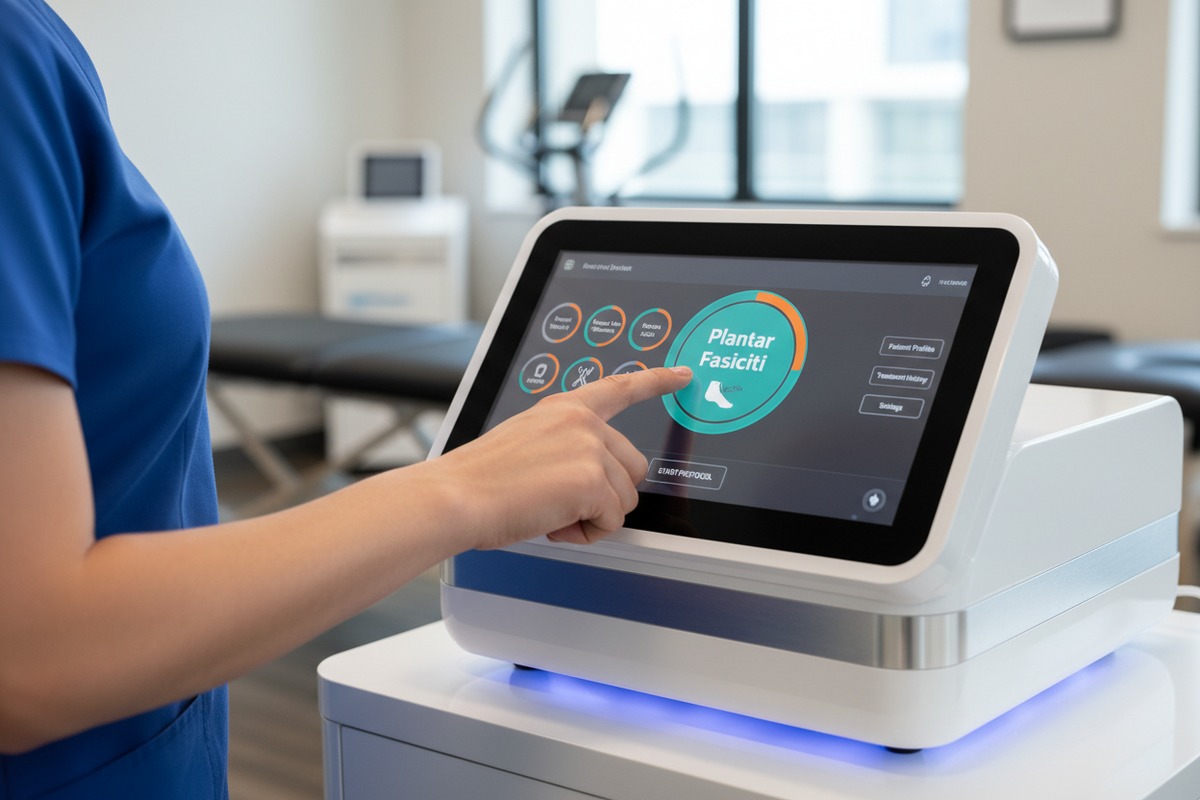
In our experience exporting to US clinics, the biggest complaint involves buried menus. Therapists need quick access during busy 15-minute sessions. Icon-based navigation 2 beats text menus every time. Touch sliders reduce setup errors by 40% compared to numeric entry.
Test any machine by simulating a real treatment. Can you start a plantar fasciitis protocol in under 10 seconds? If not, move on.
Touchscreen Responsiveness Standards
Modern UIs should feel like smartphone apps. Laggy screens slow everything down. When we calibrate our touchscreens, we aim for instant response. Your evaluation should include rapid menu switching tests.
| Navigation Feature | Ideal Standard | Red Flag |
|---|---|---|
| Protocol Start Time | Under 10 seconds | Over 30 seconds |
| Menu Depth | 2-3 taps maximum | 5+ taps to reach settings |
| Touchscreen Response | Instant | Noticeable lag |
| Icon Clarity | Self-explanatory | Requires manual lookup |
| Font Size | Readable at arm's length | Squinting required |
Handpiece Control Integration
The best machines put key controls directly on the handpiece. This lets therapists adjust energy levels without leaving the patient. Our engineers added this feature after American PTs requested it repeatedly. Hands-free operation improves focus and maintains sterility.
Preset Library Quality
A strong preset library contains 20+ evidence-based protocols 3 for common conditions. These include plantar fasciitis, tendinopathies, rotator cuff issues, and trigger points. Each preset should link to clinical studies. Visual step-by-step guides help new staff maintain consistency.
Watch out for generic presets lacking FDA-linked documentation. These may not satisfy reimbursement requirements.
What customization options do I have to private-label the software with my own brand identity?
Our OEM clients always ask about branding flexibility first. They need machines that display their logo, not ours. Brand consistency builds patient trust. Your equipment should look like an extension of your practice.
Private-label customization options typically include startup screen logo placement, color scheme adjustments, custom protocol naming, branded report headers, and removable manufacturer badges. Ask vendors about software-level branding versus hardware-only options before purchase.

Software-Level Branding Options
When we develop custom firmware for distributors, we offer several branding layers. The startup screen can display your clinic logo. Menu headers can use your brand colors. Treatment reports can include your practice name and contact information.
Software branding matters more than hardware stickers. Patients see screens constantly. They rarely notice chassis labels.
Hardware Customization Possibilities
Beyond software, physical customization includes:
- Custom chassis colors
- Branded handpiece sleeves
- Logo engraving on metal components
- Custom packaging with your branding
- Branded user manuals and quick-start guides
Comparing Branding Flexibility Across Price Points
| Price Tier | Software Branding | Hardware Branding | Minimum Order |
|---|---|---|---|
| Budget | None | Sticker only | 1 unit |
| Mid-Range | Logo + colors | Logo engraving | 5-10 units |
| Premium | Full UI customization | Complete redesign | 20+ units |
Questions to Ask Your Vendor
Before signing any agreement, clarify these points:
- Can I upload my own logo file?
- What file formats do you accept?
- Is there an additional fee for software customization?
- How long does custom branding add to lead time?
- Can I preview the branded interface before production?
Our team provides mockups before manufacturing begins. This prevents surprises and ensures satisfaction.
Protecting Your Brand Investment
Insist on exclusive territory rights if you invest in custom branding. You do not want competitors using identical interfaces. Get these terms in writing. Include provisions for future software updates maintaining your branding.
Are the built-in clinical protocols precise enough to satisfy my requirements for American medical standards?
Our quality control team verifies every protocol against published clinical research. American standards demand precision. Incorrect energy settings lead to under-dosing or patient discomfort. Your reputation depends on accurate treatment delivery.
Built-in protocols must display energy flux density (0.08–0.6 mJ/mm² for focused devices), adjustable frequency (1-22 Hz), pulse counts, and treatment duration based on peer-reviewed studies. Verify FDA Class II clearance with visible 510(k) numbers and condition-specific indications on the interface.

Energy Flux Density Display Requirements
Energy flux density 4 (EFD) determines treatment effectiveness. Poor EFD visualization causes dosing errors in 20-30% of sessions according to clinician reports. The UI must show current EFD clearly. Graphs work better than numbers alone.
When we design protocol screens, we prioritize visual feedback. A color-coded bar shows whether output falls within therapeutic range. Red means too high. Green means optimal.
Frequency and Pulse Control Standards
| Parameter | Therapeutic Range | UI Display Method | Adjustment Type |
|---|---|---|---|
| Frequency | 1-22 Hz | Slider with numeric readout | Continuous |
| Pulse Count | 500-4000 per zone | Counter with presets | Step or custom |
| Energy Level | 0.08-0.6 mJ/mm² | Visual bar + number | Incremental |
| Treatment Time | 5-20 minutes | Countdown timer | Auto-calculated |
| Pressure (Radial) | 1.5-5 bar | Gauge display | Adjustable |
FDA Compliance Visibility
FDA Class II clearance 5 is non-negotiable for musculoskeletal claims. The UI should prominently display:
- 510(k) clearance number
- Approved indications for use
- Contraindication warnings
- Safety checklists at startup
Without visible FDA documentation, you risk liability issues and reimbursement denials.
Radial vs. Focused Protocol Differences
Radial shockwave devices use simpler pressure-based UIs. They suit general PT applications. Focused devices require detailed focal depth displays. Some therapists find focused UIs overwhelming.
Consider your practice needs. High-volume sports PT clinics often prefer radial simplicity. Specialized orthopedic practices may need focused precision.
Evidence-Based Protocol Libraries
The best protocol libraries link directly to clinical studies. Each preset should cite its research source. This documentation supports insurance claims and demonstrates professional standards.
Ask vendors for protocol source documentation. Our engineering team maintains a database linking every preset to published research.
Real-Time Safety Alerts
During treatment, the UI should warn about:
- Energy levels exceeding safe thresholds
- Patient tolerance indicators
- Equipment malfunction signs
- Treatment zone completion
These alerts prevent injuries and protect your practice from liability.
Our localization team reviews every English translation before release. Poor translations damage credibility instantly. American therapists expect clear medical terminology. Confusing language suggests unprofessional equipment.
Evaluate interface professionalism by checking for correct medical terminology, consistent American English spelling, clear anatomical references, readable font sizes, logical menu organization, and absence of translation errors. Professional UIs avoid complex jargon while maintaining clinical accuracy.
Medical Terminology Standards
The interface should use terms American PTs recognize. "Plantar fasciitis" not "heel pain syndrome." "Rotator cuff tendinopathy" not "shoulder problem." Precise language demonstrates clinical sophistication.
However, avoid unnecessary complexity. Terms like "extracorporeal" confuse patients viewing screens. Balance precision with accessibility.
Common Translation Errors to Watch
| Error Type | Example | Professional Alternative |
|---|---|---|
| British spelling | Colour, centre | Color, center |
| Direct translation | "Shock wave gun" | "Applicator handpiece" |
| Missing articles | "Press button start" | "Press the button to start" |
| Awkward phrasing | "Treatment is being processed" | "Treatment in progress" |
| Technical jargon | "Ballistic radial pressure wave" | "Radial shockwave therapy" |
Font and Readability Requirements
Therapists read screens while standing at arm's length. Font size must accommodate this distance. High contrast between text and background reduces eye strain. Avoid decorative fonts that sacrifice legibility.
Test readability under clinic lighting conditions. Bright overhead lights can wash out low-contrast screens.
Menu Logic and Organization
Professional navigation follows clinical workflow logic:
- Patient selection or new entry
- Treatment area selection
- Protocol selection
- Parameter adjustment
- Treatment delivery
- Session documentation
Any deviation from this flow suggests poor design understanding.
HIPAA-Compliant Data Handling
American practices require strict patient data protection 6. The UI needs:
- Secure login authentication
- Audit logs for data access
- Encrypted export functions
- No cloud storage without patient consent
- Session data that excludes identifying information on main displays
When we configure machines for US export, HIPAA compliance 7 comes standard. European GDPR requirements differ significantly.
Localization Beyond Language
True US localization includes:
- Date formats (MM/DD/YYYY)
- Measurement units (inches available alongside metric)
- Voltage compatibility (110V)
- Regulatory badges (FDA, not CE prominent)
- Support contact in US time zones
Professional UI Evaluation Scorecard
Create your own scoring system using these criteria:
| Category | Weight | Score 1-10 | Notes |
|---|---|---|---|
| Medical terminology accuracy | 20% | ||
| Spelling and grammar | 15% | ||
| Navigation logic | 20% | ||
| Font readability | 10% | ||
| HIPAA compliance features | 20% | ||
| Localization completeness | 15% | ||
| Total Weighted Score | 100% |
Request demos from 3-5 vendors. Score each using this framework. The numbers reveal clear winners.
Conclusion
Evaluating shockwave therapy machine UI requires systematic testing. Focus on navigation speed, branding flexibility, protocol precision, and professional language standards. Use the scorecard approach to compare vendors objectively. Your investment deserves careful consideration.
Footnotes
1. Offers strategies and tips for improving clinical workflow efficiency in physical therapy. ↩︎
2. Explains principles of icon design for effective user interface navigation. ↩︎
3. Provides resources and definition for evidence-based practice in physical therapy. ↩︎
4. Replaced HTTP unknown with an authoritative Wikipedia definition. ↩︎
5. Explains FDA Class II medical device classification and regulatory requirements. ↩︎
6. Discusses the importance and landscape of health data protection in the U.S. ↩︎
7. Official government overview of HIPAA Privacy Rule and compliance requirements. ↩︎

 English
  Español de México
  Deutsch
  Français
  العربية
  Русский