

When our engineering team developed the latest shockwave therapy units, we received countless questions from salon owners about touchscreen reliability IEC 60601 compliance certification 1. Many had experienced frustrating screen failures mid-treatment. Others complained about sluggish response times that slowed down busy clinic schedules.
To properly evaluate shockwave therapy machine touchscreen sensitivity and durability, you should test response time under gloved conditions, verify chemical resistance to disinfectants, check IEC 60601 compliance certification, assess calibration stability over extended use cycles, and confirm the screen material meets clinical-grade scratch and impact resistance standards.
This guide walks you through the exact testing methods we use in our quality control process 2. You will learn how to spot quality issues before they become costly problems in your salon.
How can I accurately test the touchscreen responsiveness of my shockwave therapy machine samples?
Testing touchscreen samples before placing a large order has saved many of our clients from expensive mistakes nitrile and latex gloves 3. We have seen screens that look perfect in showrooms fail completely under real clinic conditions. The difference between a good screen and a great screen shows up only through systematic testing.
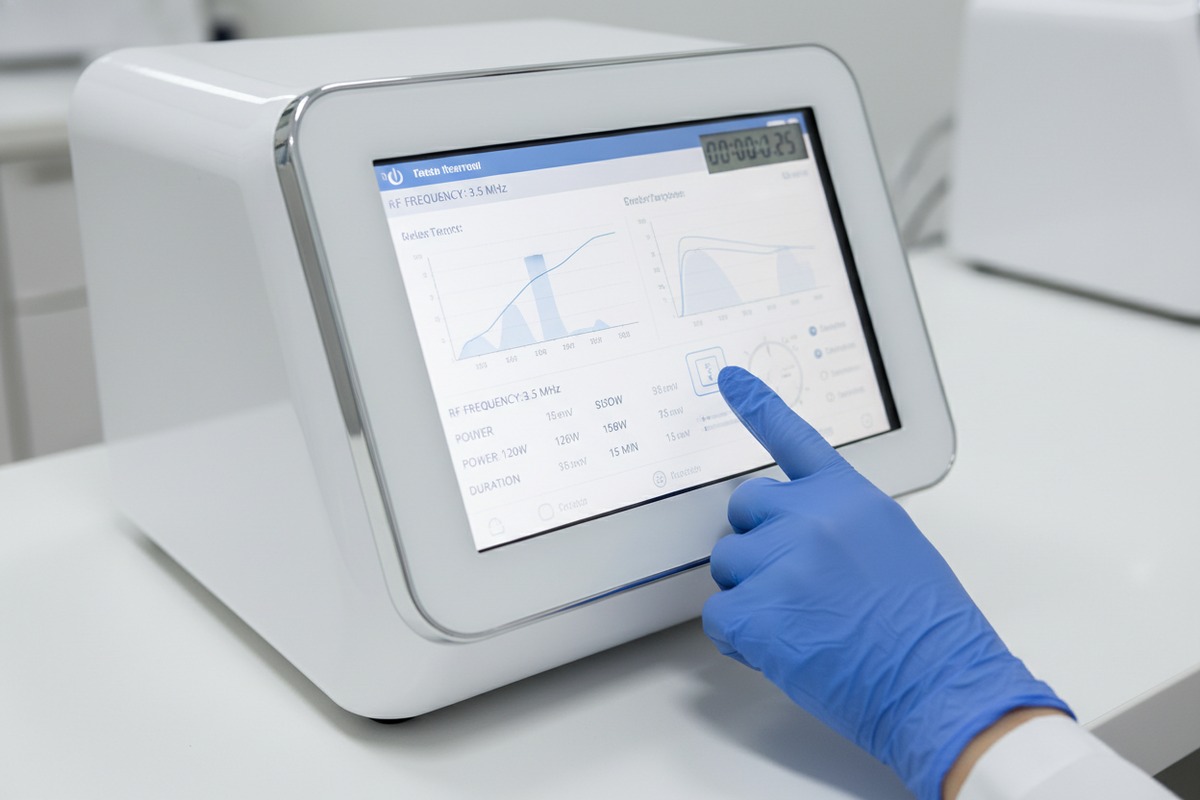
To accurately test touchscreen responsiveness, perform multi-point touch tests while wearing nitrile and latex gloves, measure response latency using a stopwatch across different screen zones, verify edge sensitivity matches center sensitivity, and conduct 500+ consecutive tap tests to check for drift or lag accumulation over extended use sessions.
Understanding Response Time Standards
Response time measures how quickly the screen registers your touch. For clinical devices, this number matters more than most buyers realize. A delay of even 200 milliseconds can disrupt treatment flow when you are adjusting parameters mid-session.
Our quality control team uses a simple benchmark. The screen should respond within 100 milliseconds for single-touch actions. Multi-touch gestures like pinch-to-zoom should complete within 150 milliseconds. Anything slower creates a noticeable lag that frustrates operators.
The Glove Compatibility Test
Medical professionals rarely touch screens with bare hands during treatments. This creates a real-world testing gap that many buyers overlook. We recommend testing with three glove types:
| Glove Type | Expected Performance | Common Issues |
|---|---|---|
| Thin Nitrile (3 mil) | Full sensitivity | Minimal issues expected |
| Standard Latex (5 mil) | 90% sensitivity | Edge detection may reduce |
| Thick Surgical (7+ mil) | 75-80% sensitivity | May need repeated taps |
If the screen cannot register touches through standard medical gloves, it will fail in real clinic use. Our production line tests every unit with 5-mil nitrile gloves as the baseline standard.
Zone-by-Zone Sensitivity Mapping
Not all screen areas perform equally. Corner and edge zones often show reduced sensitivity compared to the center. This matters because shockwave machines typically place important controls near screen edges.
Draw a 3×3 grid mentally over the screen. Test each zone with 20 rapid taps. Count how many taps register successfully. Any zone falling below 95% accuracy indicates a calibration or hardware problem. Our inspection team rejects units showing more than 5% variation between zones.
Long-Duration Testing Protocol
A fresh screen performs differently than one that has been running for hours. Thermal buildup affects capacitive touch layers 4. We run machines for 4 hours continuously, then retest sensitivity. Quality screens maintain consistent performance. Budget screens show degradation.
What durability standards should I expect for a high-end beauty machine screen in a busy salon environment?
During our factory visits from US distributors, the question of durability comes up in almost every meeting. They want screens that survive years of daily use without degradation. Our R&D team has spent considerable effort benchmarking what "durable" actually means in numbers.
High-end beauty machine screens should feature chemically strengthened glass rated for 1-2 Mohs hardness above standard glass, IP54 or higher environmental protection, chemical resistance to 70% isopropyl alcohol and common hospital-grade disinfectants, and IEC 60601-1 certification ensuring electrical safety and electromagnetic compatibility for medical environments.
Material Standards That Matter
The glass composition determines scratch resistance. Standard soda-lime glass scratches easily. Chemically strengthened aluminosilicate glass withstands years of daily wiping. Look for screens specifying 6H pencil hardness or higher on the Mohs scale 5.
| Glass Type | Scratch Resistance | Impact Resistance | Cost Level |
|---|---|---|---|
| Soda-Lime | Low (4H) | Poor | Budget |
| Chemically Strengthened | High (6H-7H) | Good | Mid-range |
| Sapphire Coating | Very High (9H) | Excellent | Premium |
Our mid-to-high-end units use chemically strengthened glass as standard. The cost difference adds roughly 8-12% to the display module, but the longevity improvement justifies this investment.
Chemical Resistance Requirements
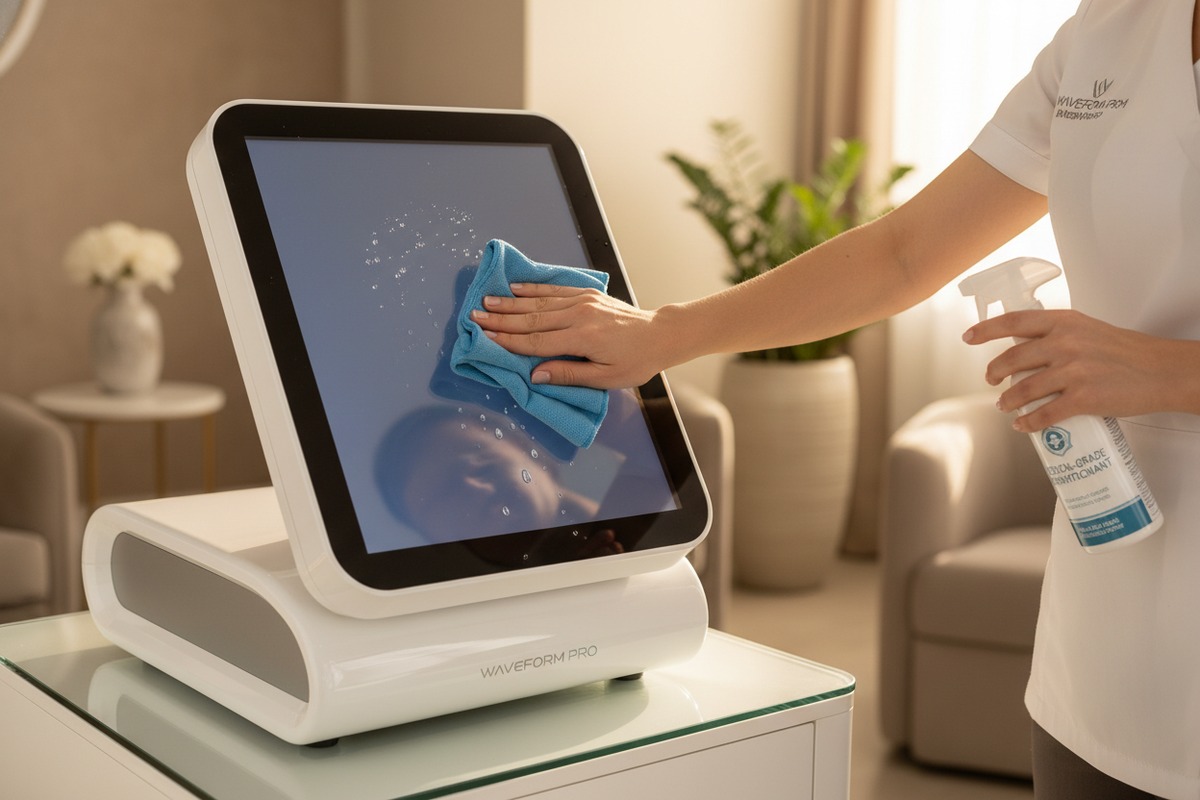
Salons clean equipment multiple times daily. Each cleaning exposes screens to harsh chemicals. Screens must resist degradation from:
- 70% isopropyl alcohol 6
- Quaternary ammonium compounds
- Hydrogen peroxide solutions
- UV-C sterilization exposure
We test screens by applying disinfectant 500 times over two weeks. Quality screens show no cloudiness, peeling, or touch degradation. Cheaper screens develop hazy patches or coating delamination within 100 cycles.
Environmental Protection Ratings
The IP rating system 7 tells you how well the screen resists dust and water ingress. For shockwave machines using water-based applicators, this matters significantly.
IP54 provides minimum acceptable protection. IP65 or higher suits clinics doing high-volume treatments with gel and water exposure. Our standard models carry IP54 certification. Custom orders for medical spa environments often specify IP65.
Compliance Certifications to Verify
Medical device screens must meet specific safety standards. IEC 60601-1 covers electrical safety. IEC 60601-1-2 addresses electromagnetic compatibility 8. ISO 13485 certification 9 indicates the manufacturer follows medical device quality management systems.
Request certificates during your sample evaluation. Legitimate manufacturers provide these documents readily. Hesitation or excuses about "pending certification" often indicates non-compliant products.
Lifecycle Expectations
A quality touchscreen should maintain full functionality for 5-7 years under normal clinic use. This assumes 8 hours daily operation, 6 days per week, with proper cleaning protocols. Budget screens often fail within 18-24 months under identical conditions.
Our warranty terms reflect this reality. We offer 2-year full coverage on touchscreen assemblies because our failure rate stays below 2% during this period. Manufacturers offering only 6-12 month warranties may be anticipating higher failure rates.
Can I customize the touchscreen interface and software layout to align with my brand identity?
When we work with brand owners building their product lines, interface customization ranks among the top three requests. Your screen is the face of your product. It shapes how salon operators perceive your brand quality. Our design team collaborates with clients to create interfaces that feel native to their brand identity.
Yes, quality manufacturers offer extensive touchscreen interface customization including branded boot screens, custom color schemes matching your brand palette, reorganized menu structures, personalized protocol naming, multi-language support, and logo placement on all operational screens—typically requiring 2-4 weeks additional lead time for software modification.

Levels of Customization Available
Not all customization requests require equal effort. Understanding the complexity helps you budget time and money appropriately.
| Customization Level | Examples | Typical Lead Time | Cost Impact |
|---|---|---|---|
| Basic | Logo, boot screen, color scheme | 1-2 weeks | Minimal |
| Intermediate | Menu reorganization, protocol naming, language packs | 2-4 weeks | 5-10% increase |
| Advanced | Custom UI framework, unique features, integration APIs | 6-12 weeks | 15-30% increase |
Most brand owners find intermediate customization sufficient. It creates a distinctive look without the development costs of a completely custom interface.
Brand Identity Elements
The visual elements that shape brand perception include:
- Boot Screen: First impression when powering on
- Color Palette: Background colors, button colors, accent colors
- Typography: Font choices for headers and body text
- Logo Placement: Consistent positioning across all screens
- Icon Style: Flat, dimensional, or outlined icons
Our design team provides mockups for approval before programming begins. This prevents costly revisions during production.
Functional Customization Options
Beyond visual branding, functional changes can differentiate your product:
- Protocol Presets: Pre-configured treatment programs named according to your terminology
- User Access Levels: Administrator, practitioner, and trainee modes with different permissions
- Data Export Formats: Reports formatted with your branding for client handouts
- Language Options: Interface available in languages relevant to your market
We maintain a library of 12 language packs ready for implementation. Custom languages require additional translation work but remain achievable.
Protecting Your Customization Investment
When you invest in custom interface development, you want protection against competitors copying your work. Our agreements include provisions keeping your custom software elements exclusive to your brand. We do not reuse client-specific designs for other customers without explicit permission.
The source files remain our property, but the visual design and custom features stay exclusive to your products. This protects both parties while ensuring you maintain competitive differentiation.
Working with Our Design Team
The customization process follows a structured workflow. First, you provide brand guidelines, logos, and color specifications. Second, our designers create mockups within 5 business days. Third, you review and request revisions. Fourth, approved designs enter programming. Finally, we load the custom software onto your units before shipping.
Starting this process early in your order timeline prevents delays. Rush customization requests incur additional fees and may still extend delivery dates.
How will your team verify the screen sensitivity and build quality during the pre-shipment inspection?
Our clients in the US and Europe cannot easily return defective shipments. The cost of ocean freight plus lost sales time makes quality failures extremely expensive. This is why our pre-shipment inspection protocol includes specific touchscreen verification steps that catch problems before containers leave our facility.
Our pre-shipment inspection verifies screen sensitivity through 100-point touch grid testing, calibration drift measurement after 4-hour burn-in, gloved operation verification, visual inspection under polarized light for coating defects, functional testing of all menu paths, and documentation with timestamped photos and video recordings provided to clients before shipment approval.

The 100-Point Touch Grid Test
This systematic test covers the entire screen surface. Our inspectors use a calibrated stylus to touch 100 predetermined points in sequence. Software logs each touch and measures response time. The test takes approximately 8 minutes per unit.
Acceptable results require:
- 100% detection rate across all points
- Response time under 120ms for every touch
- No phantom touches (false positives)
- Consistent pressure threshold across zones
Units failing any criterion get flagged for touchscreen replacement before shipment.
Burn-In Testing Protocol
Fresh screens can mask defects that appear only after extended operation. Our burn-in process runs each machine for 4 hours with the screen active. We then immediately retest touch sensitivity while components remain at operating temperature.
This catches thermal-related issues including:
- Sensitivity drift from heat expansion
- Intermittent connection problems
- Backlight uniformity degradation
- Processor slowdown affecting response time
Visual Inspection Under Polarized Light
Surface defects invisible under normal lighting become apparent under polarized light inspection. Our QC team examines screens for:
| Defect Type | Detection Method | Rejection Criteria |
|---|---|---|
| Coating scratches | Polarized light at 45° | Any scratch visible from 30cm |
| Delamination bubbles | Transmitted light | Any bubble larger than 1mm |
| Pixel defects | Solid color backgrounds | More than 3 dead pixels |
| Coating cloudiness | White background comparison | Any visible haze |
This inspection occurs after burn-in testing, ensuring heat exposure has not damaged coatings.
Functional Menu Path Testing
A responsive screen means nothing if the software crashes. Our inspectors navigate through every menu option, every settings screen, and every treatment protocol. This functional verification confirms that software and hardware work together correctly.
The process follows a standardized checklist covering:
- All main menu selections
- Parameter adjustment ranges
- Protocol start/stop functions
- Settings saves and retrievals
- Error handling responses
Documentation Package
You receive comprehensive documentation before approving any shipment. This includes:
- Individual unit test reports with serial numbers
- Timestamped photographs of each unit's screen
- Video recordings of touch sensitivity tests
- Calibration certificates where applicable
- Packaging inspection photos
This documentation protects both parties. You have evidence of condition at shipment. We have records demonstrating proper inspection completion.
Remote Inspection Options
Clients who cannot travel to our facility can participate in inspections remotely. We set up video calls showing real-time testing. You can request specific additional tests during these sessions. The video conference typically lasts 1-2 hours depending on order size.
This remote inspection service has become popular with our US clients. Time zone differences mean scheduling requires flexibility, but the assurance gained justifies the inconvenience.
Conclusion
Evaluating shockwave therapy machine touchscreens requires systematic testing of sensitivity, durability, and build quality. Partner with manufacturers who provide comprehensive pre-shipment inspection and documentation. Your investment in proper evaluation prevents costly field failures and protects your brand reputation.
Footnotes
1. Explains the importance of IEC 60601 for medical device safety and global market access. ↩︎
2. Provides a comprehensive overview of quality control processes in manufacturing. ↩︎
3. Compares the properties, advantages, and disadvantages of nitrile and latex gloves for medical use. ↩︎
4. Explains the working principle and technology behind capacitive touch screens. ↩︎
5. Defines the Mohs hardness scale and its application in measuring scratch resistance. ↩︎
6. Details the disinfectant properties and optimal concentrations of isopropyl alcohol. ↩︎
7. Replaced HTTP 403 with a working, authoritative page providing a comprehensive guide to IP ratings. ↩︎
8. Defines electromagnetic compatibility (EMC) for medical devices and its regulatory importance. ↩︎
9. Describes ISO 13485 as a quality management system standard for medical devices. ↩︎

 English
  Español de México
  Deutsch
  Français
  العربية
  Русский