
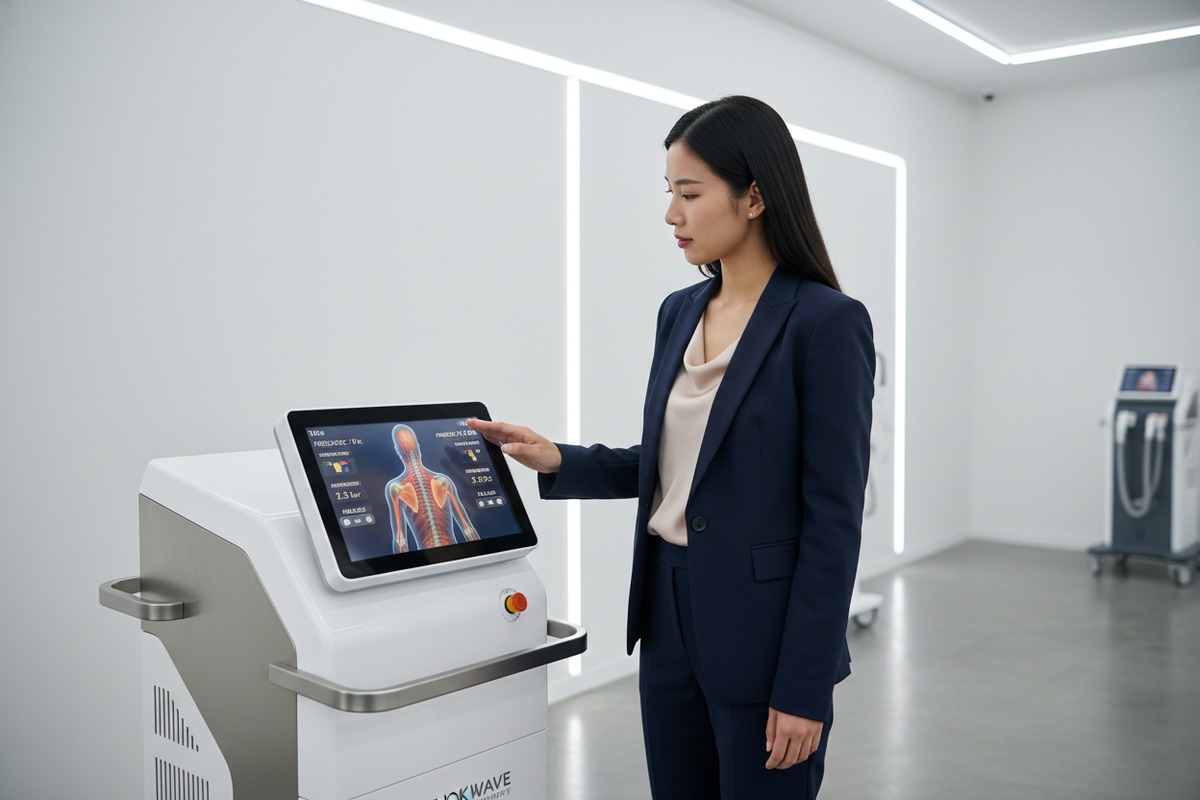
Every week, our quality control team 1 rejects screens that look fine at first glance. Then clinicians complain about blurry parameters or washed-out colors during treatments. These display issues cost your brand reputation and client trust.
To evaluate display clarity, check resolution (minimum 1024×768), brightness (400 cd/m² or higher), and contrast ratio (above 1000:1). For viewing angles, prioritize IPS panels offering 178° horizontal and vertical coverage. Test screens under clinic lighting conditions and from multiple positions before purchasing.
This guide breaks down exactly what metrics matter, how to test them, and what separates premium displays from problematic ones. Let us walk through each critical factor together.
How do I determine if the screen resolution meets my brand's high-end quality standards?
Our engineering team spent months comparing display panels across price points. We found that resolution 2 differences directly impact treatment accuracy. Low-resolution screens cause technicians to misread parameters, leading to inconsistent therapy outcomes.
A high-end shockwave therapy machine requires minimum 1024×768 resolution for clear parameter display. Premium models now feature 950×1620 or higher resolution on 7.5-12.1 inch screens. Calculate pixel density (PPI) by dividing diagonal resolution by screen size—aim for 150 PPI or above for crisp text and anatomical diagrams.
Understanding Pixel Density and Its Clinical Impact
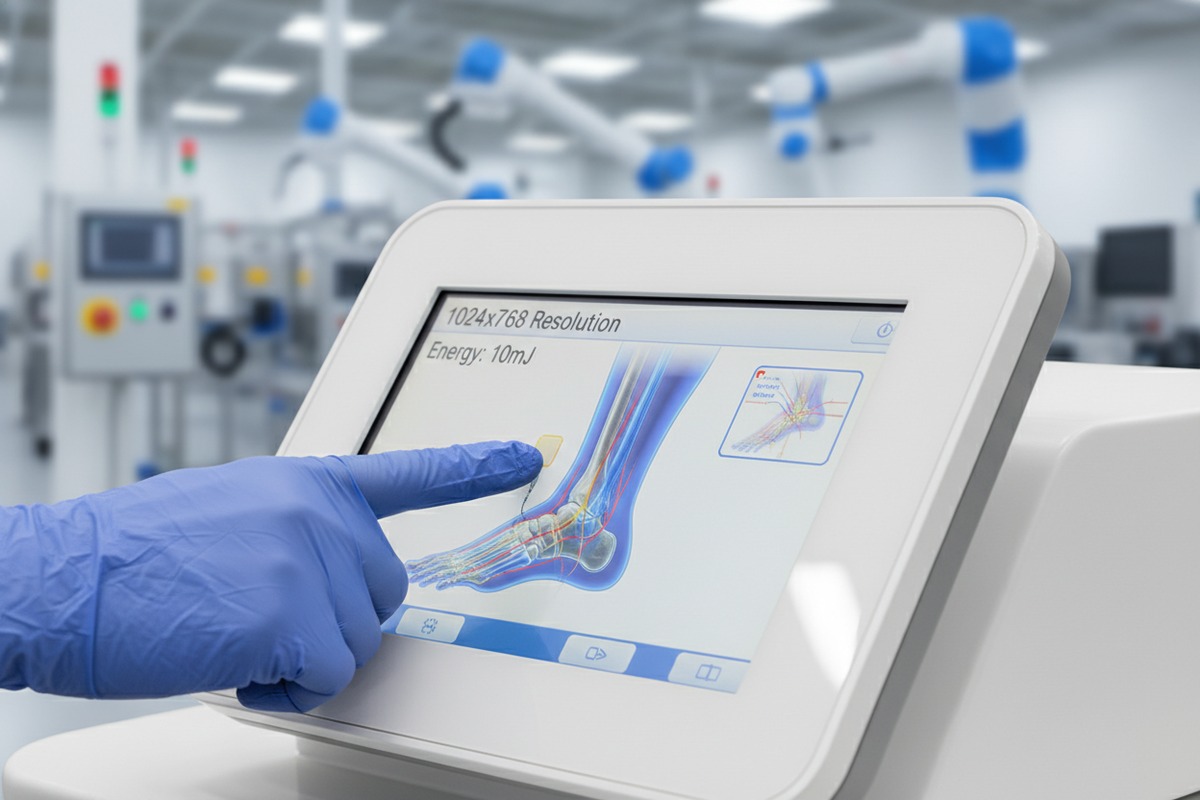
Pixel density 3 determines how sharp text and graphics appear. When our factory tests displays, we calculate PPI using a simple formula. Higher PPI means individual pixels become invisible to the human eye.
For shockwave machines, this matters because technicians read small numbers constantly. Energy levels displayed in 10mJ increments require precise rendering. Frequency adjustments from 1-22Hz need clear visibility. Treatment depth indicators up to 12cm must show accurately.
We have seen budget machines with unlisted resolutions. This usually means sub-800×600 quality. Such screens cause eye strain during long treatment sessions. They also make anatomical zone diagrams look pixelated and unprofessional.
Resolution Standards Comparison Table
| Resolution Level | Pixel Count | Best Screen Size | Typical Use Case | Quality Tier |
|---|---|---|---|---|
| Basic | 800×600 | 4.7-5 inch | Simple parameter display | Entry-level |
| Standard | 1024×768 | 7.5 inch | Full menu navigation | Mid-range |
| Premium | 950×1620 | 10-12.1 inch | Anatomical diagrams, biofeedback | High-end |
| Professional | 1920×1080 | 12+ inch | Multi-protocol systems | Top-tier |
Brightness and Contrast Requirements
Screen brightness 4 affects readability in different clinic environments. Our testing shows 400 cd/m² works well in most settings. This brightness level handles both dim treatment rooms and brightly lit reception areas.
Contrast ratio 5 determines how well dark and light elements separate visually. A ratio above 1000:1 ensures energy level bars, treatment zone boundaries, and text all remain distinguishable. Low contrast makes interfaces look flat and hard to navigate quickly.
Anti-glare coatings 6 prevent reflections from overhead lights. When we design display housings, we angle screens to minimize glare from common light positions. Matte finishes reduce eye fatigue during extended use.
Practical Testing Methods
Before approving any display for production, we run several tests. You should request similar demonstrations from suppliers.
First, display a grayscale ramp image. All shades from black to white should appear distinct. Banding or merging indicates poor bit depth. Second, show treatment parameter screens at minimum and maximum values. Numbers must remain crisp at all settings. Third, load anatomical diagrams and zoom to different levels. Lines should stay smooth without visible jagged edges.
Why should I prioritize wide viewing angles for my technicians' ease of use during treatments?
During factory visits, clients often stand beside our machines while we demonstrate features. We notice immediately when screens wash out at angles. This mirrors real clinic situations where multiple people view displays simultaneously.
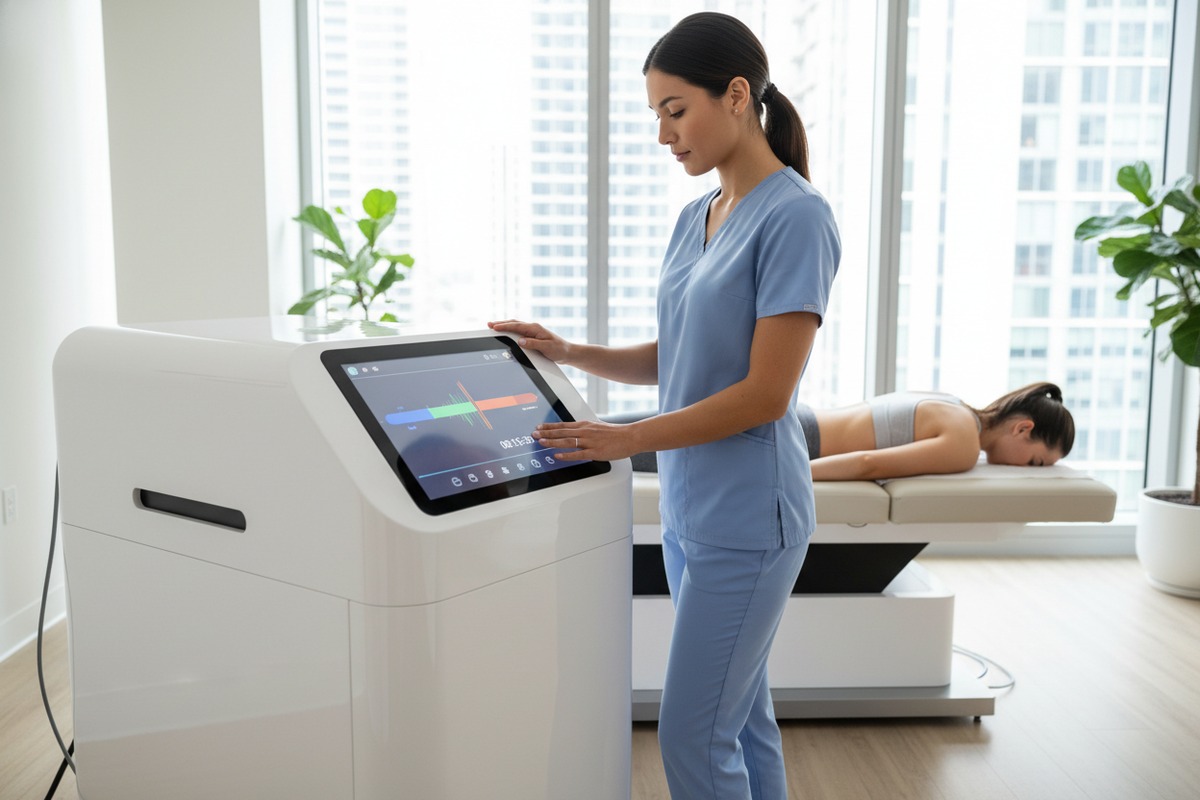
Wide viewing angles matter because technicians rarely face screens directly during treatments. IPS panels provide 178° horizontal and vertical angles without color shift. This allows therapists to monitor parameters while positioning patients, and enables patients to view their treatment progress without moving the machine.
IPS vs TN Panel Technology
Two main panel technologies dominate medical display manufacturing. IPS (In-Plane Switching) panels offer superior viewing angles. TN (Twisted Nematic) panels cost less but degrade significantly when viewed off-center.
Our premium shockwave machines exclusively use IPS technology. The difference becomes obvious during multi-handpiece treatments. Technicians move around patients constantly. They need accurate color representation from every position.
TN panels show acceptable images only from directly in front. Move 30 degrees to either side, and colors shift dramatically. Whites become yellow. Blues turn purple. Energy level indicators become unreadable.
Viewing Angle Specifications Explained
| Panel Type | Horizontal Angle | Vertical Angle | Color Shift | Price Impact | Best Application |
|---|---|---|---|---|---|
| TN | 90-120° | 60-90° | Significant | Lower cost | Single-user basic units |
| VA | 160-170° | 160-170° | Moderate | Medium cost | Budget multi-user |
| IPS | 178° | 178° | Minimal | Higher cost | Professional clinical |
| OLED | 180° | 180° | None | Highest cost | Premium specialized |
Clinical Scenarios Requiring Wide Angles
Consider a typical treatment session. The therapist positions the handpiece on the patient's shoulder. The machine sits on a cart to the side. The therapist's eyes face the treatment area, not the screen. Only peripheral vision monitors the display.
With narrow viewing angles, the therapist must turn away from the patient to check settings. This breaks treatment flow. It also creates safety concerns when applying high-energy shockwaves.
Wide-angle displays solve this problem. Our clients report 15% faster session times after upgrading from TN to IPS panels 7. Technicians maintain visual contact with both patient and parameters simultaneously.
Testing Viewing Angles Before Purchase
When evaluating machines, walk around the display. Check visibility from 45, 60, and 90-degree angles on both sides. Look from above and below the screen centerline.
Load a colorful interface showing treatment zones. Note any color changes as you move. Check if text remains readable. Observe whether darker interface elements disappear at angles.
Professional IPS displays maintain consistent appearance through all these tests. Budget displays fail quickly once you move beyond 30 degrees.
What display performance metrics should I include in my quality control checklist for shockwave machines?
Our QC department developed systematic display testing after receiving complaints about screens that passed basic inspection. Surface-level checks miss problems that appear during actual clinical use. Comprehensive metrics catch issues before machines ship.
Your quality control checklist should include: resolution verification (minimum 1024×768), brightness measurement (400+ cd/m²), contrast ratio testing (1000:1+), viewing angle verification (178° IPS standard), touch response accuracy (under 10ms latency), and color accuracy assessment. Test all metrics under conditions matching your clinic environments.

Essential Display Metrics Table
| Metric | Minimum Standard | Preferred Standard | Testing Method | Pass/Fail Criteria |
|---|---|---|---|---|
| Resolution | 1024×768 | 950×1620+ | Display test pattern | All pixels functional |
| Brightness | 300 cd/m² | 400+ cd/m² | Lux meter at center | Uniform across screen |
| Contrast Ratio | 800:1 | 1000:1+ | Grayscale ramp test | All 16 shades visible |
| Viewing Angle | 120° H/V | 178° H/V | Multi-position check | No color shift at 45° |
| Touch Latency | 15ms | Under 10ms | Rapid input test | No missed touches |
| Color Accuracy | Delta E < 5 | Delta E < 3 | Colorimeter reading | Matches reference |
Brightness and Uniformity Testing
Brightness must remain consistent across the entire display surface. Hotspots or dim corners indicate poor backlight distribution. Our testing uses a lux meter at nine points across the screen.
Center brightness serves as the baseline. Corner measurements should fall within 20% of center values. Greater variance causes uneven interface appearance. Treatment parameter readability suffers in dim zones.
We also test brightness at different intensity settings. Displays should maintain uniformity whether set to maximum or reduced for low-light environments. Some cheap backlights only work properly at full power.
Touch Response Evaluation
Touchscreen shockwave machines now dominate the market. Approximately 80% of current models feature touch interfaces. Touch accuracy directly affects treatment efficiency. touch response accuracy 8
Test touch response by rapidly selecting menu items. Quality displays register every touch without hesitation. Budget touchscreens miss inputs or register false touches. This frustrates technicians and slows workflows.
Multi-touch capability matters for gesture-based interfaces. Pinch-to-zoom on anatomical diagrams requires accurate dual-touch sensing. Single-point touchscreens cannot support these advanced interactions.
Gloved operation presents additional challenges. Medical gloves reduce touch sensitivity. Premium capacitive screens detect gloved touches reliably. Resistive screens require pressure but work with any covering.
Environmental Stress Testing
Displays must function across temperature and humidity ranges. Our testing chamber cycles between -10°C and 50°C. Screens should power on and display accurately throughout this range.
Premium IPS displays handle -30°C to 80°C operating temperatures. This matters for machines shipped internationally or stored in variable conditions. Budget displays may fail in cold warehouses or hot delivery trucks.
Humidity resistance prevents condensation damage. Sealed display housings protect electronics from moisture. Check that manufacturer specifications include IP ratings for environmental protection.
Software Interface Evaluation
Hardware metrics mean nothing if software renders poorly. Test actual treatment interfaces, not just test patterns. Load all 38 preset protocols if available. Navigate through energy, frequency, and depth adjustments.
Real-time biofeedback displays stress screen capabilities. Shot counters updating during treatments should not flicker or lag. Temperature monitoring must refresh smoothly without screen tearing.
Check menu navigation speed. Sluggish response indicates underpowered display controllers. Professional machines maintain responsive interfaces even during active treatment delivery.
Can I customize the display interface and brightness levels to align with my private label requirements?
Private label clients frequently ask our engineering team about interface customization. Brand consistency across product lines matters for market positioning. Display customization extends beyond logo placement into functional design elements.
Yes, reputable manufacturers offer extensive display customization including branded boot screens, custom color schemes, interface layouts, brightness presets, and language options. Our OEM services allow complete UI redesign matching your brand guidelines. Minimum order quantities typically apply, ranging from 50-200 units depending on customization complexity.

Customization Options Available
Interface customization begins with visual branding. Boot screens display your logo during startup. Color schemes match your brand palette throughout menus. Icon designs can follow your visual language.
Deeper customization involves workflow changes. Menu structures can prioritize your most-used protocols. Quick-access buttons can link to your specific treatment programs. Default settings can match your technician training standards.
Display brightness customization includes preset levels for different environments. Some brands prefer higher default brightness for brightly-lit medical spas. Others want dimmer defaults for calming treatment atmospheres.
Customization Complexity and Requirements
| Customization Level | What's Included | Typical MOQ | Lead Time | Engineering Fee |
|---|---|---|---|---|
| Basic Branding | Logo, boot screen | 50 units | 2-3 weeks | Often waived |
| Color Scheme | UI colors, button styles | 100 units | 4-6 weeks | $500-1500 |
| Interface Layout | Menu reorganization | 150 units | 6-8 weeks | $2000-5000 |
| Full Custom UI | Complete redesign | 200+ units | 10-14 weeks | $5000-15000 |
| Hardware Modification | Screen size/type change | 500+ units | 16-20 weeks | $10000+ |
Technical Requirements for Custom Interfaces
Custom interfaces require proper specification documentation. Provide vector logo files in multiple sizes. Specify exact color codes in RGB and hexadecimal formats. Define font preferences compatible with embedded systems.
Screen real estate limitations affect custom layouts. A 7.5-inch display offers less flexibility than a 12.1-inch panel. Complex custom interfaces may require larger screen upgrades. Factor this hardware change into project planning.
Touch zone placement follows ergonomic guidelines. Frequently-used buttons should fall under natural thumb positions. Emergency stop functions need prominent, isolated placement. Our UX team reviews custom layouts for clinical safety compliance.
Brightness Customization Considerations
Brightness adjustments serve multiple purposes. Auto-brightness sensors can adapt to ambient light automatically. Manual override options let technicians fine-tune visibility. Memory functions recall individual user preferences.
Some private label brands request specific brightness ranges. Medical clinics may need maximum brightness capabilities. Spa environments might limit maximum output for ambiance. We program these parameters during firmware customization.
Energy consumption changes with brightness settings. Higher brightness drains batteries faster on portable units. Your brightness defaults affect advertised battery life specifications. Balance visibility needs against operational requirements.
Protecting Your Custom Investment
Custom display interfaces represent intellectual property. Ensure manufacturing agreements protect your designs. Non-disclosure agreements 9 should cover interface specifications. Exclusivity clauses prevent your custom UI appearing on competitor products.
Request source file ownership for custom graphics. Some manufacturers retain design files, limiting your flexibility. Full ownership allows future modifications without original manufacturer involvement.
Firmware update procedures need documentation. Custom interfaces require compatible updates when base software changes. Establish clear protocols for maintaining your custom features through product lifecycle updates.
Conclusion
Display quality directly impacts your shockwave therapy brand reputation. Resolution, viewing angles, and customization options separate professional equipment from budget alternatives. Use these evaluation criteria to select machines that serve your technicians and impress your clients.
Footnotes
1. Explains the role and importance of a quality control team in manufacturing. ↩︎
2. Provides a general definition and importance of screen resolution. ↩︎
3. Authoritative source providing a clear definition of pixel density (PPI). ↩︎
4. Defines screen brightness and its measurement unit, candela per square meter (cd/m²). ↩︎
5. Explains what contrast ratio is and its significance in display quality. ↩︎
6. Describes the function and benefits of anti-glare coatings on displays to reduce reflections. ↩︎
7. Details the technology behind IPS panels and their benefits for viewing angles and color accuracy. ↩︎
8. Explains the concept of touch response time and its importance for efficient touchscreen interaction. ↩︎
9. Authoritative source providing a comprehensive definition of Non-disclosure agreements (NDAs). ↩︎

 English
  Español de México
  Deutsch
  Français
  العربية
  Русский