

Low-quality startup screens make expensive pressotherapy machines 1 look like cheap toys. When our production line receives blurry files, it delays your launch and hurts your brand. Use these strategies to ensure a perfect result.
To ensure professional results, provide high-resolution vector files (AI or EPS) along with specific HEX color codes and pixel dimensions. Effective communication requires a detailed UI specification document and a confirmed prototype to prevent delays, cost overruns, and branding inconsistencies before mass production begins.
Following these steps will streamline your collaboration with engineering teams and help you avoid common manufacturing pitfalls high-resolution vector files 2.
What technical specifications must I provide to ensure my logo looks professional on the startup screen?
When we calibrate the digital displays for our clients, we often find that a lack of technical detail leads to pixelated logos UI specification document 3. This ruins the high-end feel of your salon equipment.
You must provide vector-based files like AI or EPS to prevent pixelation. Additionally, specify the screen resolution (e.g., 800×480 pixels), the desired aspect ratio, and provide HEX or RGB color codes to ensure your branding colors appear accurately on the LCD backlight.
Understanding Vector vs. Raster Graphics
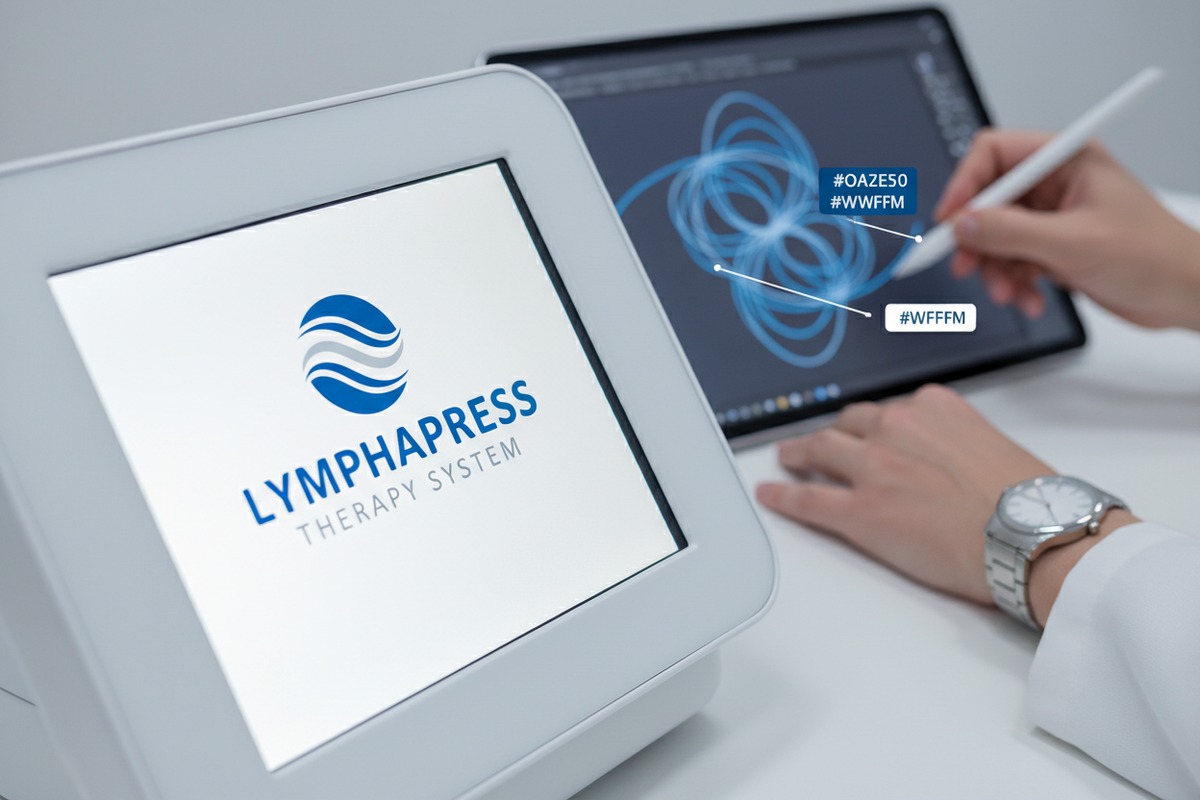
In our workshop, the most frequent issue is receiving low-resolution JPEGs or PNGs. While these look fine on a small phone screen, they often look blurry when stretched across a 7-inch or 10-inch pressotherapy touch screen. Vector files are mathematical paths, meaning they can be scaled infinitely without losing sharpness. If your designer creates a logo in Adobe Illustrator 4, they must export it as an AI or SVG file. This allows our software engineers to integrate the graphic into the machine's firmware 5 without any loss in quality.
Resolution and Aspect Ratio Alignment
Pressotherapy machines use different types of screens, from simple digital tubes to advanced TFT touch displays. If your logo is a square but the screen area is a wide rectangle, the image might look stretched or "squashed." We recommend asking your supplier for the exact pixel dimensions of the boot screen.
| Specification Item | Requirement for Supplier | Why It Matters |
|---|---|---|
| File Format | AI, EPS, or SVG (Vector) | Ensures perfect scaling without blurriness. |
| Color Profile | HEX or RGB | Digital screens use light; CMYK is for print only. |
| Resolution | E.g., 1024 x 600 px | Prevents stretching or black bars on the sides. |
| Safe Zone | 10% Margin | Keeps the logo from being cut off by the screen frame. |
Color Consistency Across Backlights
Digital screens have different "temperatures." A logo that looks deep blue on your MacBook might look slightly purple on an industrial-grade LCD screen used in pressotherapy units. By providing HEX codes (e.g., #003366), you give our engineers a fixed target. HEX color codes 6 We can then adjust the screen's contrast and brightness settings to match your brand identity as closely as possible. If you are ordering a large batch, we suggest requesting a short video of the logo displayed on a powered-on screen to verify the color before the firmware is finalized.
How can I effectively communicate my UI branding requirements to a Chinese manufacturer's engineering team?
Exporting beauty machines to the US has taught us that language barriers often lead to software mistakes. Clear visual cues are far more effective than long, descriptive emails when talking to our coders.
Use visual storyboards and UI mockups to demonstrate exactly when and how your logo should appear. Creating a simple PDF guide with "If/Then" logic helps our engineering team understand the user journey without needing complex translations or lengthy phone calls.

The Power of the UI Storyboard
Instead of writing, "The logo should appear for three seconds," send a sequence of three images. The first image shows the logo, the second shows a loading bar, and the third shows the main operation menu. This visual approach bypasses the need for advanced English skills on the factory floor. Our engineers in Guangzhou can look at your diagram and immediately know where to place the code triggers.
Direct Communication Channels
While emails are standard, we find that tools like WhatsApp or WeChat allow for much faster feedback loops. If you have a question about whether a specific animation is possible, sending a quick screen-recorded video of a reference you like is very helpful. It allows the technical lead to give a "yes" or "no" immediately based on the hardware's processing power.
Multilingual Interface Planning
If you are distributing machines in both the US and Europe, your startup screen might need to offer a language selection. This should be discussed early. We need to know if the logo stays constant while the text changes.
| Communication Tool | Best Use Case | Benefit |
|---|---|---|
| PDF Mockup | Visualizing the layout | Eliminates guesswork for engineers. |
| Screen Recording | Explaining animations | Shows the desired "feel" and speed of the UI. |
| WeChat/WhatsApp | Real-time troubleshooting | Solves small issues before they become big delays. |
| Shared Drive (Dropbox/Drive) | Hosting large assets | Keeps high-res files organized and accessible. |
Defining the User Experience (UX)
The startup screen is the first thing your client sees. User Experience (UX) 7 If it takes 10 seconds to load, it feels slow. We often advise our clients to keep the startup animation under 4 seconds. This ensures the machine feels "snappy" and professional. Discussing the "load time" is just as important as discussing the logo itself. If the machine needs more time to initialize the air pumps and valves, we can suggest a "System Checking" progress bar that incorporates your brand colors.
Will requesting a custom startup screen affect my order’s production timeline or total cost?
In our experience, customization is a balance between time and money. While a simple logo swap is often quick, complex UI changes require dedicated labor from our software department.
Basic logo integration typically adds 3-7 days to the sample phase and may involve a small one-time software fee. However, for orders exceeding 10-20 units, many suppliers, including us, often waive these customization costs as part of an OEM package.

Sample Phase vs. Mass Production
The biggest time "hit" occurs during the sampling phase. We have to create a custom firmware build just for your unit. This involves compiling the code, flashing the chip, and testing for bugs. Once the sample is approved, the mass production timeline usually stays the same because we simply flash the same approved software onto all machines in the batch.
Breaking Down the Costs
Customization costs generally fall into two categories: the "Set-up Fee" and the "Unit Cost." For a startup screen, the unit cost rarely changes because the hardware remains the same. The set-up fee covers the engineer's time to modify the source code.
| Order Type | Estimated Time Addition | Estimated Cost Impact |
|---|---|---|
| Single Sample | +5 Business Days | $50 – $200 (Software Fee) |
| Small Batch (5-10 units) | +3 Business Days | Often included or discounted. |
| Large Order (20+ units) | No Change | Usually free of charge. |
Avoiding Costly Revisions
The most expensive mistake is changing your mind after the firmware has been flashed. If we have already finished 50 machines and you decide to change the logo color, our team has to manually re-flash every single unit. This can add significant labor costs and weeks of delays. We always recommend double-checking your branding on a digital prototype before giving the "green light" for production.
Hardware Limitations
Sometimes, a customer wants a very high-resolution video as a startup screen. If the machine's internal processor (IC) isn't powerful enough, this could lead to system lag or require a hardware upgrade. Upgrading the processor will definitely increase the unit price and lead time. It is vital to ask if your desired customization is compatible with the standard hardware specs to avoid unexpected price hikes.
What is the best way to verify the screen customization during my pre-shipment quality inspection?
Our quality control team suggests that you never assume the "final" product matches the "sample" perfectly. Even small software updates can occasionally revert customization to the factory default if not managed correctly.
The most reliable verification method is a live video call or a high-definition video showing the machine’s full boot sequence. Request a "Golden Sample" video where the inspector demonstrates the startup screen, the main menu, and the software version number to ensure consistency.

High-Definition Video Evidence
Photos can be deceptive; they don't show flicker, loading speed, or UI transitions. We always provide our clients with a 30-second video of their specific machine starting up. This allows the buyer to see that the logo is centered, the colors are correct, and there are no "dead pixels" on the screen. If you are using a third-party inspection service, make sure the "startup screen check" is a mandatory item on their checklist.
Software Version Tracking
In some cases, a factory might produce your machines in different batches. To ensure they all have the same branding, ask the supplier to show the "About" or "System Info" screen in the menu. This screen should list a specific version number that corresponds to your custom branding. It is a foolproof way to ensure you aren't receiving old stock with the manufacturer's generic logo.
Verification Checklist for Buyers
Before you send the final payment, run through this mental checklist or send it to your supplier's QC manager:
- Does the logo appear immediately upon power-on?
- Is the logo centered according to the approved mockup?
- Are the brand colors appearing as expected under the room's lighting?
- Does the screen transition smoothly from the logo to the operation menu?
- Is the text in the operation menu in the correct language?
Remote "White-Glove" Inspection
If you cannot visit the factory in China, you can request a "live walk-through" via WhatsApp. We often take our mobile phones onto the factory floor and turn on five random machines from the production line for the client. This gives you peace of mind that the customization was applied to the entire order, not just the single unit used for a polished marketing video. It also allows you to check for cosmetic defects on the machine body while the screen is being tested.
Conclusion
Customizing your pressotherapy machine's startup screen is a powerful branding move. By providing vector files, using visual communication, and verifying via video, you ensure a professional product that builds trust with your salon clients.
Footnotes
1. Explains what pressotherapy machines are and how they work. ↩︎
2. Defines vector files and their benefits for scalability and image quality. ↩︎
3. Offers a clear definition and purpose of a user interface specification. ↩︎
4. Official product page for the industry-standard vector graphics software. ↩︎
5. Authoritative definition of firmware and its function in hardware devices. ↩︎
6. Provides a comprehensive resource for understanding and using HEX color codes. ↩︎
7. Provides a broad definition of user experience, including its components and importance. ↩︎

 English
  Español de México
  Deutsch
  Français
  العربية
  Русский