

Every week, our production team receives emails from spa owners struggling to explain their branding needs high-resolution vector files 1. They want their logo on the machine, but miscommunication leads to wrong colors, blurry prints, or delays.
To communicate logo customization effectively, provide high-resolution vector files (AI, EPS, SVG), specify exact placement locations (control panel, startup screen, machine body), include brand color codes (Pantone, CMYK, RGB), and request digital mock-ups before production. Always sign IP protection agreements.
This guide walks you through every step. From preparing design files to protecting your brand, you will learn how to work with suppliers smoothly and get machines that look premium.
How do I clearly explain my private label requirements to a pressotherapy machine supplier?
When our sales team works with US distributors, the biggest challenge is not language brand color codes 2. It is unclear expectations. Buyers assume suppliers understand their vision. But without detailed instructions, mistakes happen.
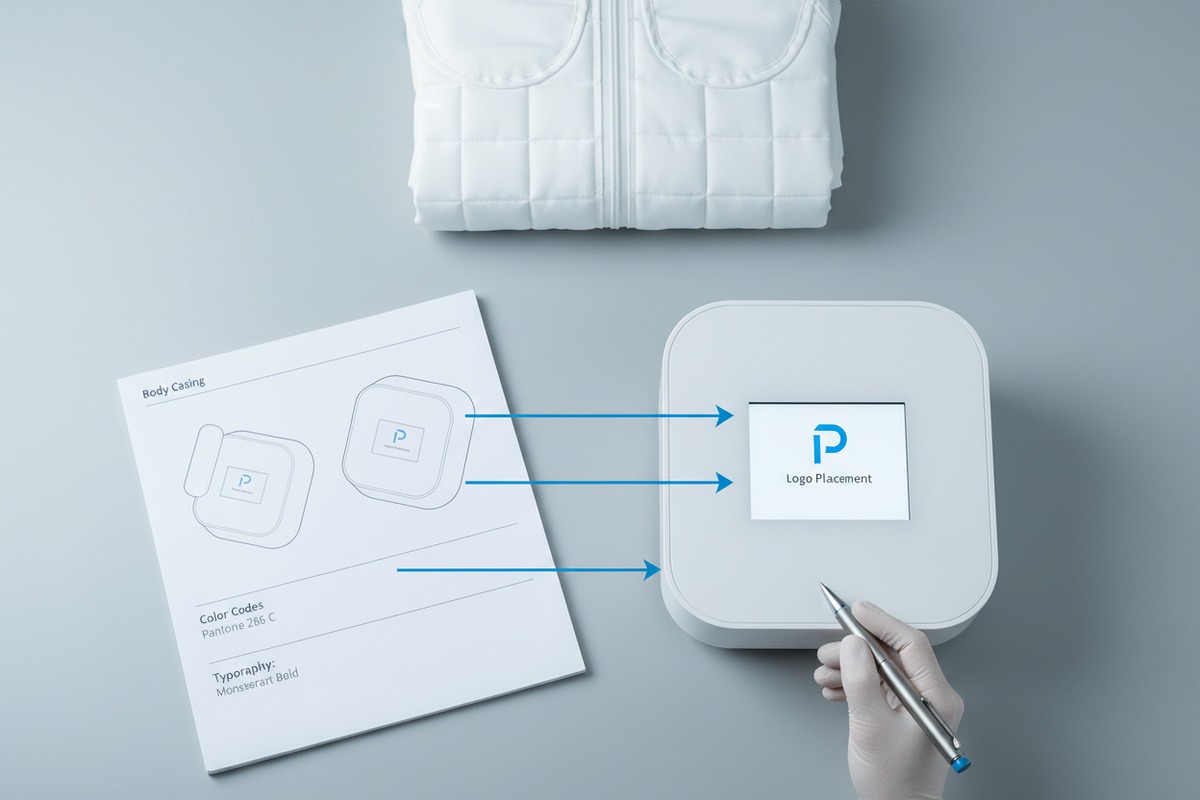
Start by listing every branding element you need: logo file format, placement areas, color codes, packaging design, and manual branding. Send a single document with all details. Request written confirmation from the supplier. Ask for mock-ups before production starts.
Write a Clear Branding Specification Document
Do not scatter your requirements across multiple emails. Create one document. Include your company name, logo files, color specifications, and placement preferences. This saves time for both sides.
Your document should cover:
- Logo file attachments with format labels
- Exact color codes for each brand color
- Placement locations with photos or diagrams
- Text for user manuals and warranty cards
- Packaging box design or requirements
Use Visual References
Words alone cause confusion. Show the supplier what you want. Take photos of competitor products you like. Mark up images to show where your logo should appear. Our engineering team always appreciates visual references 3. They reduce back-and-forth questions.
Confirm OEM vs ODM Services
OEM means the supplier puts your logo on their existing machine. ODM means they develop a custom product for you. Know which service you need. Ask the supplier directly about their capabilities.
| Service Type | What You Get | Best For |
|---|---|---|
| OEM | Your logo on standard machine | Quick market entry |
| ODM | Custom features + your branding | Unique product line |
| Private Label | Full rebranding with your identity | Brand-focused businesses |
Request Written Confirmation
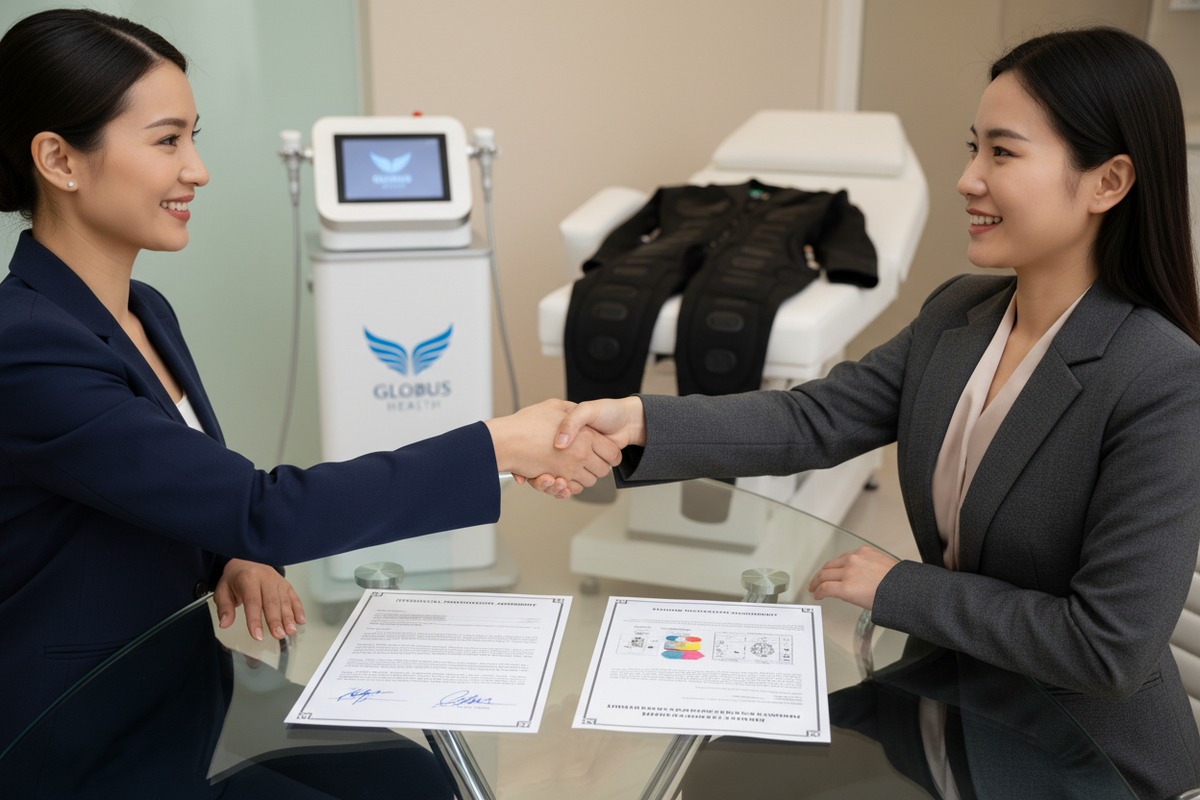
After sending your requirements, ask the supplier to summarize them back to you. This confirms they understood everything. If something is wrong, you catch it early. Our team always sends a confirmation email listing all agreed specifications before production starts.
Discuss Minimum Order Quantities
Logo customization often comes with MOQ requirements. Some suppliers need 10 units minimum. Others require 50 or more. Ask upfront. Factor this into your budget and inventory planning.
What design files should I provide to ensure my logo looks high-end on the equipment?
Our design team often receives low-resolution JPEGs from clients. These files look fine on a phone screen. But when printed on a machine body, they appear pixelated and unprofessional.
Provide vector files in AI, EPS, or SVG format for scalable clarity. Include high-resolution PNG files at 300 DPI minimum for digital screens. Supply your brand style guide with Pantone color codes. Send separate files for different placement areas if sizes vary.

Vector Files Are Essential
Vector files scale without losing quality. Whether your logo appears on a small control panel or a large machine body, it stays sharp. Adobe Illustrator (AI), Encapsulated PostScript (EPS), and Scalable Vector Graphics (SVG) 4 are the most accepted formats.
If you only have a raster file (JPEG, PNG) 5, hire a designer to convert it. This small investment prevents your brand from looking cheap on expensive equipment.
Prepare Files for Different Applications
Your logo will appear in multiple places. Each place may need a different file. The startup screen needs a digital file. The machine body needs a print-ready file. Packaging may need yet another format.
| Application Area | Recommended Format | Resolution/Quality |
|---|---|---|
| Startup screen display | PNG, JPG | 300 DPI, RGB color |
| Machine body printing | AI, EPS, SVG | Vector, CMYK color |
| Laser engraving 6 | AI, DXF | Vector, single color |
| User manual | PDF, AI | 300 DPI, CMYK |
| Packaging box | AI, PDF | Vector, CMYK, bleed included |
Include Your Brand Style Guide
A style guide tells the supplier exactly how to use your brand elements. Include:
- Primary and secondary logo versions
- Minimum size requirements
- Clear space rules around the logo
- Approved color variations (full color, black, white)
- Pantone, CMYK, and RGB color codes
Without this guide, suppliers may resize your logo incorrectly or use wrong colors.
Send Separate Files for Each Placement
If your logo appears on the control panel, machine side, and packaging, send three clearly labeled files. Name them descriptively: "Logo_ControlPanel_300dpi.png" or "Logo_MachineBody_Vector.ai". This prevents confusion during production.
Request a Color Proof
Colors look different on screens versus printed materials. Ask the supplier for a physical color sample before full production. Match it against your Pantone swatch. This step catches color mismatches early.
How can I ensure my custom logo meets quality standards and won't peel off?
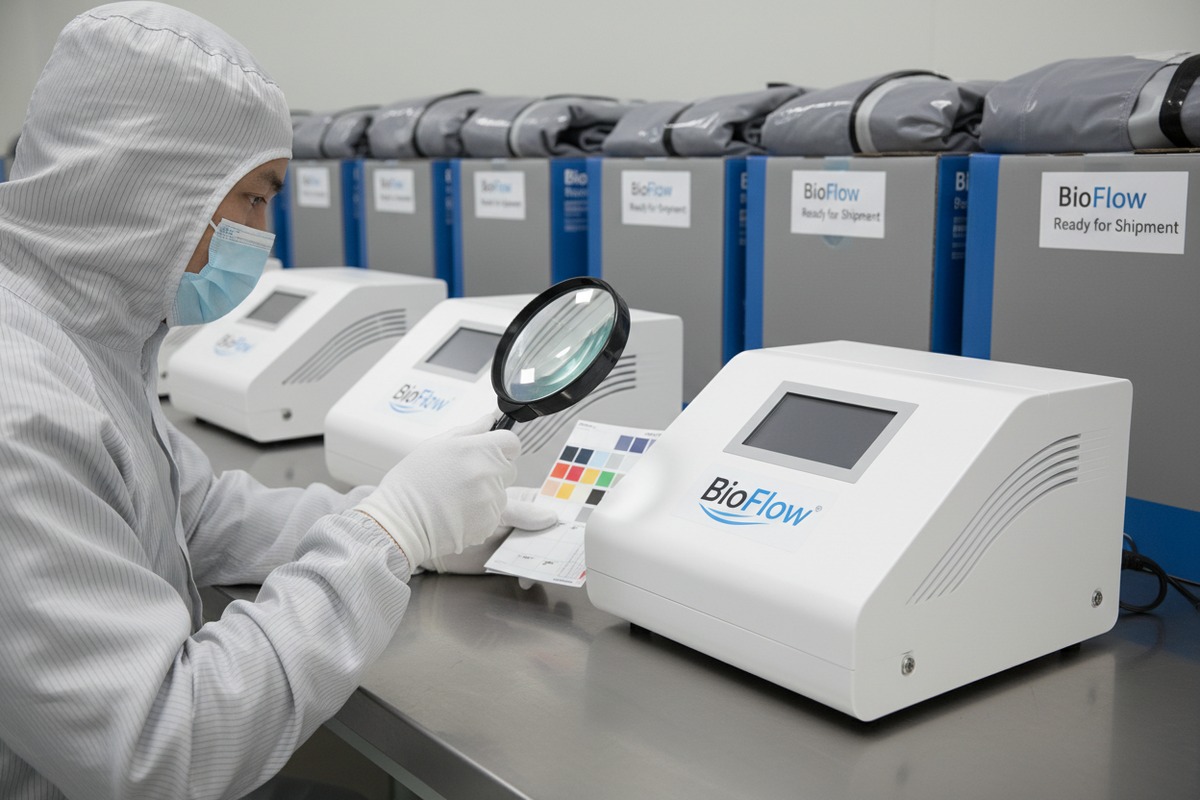
In our quality control lab, we test logo durability every batch. We have seen logos peel after three months of use. The cause is usually poor application methods or incompatible materials. This damages your brand reputation.
Request information about the logo application method (screen printing, laser engraving, UV printing, or digital display). Ask for durability test results. Demand physical samples before approving mass production. Specify quality standards in your contract, including adhesion tests and warranty coverage for branding defects.
Understand Different Application Methods
Each method has pros and cons. The right choice depends on your budget, aesthetic goals, and durability needs.
| Method | Durability | Appearance | Best For |
|---|---|---|---|
| Screen printing | Medium | Smooth, vibrant colors | Plastic surfaces |
| Laser engraving | High | Permanent, subtle | Metal panels |
| UV printing | Medium-High | High detail, photo-quality | Flat surfaces |
| Embossed plate | Very High | Premium, tactile | High-end branding |
| Digital screen display | N/A | Crisp, changeable | Startup screens |
Laser engraving is permanent. It cannot peel because the logo is etched into the material. Screen printing works well but may fade with heavy cleaning. UV printing offers excellent detail but requires proper surface preparation.
Request Sample Units
Never approve mass production without seeing a physical sample. Our factory produces sample units for every new customization project. Inspect the sample carefully. Check logo alignment. Test adhesion by rubbing firmly. Look for color accuracy.
If the sample fails, ask for revisions. Only approve production when the sample meets your standards.
Include Quality Standards in Your Contract
Written agreements protect you. Specify:
- Acceptable adhesion test results
- Color tolerance ranges (Delta E values)
- Warranty coverage for branding defects
- Inspection rights before shipping
If the supplier refuses to include these terms, consider it a warning sign.
Conduct Pre-Shipment Inspections
Before your order leaves the factory, inspect the finished products. Check a random sample for logo quality. Look for peeling edges, color inconsistencies, or misalignment. Our quality team uses a standardized checklist for every shipment.
Ask About Material Compatibility
Some logo application methods work better on certain materials. Laser engraving suits metal. Screen printing suits smooth plastics. Ask the supplier which method they recommend for your machine's surfaces. Trust their expertise, but verify with samples.
Will adding my own branding to the machines impact my production timeline or shipping?
Our production scheduler deals with this question daily. Customization does add time. But how much depends on what you need. A simple logo on the startup screen takes one day. Full custom packaging adds two weeks.
Yes, branding customization typically adds 3-14 days to production. Simple screen logos need minimal time. Physical branding (printing, engraving) requires setup and curing time. Custom packaging needs design approval and printing. Plan your timeline accordingly and communicate deadlines clearly.
Understand What Adds Time
Different customization types have different lead times. Factor these into your planning.
Standard machine production takes about 15-20 days in our facility. Add customization time on top.
| Customization Type | Additional Time | Notes |
|---|---|---|
| Startup screen logo | 1-2 days | Software upload only |
| Screen printed logo | 3-5 days | Includes setup and curing |
| Laser engraved logo | 2-3 days | Per batch processing |
| Custom packaging box | 7-14 days | Design approval + printing |
| Custom user manual | 5-7 days | Layout and translation |
| Full private label | 10-14 days | All elements combined |
Provide Materials Early
The biggest delays come from late file submissions. If you send your logo files after production starts, the factory must pause and wait. Send all design files before placing your order. Get approvals done during the quotation stage.
Build Buffer Time
Expect the unexpected. Shipping delays happen. Quality issues require rework. Holidays slow factories down. Add at least one week buffer to your timeline. This protects your inventory schedule.
Discuss Shipping Implications
Customized machines ship the same way as standard units. The machine dimensions remain unchanged. Our pressotherapy units typically package at 64x45x44cm weighing about 30kg. Shipping costs depend on weight and destination.
International shipping from China varies by region:
- Lightweight packages (1-5kg): Around $70 USD
- Medium packages (20-30kg): Around $300-400 USD
- Heavy packages (30-35kg): Around $400-500 USD
Some regions like UAE have surcharges. Puerto Rico may have additional fees. Ask your supplier for exact quotes based on your destination.
Communicate Your Deadlines
Tell the supplier when you need the products. Work backwards from your launch date. A good supplier will confirm if the timeline is realistic. If not, they should suggest alternatives.
Our team provides production updates weekly. We share photos at key stages. This transparency helps buyers track progress and plan their marketing.
Consider Partial Shipments
If you need some units urgently, ask about partial shipments. The supplier can ship standard units first while completing customized ones. This keeps your business running while waiting for branded inventory.
Conclusion
Clear communication makes logo customization simple. Provide vector files, specify placements, request samples, and protect your timeline. Working with a supplier who understands private labeling saves you headaches and builds your brand reputation.
Footnotes
1. Explains what vector files are and their importance for scalability and print quality. ↩︎
2. Explains CMYK, RGB, and Pantone color systems for branding and printing. ↩︎
3. Highlights the importance of visual communication for clarity and understanding. ↩︎
4. Official W3C overview of Scalable Vector Graphics (SVG) format and its features. ↩︎
5. Explains what raster files are and why they differ from vector graphics. ↩︎
6. Explains the process of laser engraving and how it creates permanent marks. ↩︎
7. Explains production scheduling and its importance for managing manufacturing timelines. ↩︎

 English
  Español de México
  Deutsch
  Français
  العربية
  Русский