
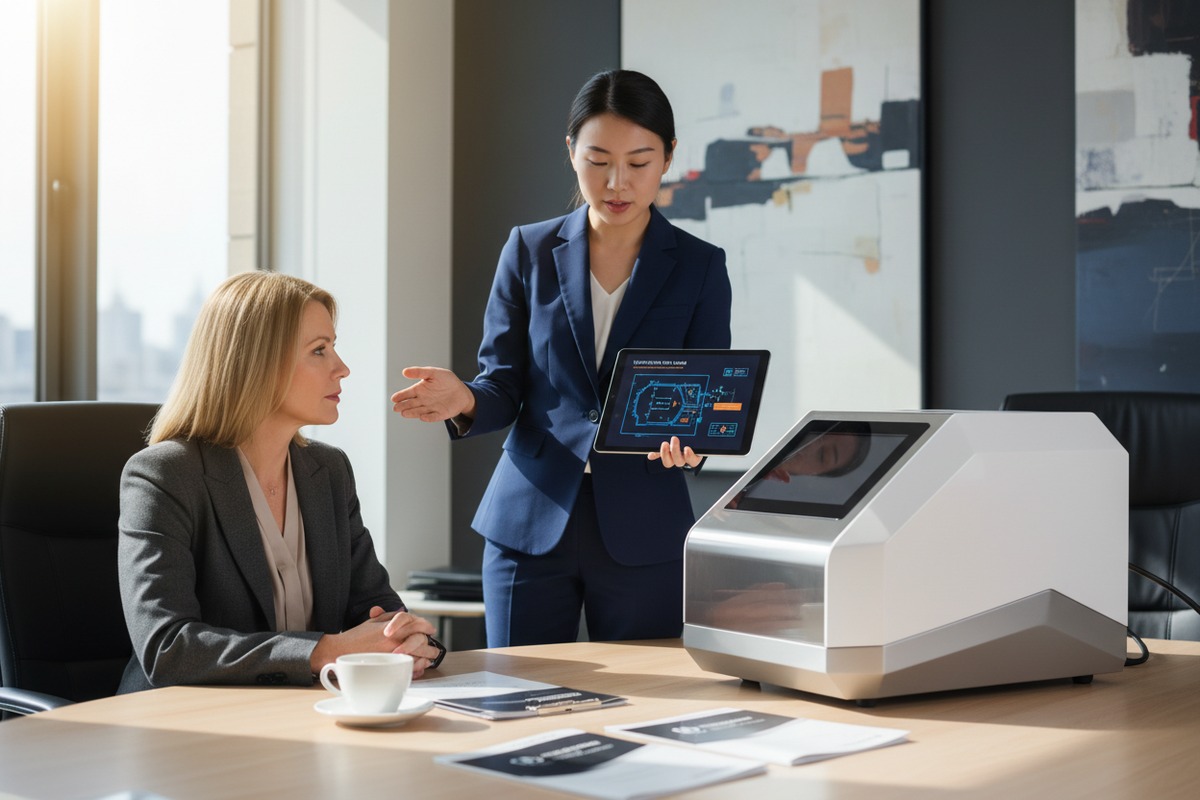
When our engineering team first encountered software crash issues during shockwave machine testing, we realized how critical auto-restart functionality truly is FMEA reports 1. A single unexpected shutdown can disrupt patient treatments, damage your clinic’s reputation, and cost you thousands in lost revenue. Without proper crash recovery mechanisms, your equipment becomes a liability rather than an asset.
To ask suppliers about shockwave therapy machine auto-restart for software crashes, request technical documentation showing watchdog timer specifications, error detection protocols, and recovery time benchmarks. Ask for FMEA reports, software validation certificates, and live demonstrations of crash recovery. Verify data integrity preservation and patient safety measures during automatic restarts.
The questions you ask suppliers today will determine whether your branded equipment performs reliably for years or becomes a maintenance nightmare. Let me walk you through exactly what to ask and what answers to expect.
How can I verify that your shockwave machine software includes a reliable auto-restart function?
When we ship machines to distributors in the US and Europe, this question comes up constantly. Brand owners worry about clinic downtime and patient complaints. The truth is, not all auto-restart systems are equal.
To verify reliable auto-restart functionality, request a live demonstration where the supplier intentionally triggers a software crash. Watch how quickly the system recovers, whether treatment parameters are preserved, and if the device logs the event. Ask for documented recovery time specifications and real-world reliability data from existing deployments.
Understanding Auto-Restart Architecture
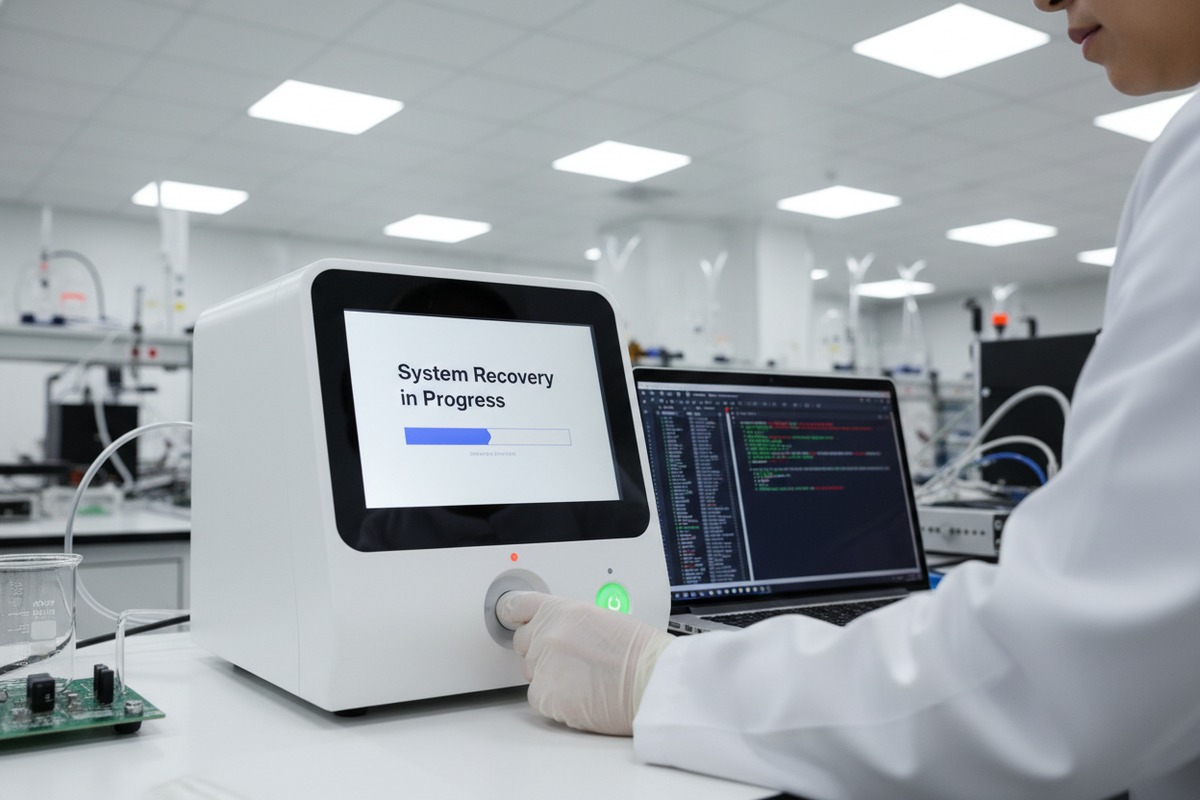
The foundation of any reliable auto-restart system is its underlying architecture. In our production facility, we implement three layers of protection. The first layer is a hardware watchdog timer 2. This independent circuit monitors software activity. If the main processor stops responding for a set period, the watchdog forces a system reset.
The second layer involves error detection algorithms. These continuously monitor memory usage, communication buses, and peripheral connections. When anomalies appear, the system can attempt a soft restart before a full crash occurs.
The third layer is the recovery protocol itself. This determines what happens after restart. Does the machine return to a safe idle state? Does it resume the interrupted treatment? The answer matters greatly for clinical workflow.
Key Verification Questions
| Question Category | Specific Question | Expected Answer |
|---|---|---|
| Detection Method | What triggers the auto-restart? | Watchdog timeout, specific error codes, or health monitoring system |
| Recovery Time | How long from crash to operational? | Under 30 seconds for most modern systems |
| Parameter Preservation | Are treatment settings saved? | Yes, with real-time logging to non-volatile memory |
| User Notification | How is the operator alerted? | On-screen message, audible alarm, and event log entry |
| Peripheral Handling | Are handpieces re-initialized? | Automatic recognition and calibration check |
Testing Protocol You Should Demand
Ask the supplier to perform these tests in front of you or via video call. First, request a forced software crash during active treatment simulation. Second, observe the recovery sequence step by step. Third, verify that all treatment parameters match the pre-crash settings. Fourth, check the event log for complete crash documentation.
If a supplier hesitates to demonstrate crash recovery, consider this a red flag. Our team performs these demonstrations regularly because we understand that transparency builds trust with international buyers.
What technical documentation should I request to prove your software can recover from a crash?
Our documentation department handles requests from brand owners weekly. We have learned that serious buyers ask for specific documents, not just general brochures. The paperwork tells the real story.
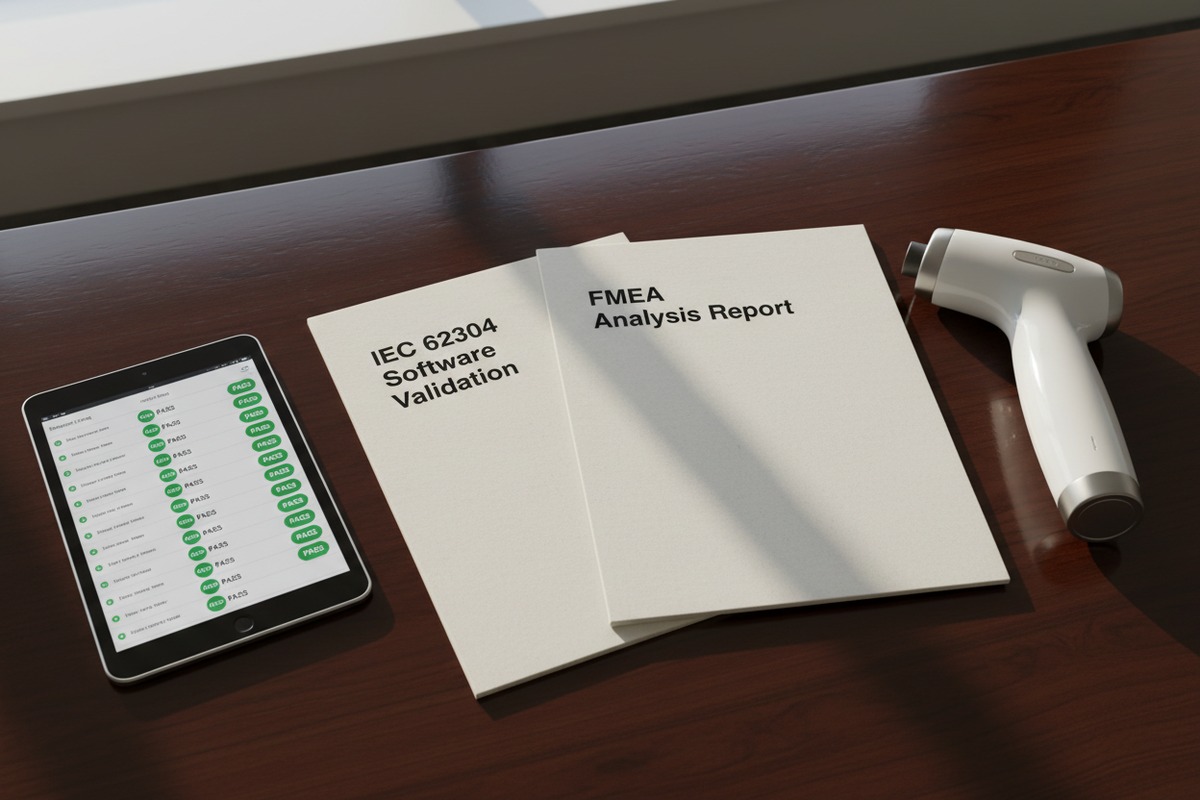
Request these key documents: software validation reports per IEC 62304, FMEA analysis covering crash scenarios, test protocols with pass/fail criteria, watchdog timer specifications, recovery time measurements, and event logging sample outputs. Additionally, ask for Mean Time Between Failures data and any field reliability reports from deployed units.
Essential Documentation Checklist
When we prepare export shipments, our quality team compiles documentation packages. Not all factories maintain this level of record-keeping. Here is what you should expect from a professional supplier.
| Document Type | Purpose | What to Look For |
|---|---|---|
| IEC 62304 3 Compliance Report | Software lifecycle validation | Risk class assignment, verification records |
| FMEA Analysis | Failure mode identification | Crash scenarios listed with mitigation measures |
| Design History File | Development documentation | Auto-restart design decisions and rationale |
| Test Protocol Records | Verification evidence | Actual test results, not just procedures |
| Watchdog Timer Spec Sheet | Hardware specifications | Timeout ranges, reset behavior |
| Event Log Samples | Real-world crash documentation | Actual crash events with timestamps and codes |
Regulatory Compliance Documents
Medical devices must meet strict standards. For software, IEC 62304 defines the requirements. This standard classifies software by risk level and mandates specific documentation at each level. Ask your supplier which software safety class their device falls under.
Class A software has the lowest risk requirements. Class C software requires the most rigorous documentation. Shockwave therapy machines typically fall into Class B or C because software failures could potentially harm patients or disrupt treatments.
Beyond IEC 62304, the overall device must comply with IEC 60601-1 4 for electrical safety. Ask for the test report from an accredited laboratory. This report should include sections on programmable electrical medical systems, which cover software-related safety.
Field Reliability Data
The most valuable documentation comes from real-world performance. Ask for Mean Time Between Failures 5 statistics. This number tells you how often crashes actually occur in deployed machines. A reputable manufacturer tracks this data and shares it with serious buyers.
Also request any Corrective And Preventive Action 6 reports related to software issues. These CAPA documents show how the manufacturer responds when problems arise. A company with zero CAPAs is either hiding information or has not been in business long enough to encounter issues.
In our factory, we maintain detailed records of every software-related complaint and the corrective actions taken. This transparency helps our distribution partners make informed decisions and builds long-term relationships.
Can I customize the auto-recovery settings to ensure my brand's equipment meets high performance standards?
Brand owners who work with our ODM services often ask this question. They want their products to stand apart from competitors. Customization options vary greatly between suppliers.
Yes, many manufacturers offer customizable auto-recovery settings including adjustable watchdog timeout periods, configurable restart behaviors, custom alert messages, branded user interface elements, and selectable recovery modes. Discuss your specific requirements early in the development process, as firmware modifications require additional testing and validation time.
Customization Options Overview
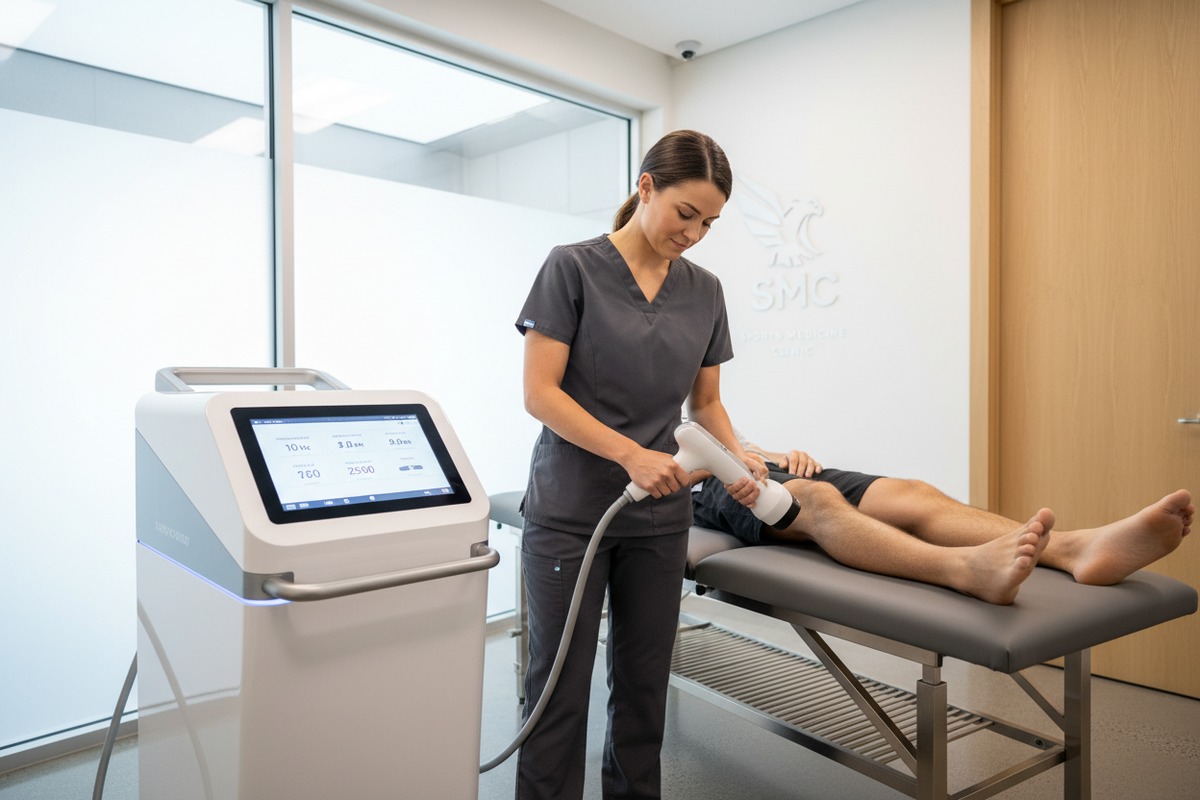
When our engineering team discusses customization with clients, we present options in categories. Some changes are simple parameter adjustments. Others require firmware modification. A few demand hardware changes. Each level has different cost and timeline implications.
| Customization Level | Examples | Typical Timeline | Cost Impact |
|---|---|---|---|
| Parameter Adjustment | Watchdog timeout, alert sounds | 1-2 weeks | Minimal |
| Firmware Modification | Recovery behavior, logging detail | 4-8 weeks | Moderate |
| Interface Customization | Branded screens, custom messages | 2-4 weeks | Low to moderate |
| Hardware Changes | Additional sensors, redundant systems | 8-16 weeks | Significant |
Recovery Behavior Options
The most common customization request involves what happens after auto-restart. Some clinic environments prefer the machine to return to a neutral state, requiring operator confirmation before resuming. Other settings, particularly high-volume clinics, prefer automatic resumption of the interrupted protocol.
We offer three standard recovery modes that clients can choose from. Safe Mode returns to the main menu after restart. Resume Mode attempts to continue the previous treatment from the last saved checkpoint. Prompt Mode displays a decision screen letting the operator choose.
Each mode has advantages. Safe Mode minimizes any risk of unintended treatment. Resume Mode maximizes clinic efficiency. Prompt Mode balances safety with workflow flexibility. Your choice depends on your target market and their typical operating environment.
Branding the Recovery Experience
Even the crash recovery sequence presents branding opportunities. The restart screen can display your logo instead of generic text. The status messages can use your brand voice. The event logs can include your company name in the headers.
These touches seem minor but reinforce brand identity at every interaction. When a clinic technician sees your brand handling a recovery smoothly, it builds confidence in your products.
Our design team works with clients to create custom recovery interfaces. We provide mockups for approval before implementation. The final result feels native to your brand, not like generic Chinese equipment with a sticker on it.
Validation Requirements for Custom Features
Any customization to safety-related features requires re-validation. This is not optional. Regulatory frameworks demand that modifications be tested and documented. If you change the watchdog timeout from 5 seconds to 10 seconds, that change must be formally validated.
Work with your supplier to understand the validation timeline and cost before requesting changes. Some suppliers include basic customization validation in their ODM pricing. Others charge separately for each modification cycle. Clarify this early to avoid surprises.
During factory audits at our facility, experienced buyers spend significant time in our software testing area. They understand that production quality directly impacts field reliability. Here is what to look for.
Evaluate factory quality control by requesting a facility tour focusing on software testing stations, reviewing incoming component inspection records, examining software version control systems, checking calibration records for test equipment, and verifying that staff follow documented procedures. Ask about defect rates, rework statistics, and customer complaint tracking for software-related issues.
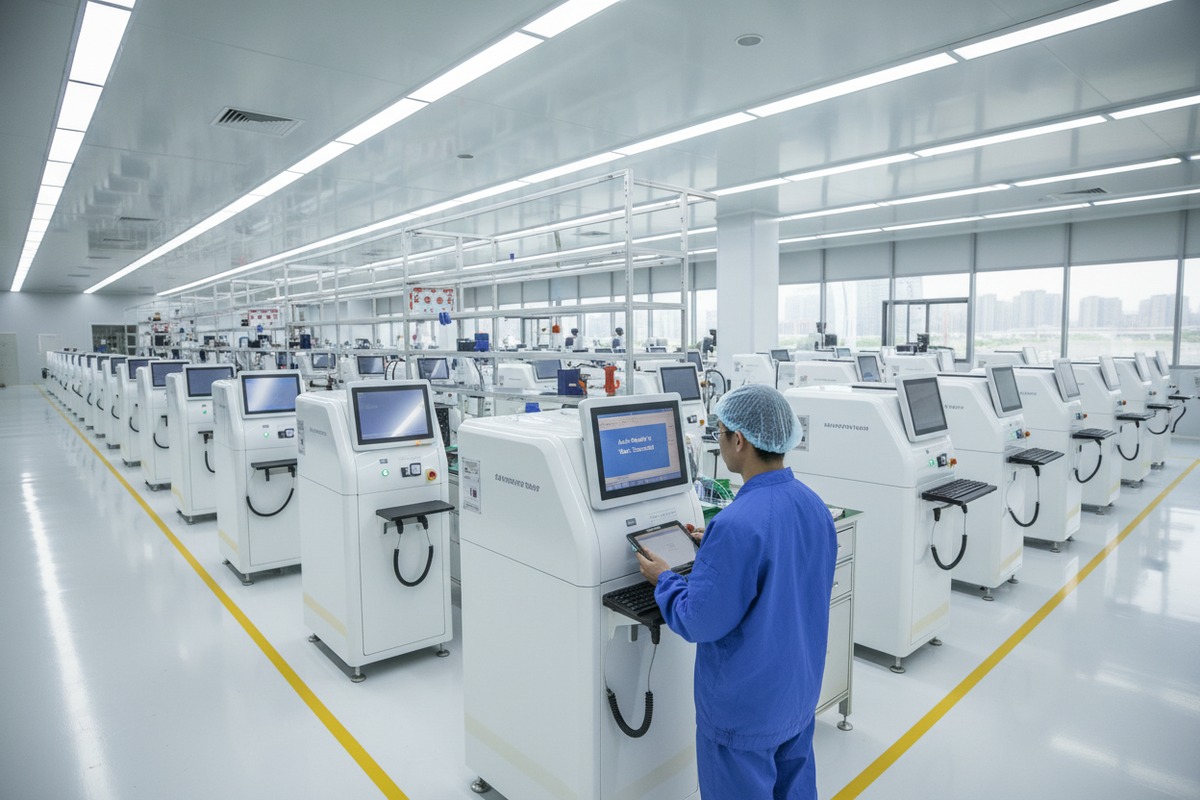
Software Testing Infrastructure
A serious manufacturer invests in proper testing infrastructure. Our testing area includes dedicated stations for software validation. Each station connects to monitoring equipment that records every test parameter. Results are automatically logged to prevent manipulation.
Look for these elements during a factory visit. First, dedicated testing computers separate from production workstations. Second, documented test procedures posted at each station. Third, calibrated test equipment with current calibration stickers. Fourth, version-controlled test software that matches the production firmware version.
Production Quality Metrics
| Metric | Acceptable Range | Red Flag Level |
|---|---|---|
| Software Test Pass Rate | >99% first pass | <95% |
| Firmware Loading Errors | <0.5% | >2% |
| Post-Production Crash Rate | <0.1% | >1% |
| Customer Software Complaints | <1 per 1000 units | >5 per 1000 units |
| CAPA Response Time | <30 days | >90 days |
Request these specific numbers from any supplier you are evaluating. Vague answers like "very few problems" are not acceptable. Professional manufacturers track these metrics and can provide exact figures.
Process Documentation Review
Beyond the physical infrastructure, examine the documented processes. Quality management systems under ISO 13485 7 require written procedures for all production activities. Software-related procedures should include incoming inspection criteria for electronic components, firmware loading verification steps, functional test sequences, and final inspection checklists.
Ask to see a sample Device History Record 8. This document follows each unit through production. It should show every test performed, results recorded, and signatures of responsible personnel. Missing signatures or incomplete records indicate process discipline problems.
Traceability Systems
Modern quality systems enable complete traceability. If a software issue appears in the field, the manufacturer should be able to trace back to the exact production batch, component lots, firmware version, and test results. This capability is essential for effective CAPA implementation.
In our facility, we use barcode scanning throughout production. Each unit's serial number links to a complete digital record. When a distributor reports an issue, we can pull the full history within minutes. This speed enables faster root cause analysis and corrective action.
Ask your potential supplier how they would handle a reported software issue. Walk through a hypothetical scenario. Their response reveals the maturity of their quality system and their commitment to continuous improvement.
Conclusion
Asking the right questions about auto-restart functionality separates informed buyers from those who learn expensive lessons later. Request demonstrations, demand documentation, explore customization, and audit quality systems thoroughly. Your brand reputation depends on equipment that recovers gracefully from the unexpected.
Footnotes
1. Provides a step-by-step guide to Failure Modes and Effects Analysis for medical devices. ↩︎
2. Explains the function and importance of a hardware watchdog timer in embedded systems. ↩︎
3. FDA’s recognition of IEC 62304 as a standard for medical device software lifecycle processes. ↩︎
4. Explains the international standard for basic safety and essential performance of medical electrical equipment. ↩︎
5. Defines the predicted elapsed time between inherent failures of a mechanical or electronic system. ↩︎
6. Describes the systematic approach to identify, resolve, and prevent quality issues in medical devices. ↩︎
7. Replaced HTTP 403 link with an authoritative overview of ISO 13485 from BSI, a recognized certification body. ↩︎
8. Explains the FDA-mandated compilation of records detailing the production history of a finished medical device. ↩︎

 English
  Español de México
  Deutsch
  Français
  العربية
  Русский