
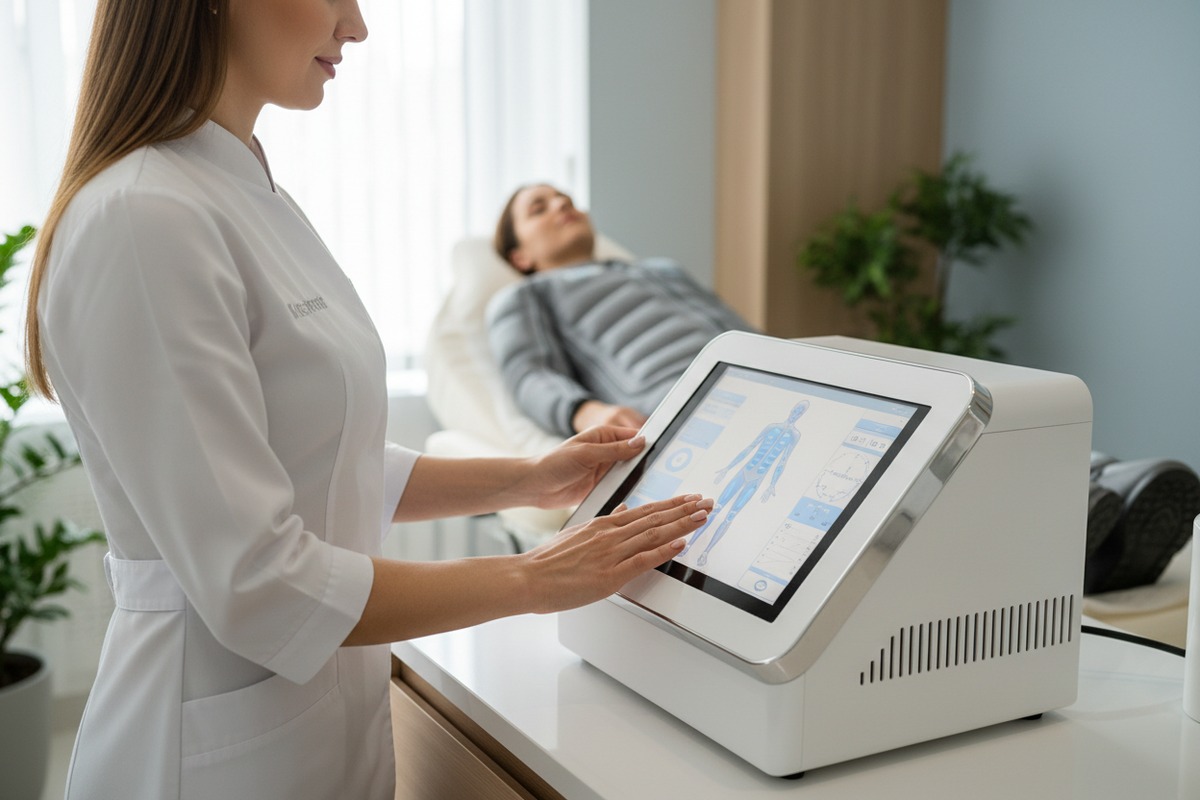
Navigating the complexities of salon equipment can be a nightmare for busy owners lymphatic drainage treatments 1. We often see how a confusing interface leads to staff frustration and, worse, potential safety risks for your clients.
A foolproof pressotherapy interface is characterized by intuitive navigation, one-touch presets, and clear visual feedback. It prevents operational errors by locking maximum pressure levels and providing real-time monitoring, ensuring that even non-expert operators can deliver safe, effective lymphatic drainage treatments without risking client discomfort.
Understanding the nuances of these digital control systems is the only way to ensure your investment pays off OEM/ODM services 2.
How can I evaluate if the pressotherapy interface is intuitive enough for my salon clients?
When we design the control boards for our new models, we prioritize the "three-click rule." If a technician cannot start a session within three taps, the system is simply too complicated for a high-traffic environment.
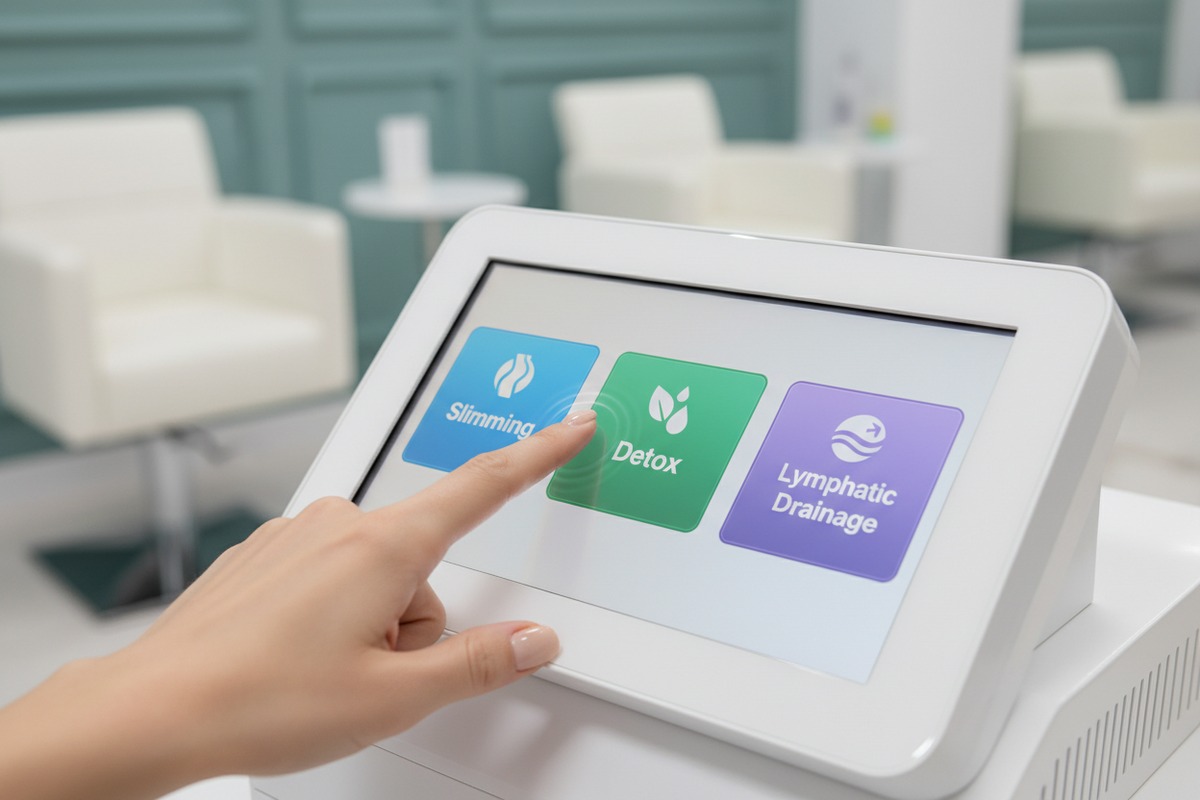
Evaluate intuitiveness by checking for a logical workflow, large labeled buttons, and a color-coded display. A truly user-friendly interface requires minimal training, offering pre-programmed modes like "Slimming" or "Detox" that automatically adjust air chamber sequences and pressure ramps for the operator.
The Psychology of User Interface in Beauty Tech
An intuitive interface isn't just about looking "modern." It is about the mental model of the user. In our production facility, we test how quickly a new employee can understand the pressure gradient without reading the manual. If they hesitate, we redesign the icons. A foolproof interface uses universal symbols 3—like a clock for time and a gauge for pressure—to bridge language barriers.
Core Elements of an Intuitive Display
A professional machine should offer a clear breakdown of what is happening inside the compression suit. We find that high-end salon owners prefer large LCD or LED touchscreens that provide a real-time map of the 24 air chambers. This visual confirmation allows the staff to see exactly which part of the body is being treated (e.g., the thighs, abdomen, or arms) at any given moment.
| Feature | Intuitive Design Requirement | Impact on Salon Operations |
|---|---|---|
| Menu Structure | Flat hierarchy (no hidden sub-menus) | Faster setup, less room for error. |
| Iconography | Universal medical and aesthetic symbols | Reduces the need for extensive staff training. |
| Response Time | Zero-lag touch sensitivity | Prevents double-clicking and accidental setting jumps. |
| Feedback | Auditory beeps or haptic vibration | Confirms that a command has been registered. |
The Power of Preset Programming
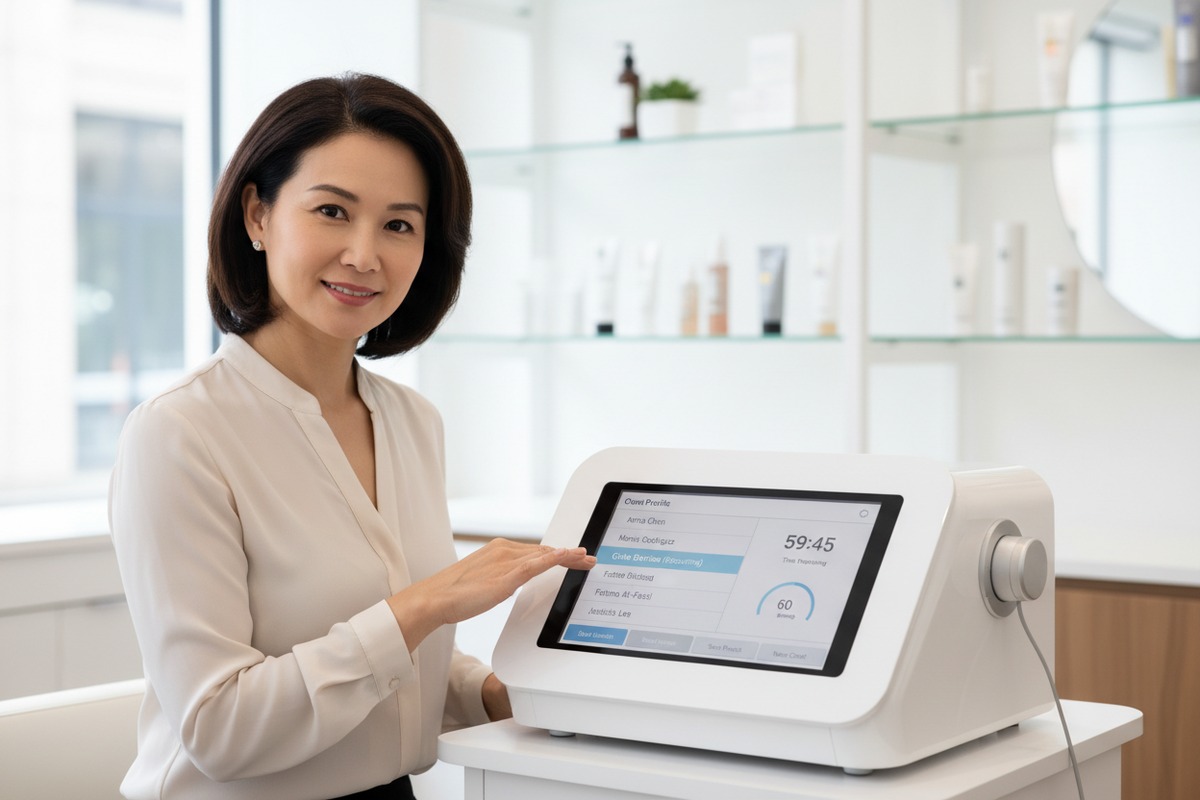
Why manually enter parameters every time? A foolproof system should come with pre-loaded protocols. For instance, our sequential modes for lymphatic drainage should be distinct from the peristaltic modes used for muscle recovery. If the interface allows you to save "Client Profiles," that is a significant bonus for consistency. It ensures that Mrs. Smith gets the exact same 60mmHg treatment every Tuesday without the staff having to remember her specific needs.
What built-in safeguards should I look for to prevent my customers from making operational errors?
Safety is the absolute cornerstone of our engineering process; one minor glitch in pressure regulation can damage a machine's reputation and your salon's credibility. We implement multiple layers of hardware and software locks to prevent accidents.
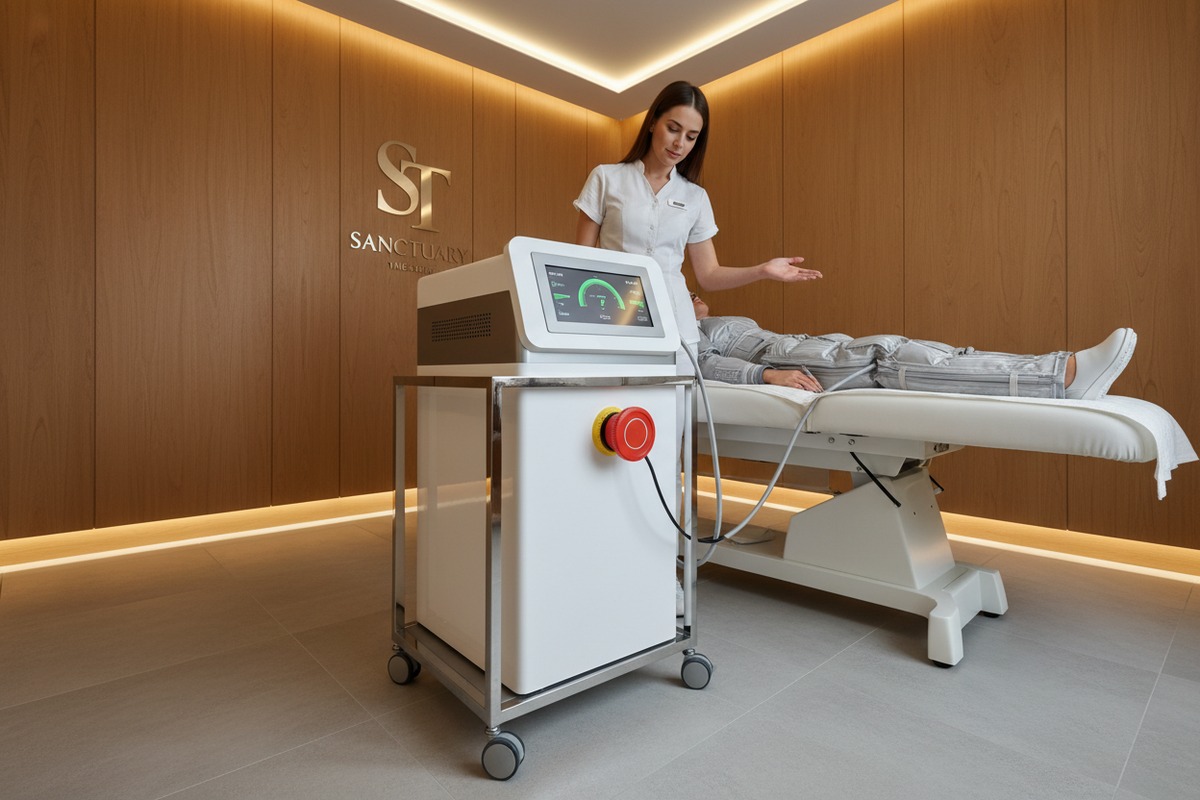
Key safeguards include automatic pressure regulation sensors, an immediate emergency stop button, and "skin-contact" verification alerts. Look for systems that limit maximum pressure to 240 mmHg and feature auto-shutoff timers to prevent tissue damage or bruising from excessive compression sessions.
Hardware-Level Protection
While the software interface is what you see, the hardware safeguards are what truly protect the client. In our factory, we calibrate the air valves to have a physical "blow-off" point. If the software somehow fails and tries to pump beyond 240 mmHg, a mechanical valve releases the air. This is the ultimate foolproof mechanism. Furthermore, a physical Emergency Stop button should always be accessible to the client, not just the operator.
Software Intelligence and Error Handling
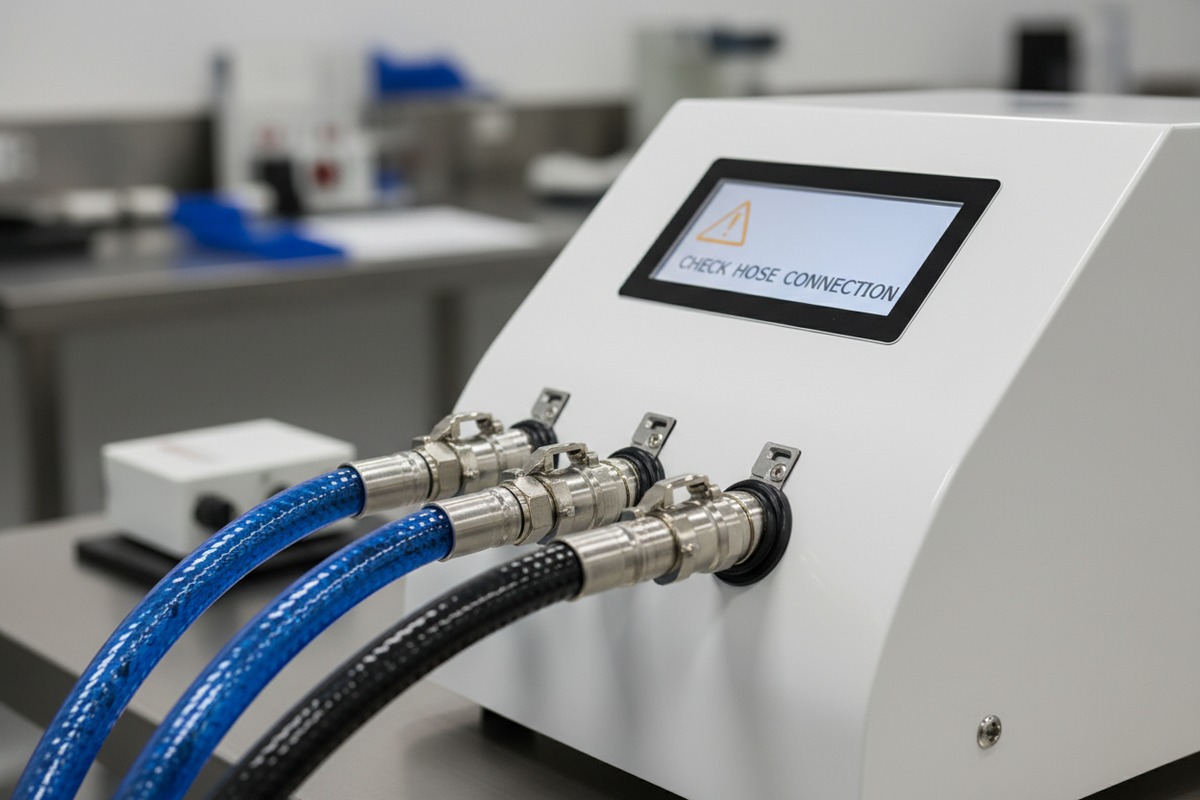
A smart interface should act as a digital supervisor. If a hose is disconnected or a zipper on the suit is not fully closed, the machine should refuse to start and display a specific error code. We refer to this as "loop integrity." Without it, the pump might overwork itself trying to fill a leaking suit, leading to motor burnout.
Electrical and Compliance Standards
Beyond the air pressure, you must consider electrical safety. Any machine used in a professional salon must adhere to IEC 60601-1 standards 4. This ensures that leakage current is kept below 0.5mA. If the interface doesn't have a grounding indicator or an internal fuse alert, it hasn't been built with professional-grade safety in mind.
| Safeguard Type | Specific Component | Function |
|---|---|---|
| Pressure Limit | Software Cap (Max 240mmHg) | Prevents bruising and capillary damage. |
| Emergency | Physical Kill Switch | Allows instant deflation in case of client panic. |
| Monitoring | Real-time Pressure Sensors | Constant feedback loop to ensure target pressure is hit. |
| Timing | Auto-Shutoff Timer | Prevents over-exposure if the technician is distracted. |
The Role of Visual Warnings
A foolproof interface will highlight contraindications 5. Before the "Start" button becomes active, a high-quality system might display a checklist: "No Pacemaker? No Pregnancy? No DVT?" Requiring the operator to confirm these points digitally creates a paper trail of safety and forces a moment of mindfulness before the session begins.
Can I request a custom UI design to ensure the user experience aligns with my brand identity?
We understand that for distributors in the US and Europe, the "generic" look is a deal-breaker. When we handle OEM orders, the digital interface is just as customizable as the outer casing or the color of the compression suit.
Yes, professional manufacturers offer custom UI design through OEM/ODM services. You can request specific color schemes, localized language options, and branded logos. This ensures the machine’s digital experience aligns perfectly with your salon's professional image and improves client brand recognition.
The Importance of Brand Consistency
When a client walks into a high-end spa, every touchpoint should scream luxury. If your machine's screen looks like a Windows 95 program, it devalues your service. We work with brand owners to integrate their color palettes—whether it’s a sleek "Apple-style" white and gray or a vibrant "Medical-style" blue. This level of customization makes the device feel like a proprietary piece of technology rather than an off-the-shelf import.
Localization and Language Support
A foolproof interface must speak the operator's language—literally. For our Canadian and European clients, we often provide multi-language firmware that includes French, Spanish, German, and Italian. If the translation is poor (the dreaded "Chinglish"), it creates confusion and looks unprofessional. Part of our ODM service involves verifying these translations with native speakers to ensure every instruction is crystal clear.
| Customization Level | Description | Minimum Order Quantity (Typical) |
|---|---|---|
| Basic Branding | Logo on startup screen and outer shell | 5-10 Units |
| Software Skin | Custom colors, fonts, and icon shapes | 20-50 Units |
| Full ODM UI | New menu structure and custom features | Negotiable (Project-based) |
Functional Customization
It isn't just about aesthetics. Sometimes, a distributor wants to limit the maximum pressure to a lower setting (e.g., 120 mmHg) to cater specifically to a "sensitive skin" market. We can hard-code these limits into the customized UI. This "locks in" the safety of your brand's specific treatment protocol, making it impossible for a salon owner to deviate from your recommended settings. This protects your brand's reputation for results and safety.
How do I verify that the software remains stable and glitch-free during high-volume salon use?
In our testing lab, we don't just turn the machine on; we leave it running for 72 hours under maximum load. We simulate the worst-case scenario: a busy Saturday where the machine never gets a break between clients.
Verify software stability by asking for stress-test reports and checking for industrial-grade motherboards. A stable system avoids lag between button presses and garment inflation, maintains consistent pressure across all 24 chambers, and includes error logs to help technicians diagnose any rare hiccups.
The Role of High-Quality Circuitry
The "brain" of the interface is the motherboard. Cheap machines use consumer-grade chips that overheat after two hours of use. We use industrial-grade processors designed for 24/7 operation. When evaluating a supplier, ask about the "Burn-in period 6." This is the time a machine is tested at the factory before shipping. If a manufacturer doesn't perform at least a 24-hour burn-in, the software stability is a gamble.
Managing Heat and Processing Power
Software glitches are often caused by heat. As the air pumps work, they generate thermal energy. If the interface software isn't optimized, or if the motherboard isn't shielded properly, the screen can freeze or reset. Look for machines with dedicated cooling fans for the electronics. A foolproof interface remains responsive even when the internal temperature rises during back-to-back 60-minute sessions.
Firmware Updates and Future-Proofing
Technology moves fast. A stable machine should have a path for updates. Whether via a USB port or a wireless connection, being able to update the firmware means that if a minor bug is discovered after a year of use, it can be fixed without shipping the whole unit back to China. firmware updates 7 This is a hallmark of a professional manufacturer who stands by their software long-term.
Indicators of Professional Stability
- No Ghost Touches: The screen doesn't register false inputs.
- Persistent Memory: The machine remembers the last used settings after a power cycle.
- Fast Boot Time: The system is ready to work in under 10 seconds.
- Silent Operation: The software manages the pump cycles smoothly to minimize noise.
High-volume salons cannot afford downtime. One glitchy afternoon can result in hundreds of dollars in lost revenue and dozens of angry social media reviews. By insisting on industrial-grade components and verified stress-test results, you ensure that your equipment remains an asset rather than a liability.
Conclusion
Choosing a pressotherapy machine with a foolproof interface requires looking beyond the screen. Prioritize intuitive design, verified safety sensors, and industrial-grade hardware to ensure long-term stability and client safety.
Footnotes
1. Explains the purpose and benefits of lymphatic drainage treatments. ↩︎
2. Reputable sourcing platform offering a clear and comprehensive explanation of the differences between OEM and ODM manufacturing services. ↩︎
3. Discusses the importance of universally recognized symbols in user interface design. ↩︎
4. Official website of the International Electrotechnical Commission (IEC), the most authoritative source for information on IEC 60601-1 standards. ↩︎
5. Reputable health information site that explains general contraindications and specifically addresses contraindications for pressotherapy. ↩︎
6. Describes a quality control process to detect early failures in electronic components. ↩︎
7. Highlights the importance of updating firmware for bug fixes, security, and performance improvements. ↩︎

 English
  Español de México
  Deutsch
  Français
  العربية
  Русский