
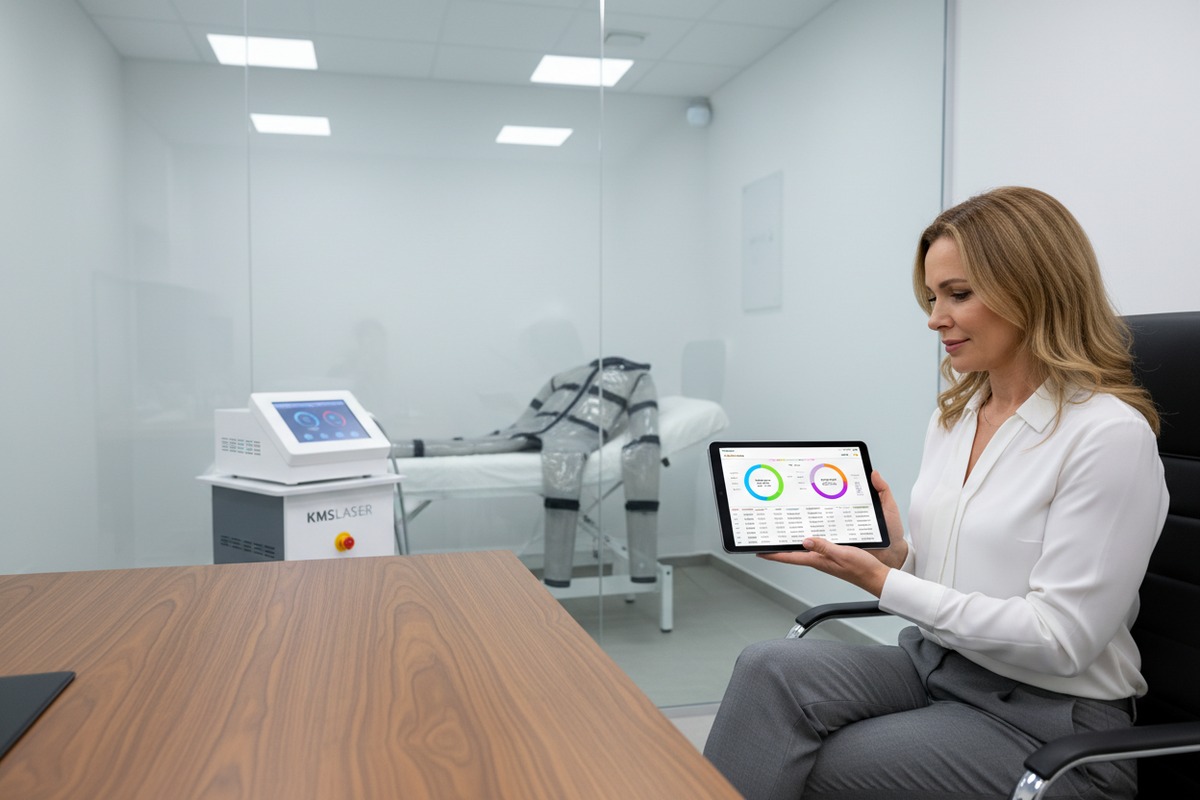
When we design the software interfaces for our latest pressotherapy systems 1, we look beyond simple start and stop buttons. We understand that for a clinic owner, blind spots in daily operations can be frustrating machine session logs 2. You might suspect that staff members are not utilizing their time efficiently or are cutting corners during treatments, but you lack the concrete evidence to prove it. Relying on manual timesheets or subjective observation often leads to inaccurate reviews and unhappy employees.
By leveraging the digital session logs stored within modern pressotherapy units, you can objectively evaluate employee performance through verifiable metrics like active utilization rates, protocol adherence, and error frequency. This data-driven approach transforms subjective feedback into concrete KPIs, ensuring your team maintains high productivity standards while delivering consistent clinical results.
Let’s look at exactly how you can extract and apply this data to improve your team’s performance.
How can I use machine session logs to track my staff's daily productivity?
Our engineering team constantly monitors cycle counts during stress testing to ensure machine durability, and this same logic applies to your workforce management 3. In a busy salon environment, it is easy for time to slip away between appointments. You need to know if your investment is generating revenue or sitting idle due to slow turnover times.
Machine session logs provide a precise, timestamped record of exactly when the device is active versus when it is dormant. By analyzing these operational windows against employee shift hours, you can calculate the true utilization percentage for each staff member, instantly highlighting workflow bottlenecks or excessive downtime between clients.
Analyzing the "Gap Time" Between Sessions
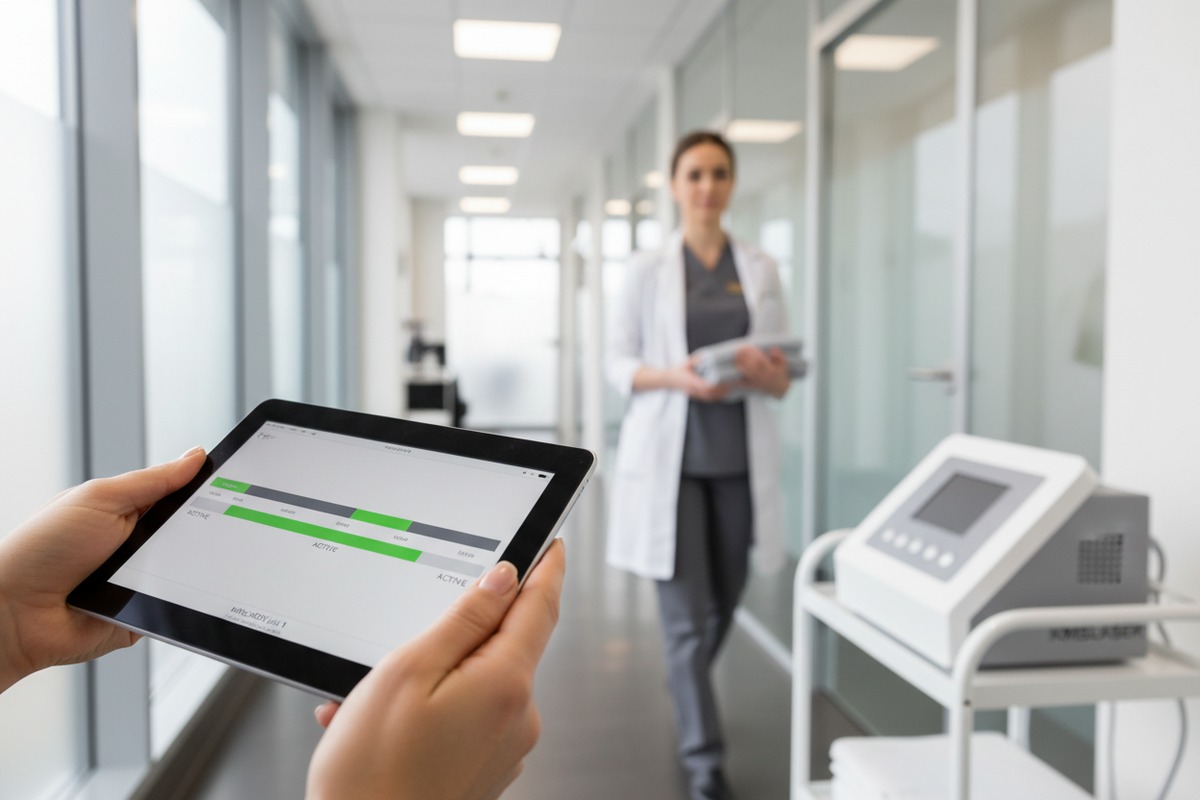
Productivity in a clinic is not just about how long the machine runs; it is about how quickly your staff can turn a room around incentive programs 4. The logs tell a story that manual schedules often hide. For example, if a standard pressotherapy session is 30 minutes, but the logs show a 60-minute gap between the end of one session and the start of the next, you have 30 minutes of unaccounted "gap time."
This data helps you differentiate between a busy employee and a productive one Error Code Frequency 5. An employee might look busy moving around the clinic, but if the machine is only running for 3 hours during an 8-hour shift, there is a productivity leak.
Identifying Patterns in Daily Workflow
You should look for consistency in the start times. If you have a walk-in policy or back-to-back bookings, the machine start times should align with your appointment calendar. Discrepancies here often point to operational issues.
- Late Starts: If the first session of the day consistently starts 20 minutes after opening, your staff may be struggling with setup procedures.
- Extended Breaks: Large gaps around lunch hours that exceed the allotted break time indicate a slow return to work.
- End-of-Day Drop-off: If the machine sits idle for the last two hours of a shift, your staff might be blocking off time prematurely to do cleanup tasks that should not take that long.
Quantitative Productivity Metrics
To make this evaluation fair, you need to standardize the data. You cannot compare a part-time employee's total hours to a full-time employee's. Instead, use percentages and ratios.
Table: Interpreting Productivity Data
| Metric | What It Measures | Ideal Target | Red Flag Indicator |
|---|---|---|---|
| Utilization Rate | Active machine time divided by total shift time. | > 60% (varies by clinic model) | < 40% implies excessive idle time. |
| Turnover Time | The idle duration between two consecutive sessions. | 10–15 Minutes | > 30 Minutes consistently. |
| Session Count | Total completed treatments per day. | 6–8 Sessions (per 8hr shift) | < 4 Sessions despite demand. |
By presenting this data to your team, you move the conversation from "I think you are slow" to "The logs show an average turnover of 45 minutes; how can we get this down to 15?" This empowers your staff to solve the problem rather than feeling attacked.
Can I monitor treatment durations to ensure my team is following standard protocols?
We calibrate the internal timers of our control units to be incredibly precise because effective lymphatic drainage 6 requires specific compression cycles. When we visit clinics, we sometimes notice treatments being cut short to accommodate late arrivals. This compromises the therapy and risks your reputation for quality results.
Monitoring treatment durations allows you to audit whether employees are adhering to your established Standard Operating Procedures (SOPs). By comparing the recorded run-times against the prescribed protocol length, you can identify instances where staff may be shortening sessions to save time or extending them unnecessarily, affecting client flow.
The Risk of Short-Changing Clients
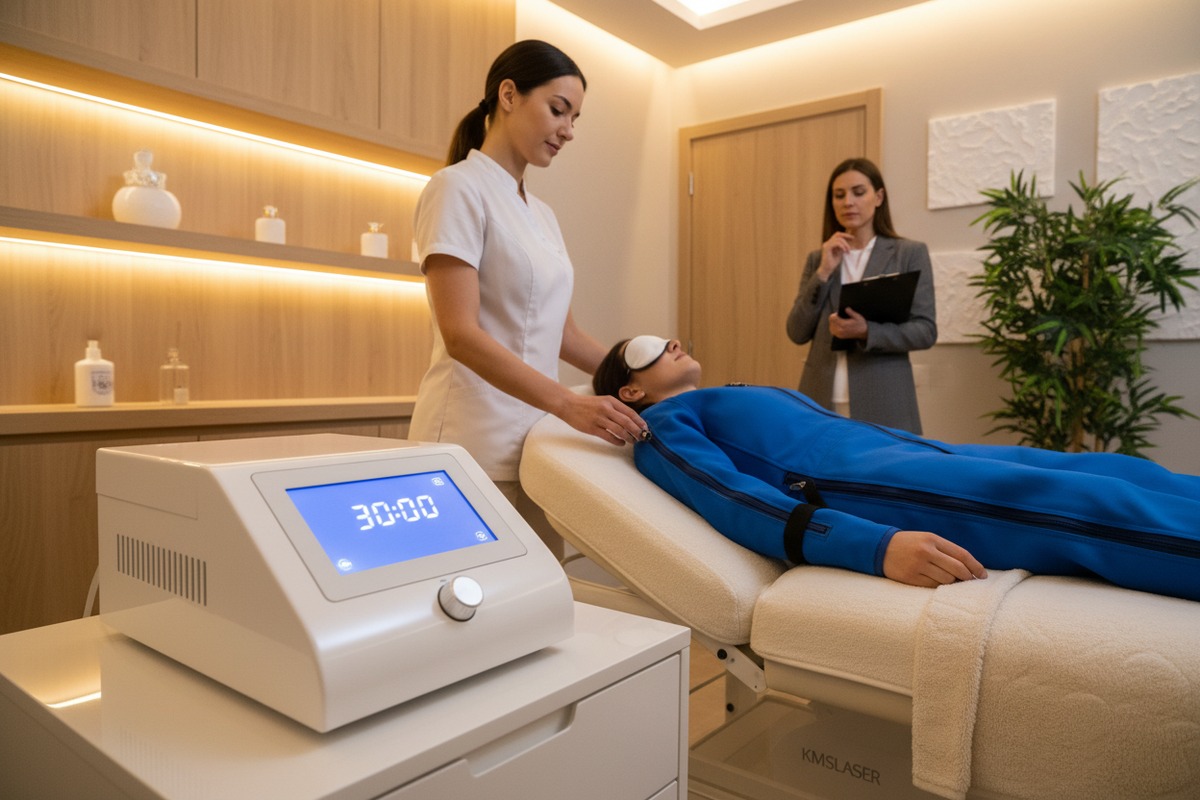
Consistency is the key to client retention. If a customer pays for a 45-minute heavy legs treatment, they expect 45 minutes of therapy. Machine data exposes the "Short Session Syndrome 7." This happens when an employee sets the timer for 40 minutes instead of 45 to gain extra break time or catch up on a schedule they let slip.
While five minutes seems insignificant, over a month, it adds up to hours of lost therapy time for your clients. This data allows you to spot these trends before a client complains.
Detecting Unauthorized Extensions
On the flip side, some employees might extend treatments to please a favorite client or to fill time. While this seems like good customer service, it disrupts your business in two ways:
- Bottle-necking: The machine is occupied longer than planned, potentially delaying the next appointment.
- Safety Concerns: Pressotherapy involves compressing blood vessels and lymph nodes. Over-treating beyond the recommended protocol can lead to fatigue or discomfort for the client.
Auditing Protocol Compliance
To effectively monitor this, you should create a compliance report. This involves exporting the data and filtering it by treatment type. Most modern machines verify the specific program used (e.g., "Slimming Mode" vs. "Relax Mode") alongside the duration.
Table: Protocol Adherence Audit Example
| Treatment Type | Standard Protocol | Acceptable Range | Data Log Entry | Status |
|---|---|---|---|---|
| Lymph Drainage | 45 Minutes | 44–46 Minutes | 32 Minutes | Violation (Short) |
| Sports Recovery | 30 Minutes | 29–31 Minutes | 30 Minutes | Compliant |
| Circulation Boost | 20 Minutes | 19–21 Minutes | 45 Minutes | Violation (Long) |
| Pre-Therapy | 10 Minutes | 9–11 Minutes | 10 Minutes | Compliant |
Addressing the Discrepancies
When you see a red flag in the logs, approach it with curiosity. Sometimes, a short session is legitimate—perhaps the client felt claustrophobic and asked to stop. However, if one specific employee has a 30% rate of "short sessions" while others are at 1%, you have identified a performance issue that requires a formal review.
How do I link machine usage data to my employee commission and incentive programs?
Our export clients in the US often share that motivating their staff is a constant challenge. We build features into our systems that record verified completed cycles, providing a trustworthy data source. This eliminates the “he said, she said” of manual tracking and provides a solid foundation for your financial rewards.
You can directly link machine usage data to your incentive programs by creating commission tiers based on the volume of verifiable, completed treatments. This method removes human bias and calculation errors, ensuring that bonuses are awarded to employees who genuinely maximize machine utilization and drive revenue through service delivery.
Moving Beyond Manual Counts
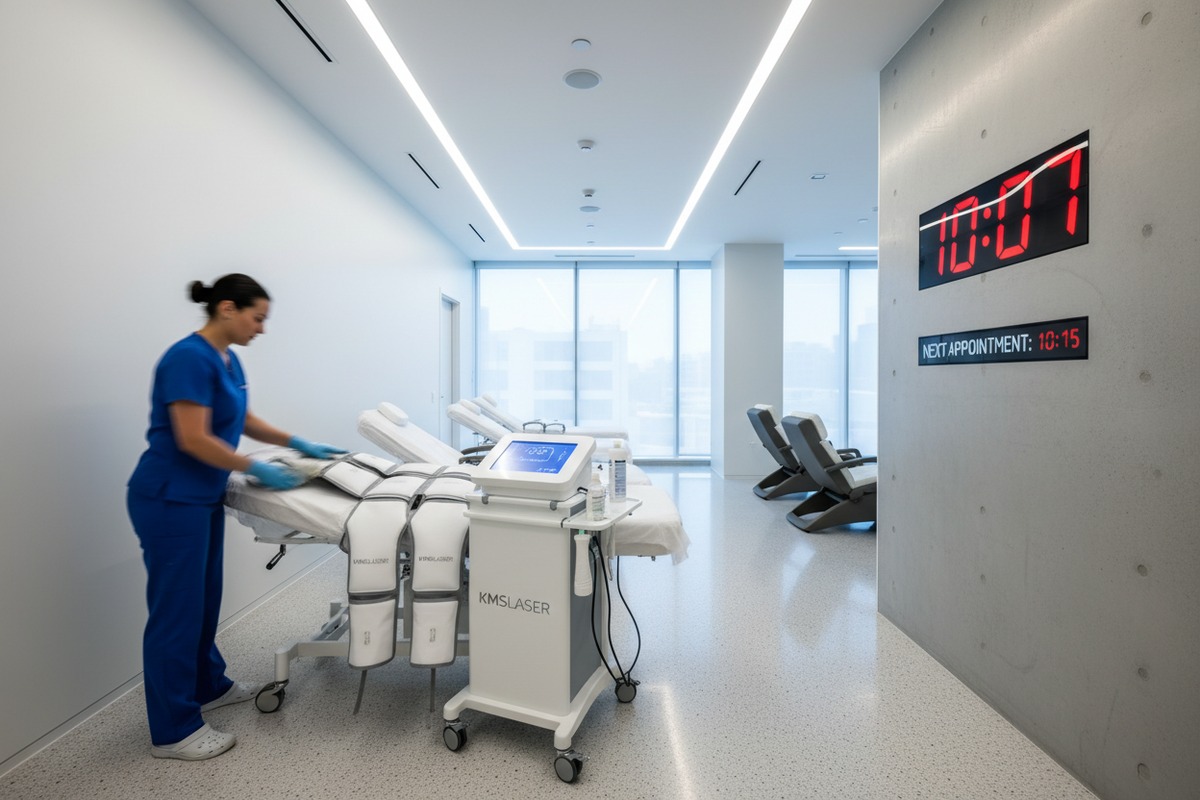
In many salons, commissions are paid based on what is written in the appointment book. However, the appointment book doesn't tell you if the treatment was actually performed or if the client was a "no-show" that didn't get deleted. Machine data proves that the work was done.
By using the internal counter of the pressotherapy device, you can set up a "Pay-Per-Procedure" model. Pay-Per-Procedure model 8 This is particularly effective for add-on services. If a staff member successfully upsells a 15-minute arm compression add-on, the machine log verifies it, and the commission is triggered automatically.
Tiered Incentive Structures
To encourage better performance, you can use the data to create tiered goals. This gamifies the work environment. For example, if the average usage is 50 hours per month, set a bonus tier for anyone reaching 60 hours.
You must ensure the incentives align with quality. You do not want staff rushing clients to hit a number. This is why you must cross-reference the Session Count with the Average Duration we discussed earlier.
Rewarding Technical Complexity
Not all treatments are equal. A basic 20-minute session is easier to manage than a complex 60-minute full-body wrap with pressotherapy. Advanced machines record which "Mode" was used (e.g., Mode A for common massage vs. Mode B for intense drainage).
You can offer higher incentives for staff who perform more complex or higher-value treatments. This encourages them to educate clients on the benefits of premium services, driving up your average ticket value.
Table: Data-Driven Commission Model
| Commission Tier | Metric Requirement | Incentive Reward | Goal |
|---|---|---|---|
| Base Tier | 1–20 Hours Usage / Month | Standard Hourly Rate | Maintenance |
| Performance Tier | 21–40 Hours Usage / Month | +5% Commission on Services | Encourage Utilization |
| Elite Tier | > 40 Hours Usage / Month | +10% Commission + Bonus | Maximize ROI |
| Upsell Bonus | > 10 "Add-on" Modes / Month | $50 Flat Bonus | Increase Ticket Value |
Transparency Builds Trust
When you sit down for a performance review, showing the employee the printout of their usage stats creates transparency. They know the system is impartial. It rewards the hard workers who are actually in the room delivering treatments, rather than those who might just be good at looking busy.
What specific data metrics will help me identify which staff members need more technical training?
When we provide after-sales support, we often find that “machine errors” are actually “operator errors.” An employee who lacks confidence will often blame the equipment. By looking at the backend data, you can spot the difference between a technical fault and a training gap before it damages your equipment.
Key data metrics that indicate a need for training include a high frequency of “Error Codes” (such as cuff connection failures), a pattern of “Aborted Sessions” where treatments are stopped mid-cycle, and a lack of variety in program selection, suggesting the employee only knows how to use the most basic settings.

The "Aborted Session" Metric
One of the most telling metrics is the ratio of Started sessions to Completed sessions. If an employee starts a program but stops it five minutes later, the log records this.
Frequent stops usually mean one of two things:
- Poor Cuff Placement: The employee didn't secure the velcro correctly, the air pressure caused it to pop open, and they had to restart.
- Incorrect Pressure Settings: The employee set the pressure too high for the client's comfort, forcing an emergency stop.
Both scenarios indicate a need for retraining on physical setup and client consultation.
Error Code Frequency
Modern pressotherapy machines have self-diagnostic systems. They record errors like "Low Pressure Alert" or "Air Leakage." While these can indicate mechanical issues, if they only happen during one specific employee's shift, it is likely an operator issue.
For example, if Employee A has zero error codes, but Employee B generates a "Tube Blockage" error three times a week, Employee B is likely kinking the hoses during setup or not connecting the ports flush against the unit. Retraining them saves your hoses from wear and tear.
The "One-Button" Syndrome
Complex machines often have 4 to 6 different modes (e.g., Wave, Peristaltic, Double Squeeze). A common sign of poor training is when a staff member uses the same mode for every single client, regardless of their needs.
If your data shows that an employee uses "Mode A" 99% of the time, they likely do not understand the benefits of Modes B, C, or D. One-Button Syndrome 9 This limits the clinical results your clients achieve. Identifying this allows you to intervene and teach them how to customize treatments, which improves client satisfaction.
H3: Structuring the Training Intervention
Do not use this data to punish. Use it to guide.
- Step 1: Show the error log.
- Step 2: Observe them setting up a client (shadowing).
- Step 3: Correct the specific physical habit causing the error.
- Step 4: Re-check the data in two weeks to verify improvement.
Conclusion
Using pressotherapy machine usage data transforms your role from a supervisor who "guesses" to a manager who "knows." By analyzing session logs for productivity gaps, monitoring protocol durations for quality control, linking valid usage to commissions, and identifying technical training needs through error codes, you build a stronger, more efficient team. This data doesn't just protect your machine; it empowers your employees to perform at their best, ensuring your business runs as smoothly as our machines do.
Footnotes
1. Provides a comprehensive overview of pressotherapy systems and their function. ↩︎
2. Explains the importance of data logging for industrial equipment and performance insights. ↩︎
3. Defines workforce management and its importance for optimizing employee efficiency and productivity. ↩︎
4. Provides best practices and examples for designing effective employee incentive programs. ↩︎
5. Discusses how data logging helps identify performance and security issues through “red flags” and troubleshooting. ↩︎
6. Explains what lymphatic drainage is, its benefits, and how it works. ↩︎
7. Explains the importance of patient adherence to prescribed treatment durations for effective outcomes. ↩︎
8. Explains the Fee-for-Service model, a common compensation structure in healthcare. ↩︎
9. Explains the stages of technology adoption, including potential underutilization of features. ↩︎

 English
  Español de México
  Deutsch
  Français
  العربية
  Русский