
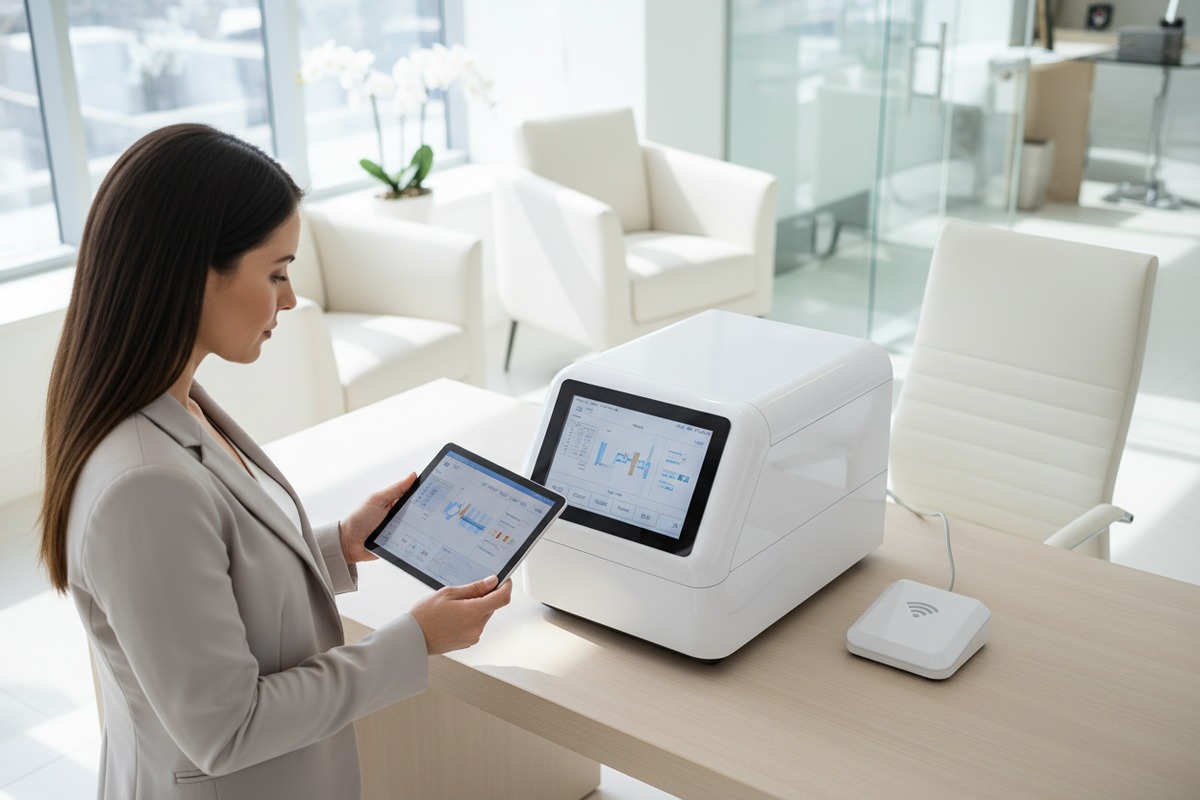
Every week, our team receives calls from salon owners asking about wireless footswitch options. They want hands-free control. They fear cable clutter. Yet they worry about reliability during treatments.
To inquire about wireless footswitch support, ask your supplier directly about signal frequency, pairing protocol, battery specifications, interference resistance, and warranty coverage. Request demo videos showing real-time response. Confirm compatibility with your specific shockwave machine model before ordering.
This guide walks you through every question you need to ask. We cover signal stability, battery life, custom branding, and quality guarantees. Let’s make sure your next purchase meets your salon’s exact needs.
How can I verify the signal stability of the wireless footswitch to ensure my salon customers don't face technical delays?
Signal drops during a shockwave session create awkward pauses. Our production team has tested dozens of wireless modules. We've seen how poor signal stability frustrates operators and disappoints clients.
Verify signal stability by asking about the wireless frequency band (2.4GHz is standard), the number of hopping channels (70+ is ideal), encryption protocol, and effective range. Request interference testing data and ask if the footswitch was tested near other medical equipment.
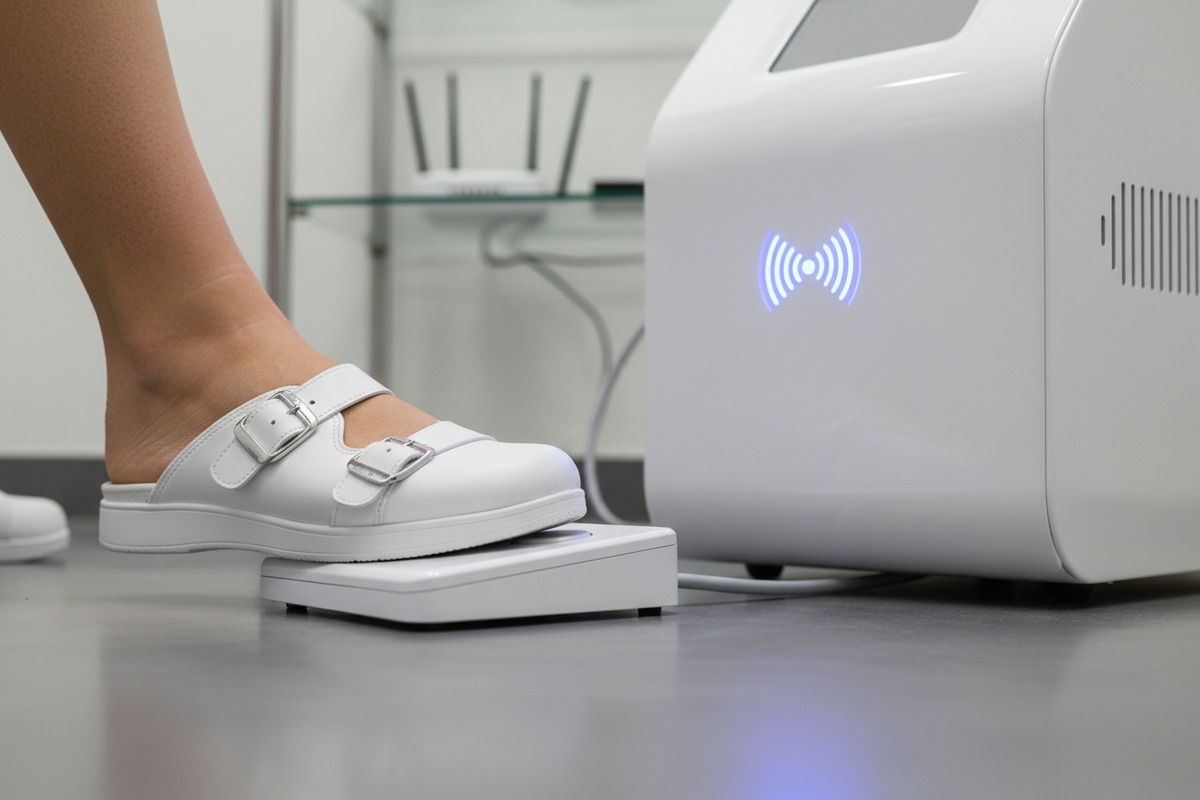
Understanding Wireless Signal Technology
Wireless footswitches for shockwave therapy machines typically operate on the 2.4GHz frequency band 1. This band offers a good balance between range and wall penetration. However, it also shares space with Wi-Fi routers, Bluetooth devices, and other wireless tools in your salon.
The best wireless footswitches use frequency hopping spread spectrum technology 2. This means the device jumps between multiple channels rapidly. High-end models hop across 70 or more channels. This makes them resistant to interference from nearby electronics.
When speaking with suppliers, ask these specific questions:
- What frequency band does the wireless footswitch use?
- How many hopping channels does the system support?
- What is the maximum operating range in meters or feet?
- Has the device been tested for electromagnetic compatibility?
Key Signal Specifications to Request
| Specification | Basic Level | Professional Level | Premium Level |
|---|---|---|---|
| Frequency Band | 2.4GHz | 2.4GHz spread spectrum | 2.4GHz FHSS |
| Hopping Channels | 20-40 | 50-70 | 70+ |
| Operating Range | 10-15 feet | 25-35 feet | 50+ feet |
| Response Latency | 50-100ms | 20-50ms | Under 20ms |
| Encryption | None | Basic | AES-level |
Real-World Testing Questions
Ask your supplier if they can provide test reports. Request documentation showing performance near common interference sources. These include:
- Wi-Fi routers operating on 2.4GHz
- Bluetooth speakers and headphones
- Other medical devices with wireless functions
- Microwave ovens and cordless phones
Our engineering team recommends asking for a video demonstration. Watch how the footswitch performs when the operator moves around the room. Check if there is any visible delay between pressing the pedal and machine response.
Interference Buffer Requirements
Electromagnetic compatibility guidelines 3 suggest maintaining a 30cm buffer zone between wireless devices and certain equipment. Ask your supplier if their footswitch meets EMC standards. Request the specific certification documents.
Some clinics operate multiple shockwave machines in adjacent rooms. In these cases, ask about channel isolation. Each footswitch should pair uniquely with its machine. Cross-activation between rooms creates serious problems.
What specific questions should I ask about battery life and charging options for my private-label shockwave machine?
Battery failures mid-treatment embarrass your staff. They frustrate clients who booked appointments weeks in advance. When we design wireless accessories at our facility, we prioritize power reliability above almost everything else.
Ask about battery type (rechargeable lithium-ion vs. replaceable AA), expected lifespan per charge, total charge cycles before replacement, charging time, and whether a backup battery or charging dock is included. Request written specifications for standby and active use times.
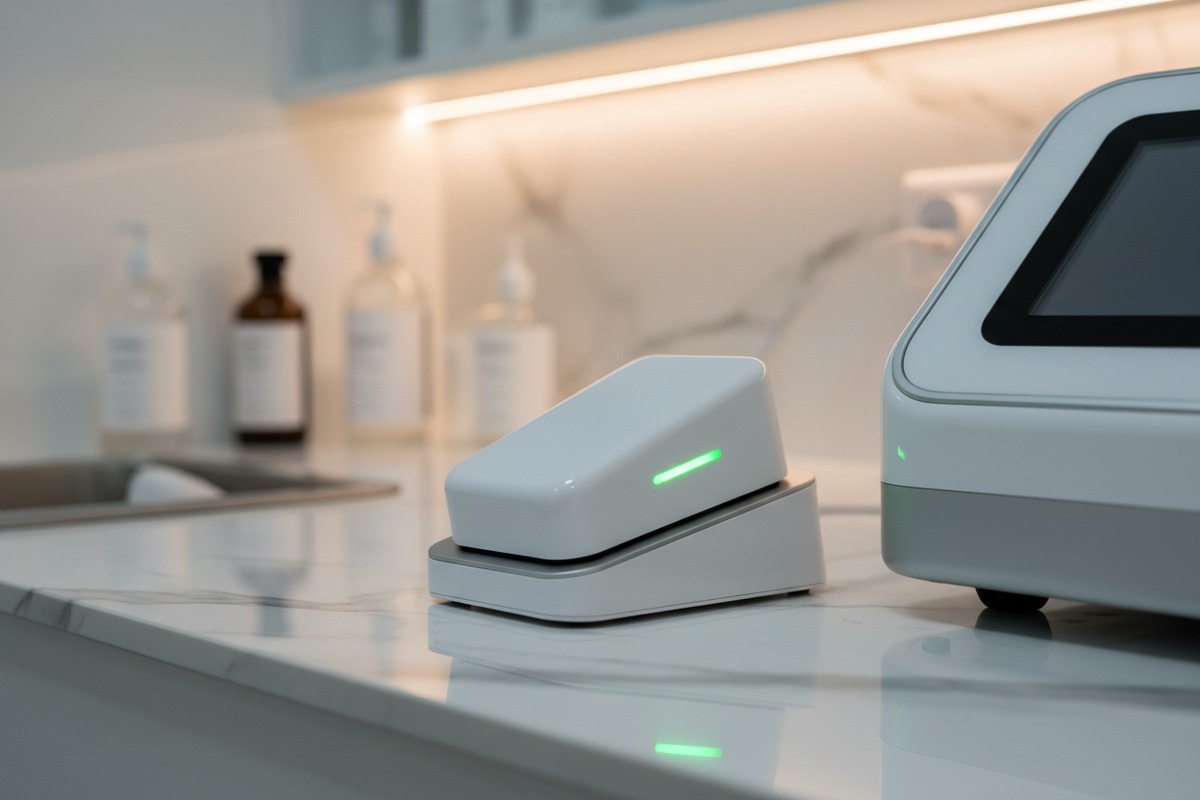
Battery Types Compared
Wireless footswitches use two main battery types. Each has distinct advantages for salon environments.
Rechargeable lithium-ion batteries 4 offer convenience. You plug in the footswitch overnight. It works all day. However, these batteries degrade over time. After 300-500 charge cycles, capacity drops noticeably.
Replaceable batteries like AA alkaline or lithium cells 5 last longer per unit. Some premium models run 12 months on a single set. Replacement is instant. But you must keep spare batteries in stock.
Battery Life Questions Checklist
When contacting suppliers, use this checklist:
- What battery type does the wireless footswitch use?
- How many hours of active use per full charge?
- How many hours of standby time?
- What is the total number of charge cycles before replacement?
- Is a spare battery or charging dock included?
- What is the charging time from empty to full?
- Does the footswitch have a low-battery indicator?
Power Specifications Comparison
| Feature | Rechargeable Li-ion | Replaceable AA Alkaline | Replaceable AA Lithium |
|---|---|---|---|
| Active Use Time | 8-12 hours | 200-400 hours | 400-600 hours |
| Standby Time | 30-60 days | 6-12 months | 12+ months |
| Replacement Cost | Battery pack $30-50 | $1-2 per set | $5-8 per set |
| Environmental Impact | Lower long-term | Higher waste | Moderate waste |
| Convenience | Daily charging | Occasional replacement | Rare replacement |
Backup Power Planning
Discuss backup options with your supplier. Some manufacturers include a charging dock with dual battery slots. One battery charges while the other operates. This eliminates downtime completely.
For salons running multiple treatment rooms, consider buying extra footswitches. Rotate them through charging stations. Never leave a treatment room without power.
Ask if the wireless footswitch can operate while plugged in. Some models support this hybrid mode. If the battery dies unexpectedly, you connect a cable and continue the session.
Charging Infrastructure Considerations
Think about your salon's electrical layout. Where will you place charging docks? Near the treatment bed? At a central station? USB charging offers flexibility. Proprietary chargers limit your options.
Request the charger specifications. Input voltage matters if you operate in different countries. Most modern chargers accept 100-240V input. Confirm this with your supplier to avoid compatibility issues.
Can I request custom branding and OEM design modifications for the wireless footswitch to match my brand identity?
Brand consistency matters. Your salon invested heavily in logos, colors, and packaging. A generic footswitch looks out of place. Our OEM department handles dozens of branding requests monthly. We know what's possible and what's cost-effective.
Yes, most manufacturers offer OEM customization for wireless footswitches. Request options for logo printing, color matching, custom packaging, and even housing shape modifications. Ask about minimum order quantities, additional costs, lead times, and sample approval processes.
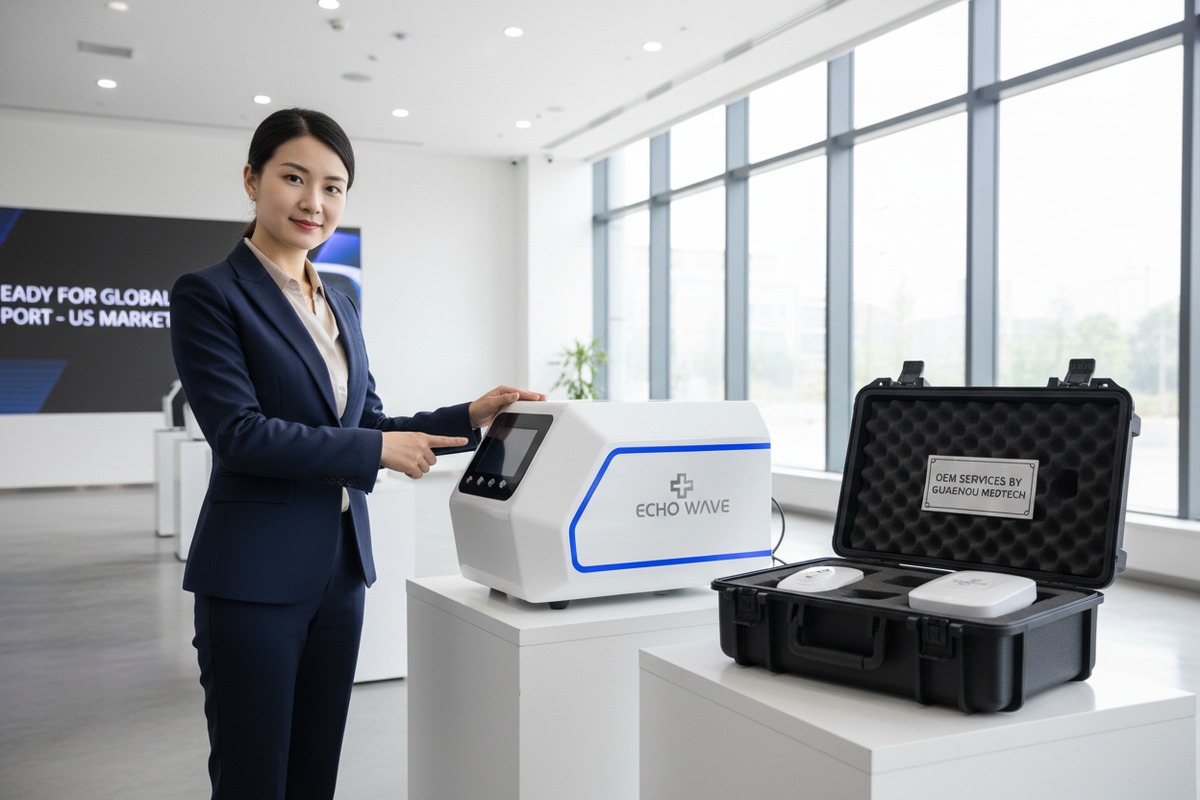
Levels of Customization Available
Customization ranges from simple to complex. Start by understanding what each level involves.
Basic customization includes logo printing on the footswitch housing. This is usually pad printing or laser engraving. Colors are limited to what works on the existing plastic color.
Intermediate customization adds custom housing colors. The manufacturer produces the plastic shell in your brand color. This requires higher minimum orders. Lead times extend by 2-4 weeks.
Advanced customization involves housing shape changes. You modify the footswitch design itself. This requires tooling investment. Only consider this for very large orders.
Customization Options and Requirements
| Customization Level | Minimum Order | Additional Cost | Lead Time Extension |
|---|---|---|---|
| Logo printing only | 50-100 units | $1-3 per unit | 3-5 days |
| Custom housing color | 200-500 units | $3-8 per unit | 2-4 weeks |
| Custom packaging | 100-200 units | $2-5 per unit | 1-2 weeks |
| Housing shape modification | 1000+ units | $5000+ tooling | 6-12 weeks |
| Complete custom design | 2000+ units | $10000+ tooling | 12-20 weeks |
Questions for Your OEM Discussion
When negotiating with suppliers, cover these points:
- What branding options are included in the standard price?
- Can you match my exact Pantone color for the housing?
- Do you offer custom packaging with my brand artwork?
- What is the minimum order quantity for each customization level?
- Can I approve a physical sample before mass production?
- How do you handle quality control for branded items?
Protecting Your Brand Investment
Request quality assurance documentation. Ask how the supplier ensures consistent logo placement. Inquire about their rejection rate for cosmetic defects.
Some brands require exclusive designs. Discuss whether the customized footswitch will be sold to other clients. Non-exclusive designs cost less. Exclusive tooling costs more but protects your market position.
Sample Approval Process
Never approve mass production without seeing a physical sample. Ask your supplier about their sample process. How many revisions are included? What is the cost for sample production?
Review the sample carefully. Check logo position, color accuracy, and print durability. Test the footswitch function. Ensure everything meets your standards before confirming the full order.
How do I ensure the wireless footswitch is covered under the supplier's quality control and door-to-door shipping guarantee?
Quality issues after delivery cost money and reputation. Returns from overseas customers hurt even more. In our quality control department 7, we catch problems before they leave our warehouse. But you must verify your supplier does the same.
Ensure coverage by requesting written warranty terms for the wireless footswitch specifically, confirming the QC inspection stages, asking for pre-shipment inspection reports, and verifying that door-to-door shipping includes insurance for damage claims. Get all guarantees in writing before payment.

Understanding Quality Control Stages
Professional manufacturers implement quality control at multiple stages. Ask your supplier to explain their QC process. Key stages include:
Incoming material inspection checks components before assembly. This catches defective parts early. Ask what percentage of components are inspected.
In-process inspection monitors assembly quality. Workers check connections, soldering, and mechanical fit. Request details on inspection frequency.
Final inspection tests every completed unit. This includes functional testing, cosmetic review, and packaging inspection. Ask if 100% of units are tested or just samples.
Quality Control Documentation Checklist
| Document Type | What It Proves | When to Request |
|---|---|---|
| QC Inspection Report | Units passed testing | Before shipment |
| Calibration Certificate | Test equipment is accurate | At contract signing |
| Defect Rate Statistics | Manufacturing consistency | During supplier evaluation |
| Warranty Terms | Coverage details | Before order confirmation |
| Return Policy | Process for defective units | Before order confirmation |
Warranty Coverage Questions
Warranty terms vary widely between suppliers. Ask these specific questions:
- What is the warranty period for the wireless footswitch?
- Does the warranty cover both parts and labor?
- Who pays shipping costs for warranty returns?
- Is there a local service center in my country?
- What defects are excluded from warranty coverage?
- How long does warranty claim processing take?
Door-to-Door Shipping Protection
Door-to-door shipping means the supplier handles logistics from their warehouse to your door. This includes freight forwarding, customs clearance, and local delivery. But what happens if goods arrive damaged?
Ask about shipping insurance 8. Confirm the coverage amount. Request the claim process in writing. Some suppliers self-insure. Others use third-party insurance providers.
Inspect packages immediately upon delivery. Document any damage with photos. Report issues to your supplier within 24-48 hours. Delays in reporting can void damage claims.
Pre-Shipment Inspection Rights
Professional suppliers allow pre-shipment inspections. You can hire a third-party inspection company. They visit the factory, examine your order, and report findings.
Alternatively, request photos and videos from the supplier. Ask for serial number documentation. Request functional test videos showing each footswitch operating correctly.
Red Flags to Watch
Be cautious if suppliers resist documentation requests. Legitimate manufacturers provide inspection reports willingly. Vague warranty terms suggest potential problems. Insistence on payment before any documentation is a warning sign.
Conclusion
Asking the right questions protects your investment. Verify signal stability, battery specifications, branding options, and quality guarantees. Document everything in writing. Your salon deserves reliable wireless footswitch support.
Footnotes
1. Explains the common wireless frequency band and its uses. ↩︎
2. Replaced HTTP 404 with an authoritative Wikipedia explanation of FHSS technology. ↩︎
3. Provides official FDA recommendations on EMC testing for medical devices. ↩︎
4. Explains the technology and advantages of lithium-ion batteries. ↩︎
5. Compares characteristics and uses of alkaline and lithium AA batteries. ↩︎
6. Defines and explains the scope of OEM customization services. ↩︎
7. Describes the role and stages of quality control in manufacturing. ↩︎
8. Replaced HTTP 404 with an authoritative Wikipedia explanation of shipping insurance. ↩︎

 English
  Español de México
  Deutsch
  Français
  العربية
  Русский