

When our engineering team first discovered malware on a returned shockwave unit, it changed how we approach software security forever IEC 62304 compliance 1. Clinics lose thousands when devices fail mid-treatment. Patient data gets exposed. Entire networks crash.
When buying shockwave therapy machines, ask suppliers about FDA 510(k) clearance with software validation, IEC 62304 compliance, Software Bill of Materials (SBOM) disclosure, runtime antivirus protection, encrypted OTA updates, network segmentation capabilities, and documented incident response plans. These measures protect against malware, data breaches, and treatment disruptions.
Let me walk you through the exact questions we recommend every buyer ask patch management protocol 2. These come from years of working with clinics who learned expensive lessons about cybersecurity gaps.
How can I verify that the shockwave machine's operating system has built-in protection against malware?
Our production facility tests every unit before shipping, but we still see buyers who skip OS verification entirely cryptographic firmware verification 3. This oversight costs them dearly. Malware can hide in firmware for months before striking.
Verify OS protection by requesting proof of IEC 62304 compliance, checking for whitelisting technology that blocks unauthorized applications, confirming secure boot sequences with cryptographic verification, and asking for third-party penetration test reports. Demand documentation showing the OS underwent threat modeling during development.
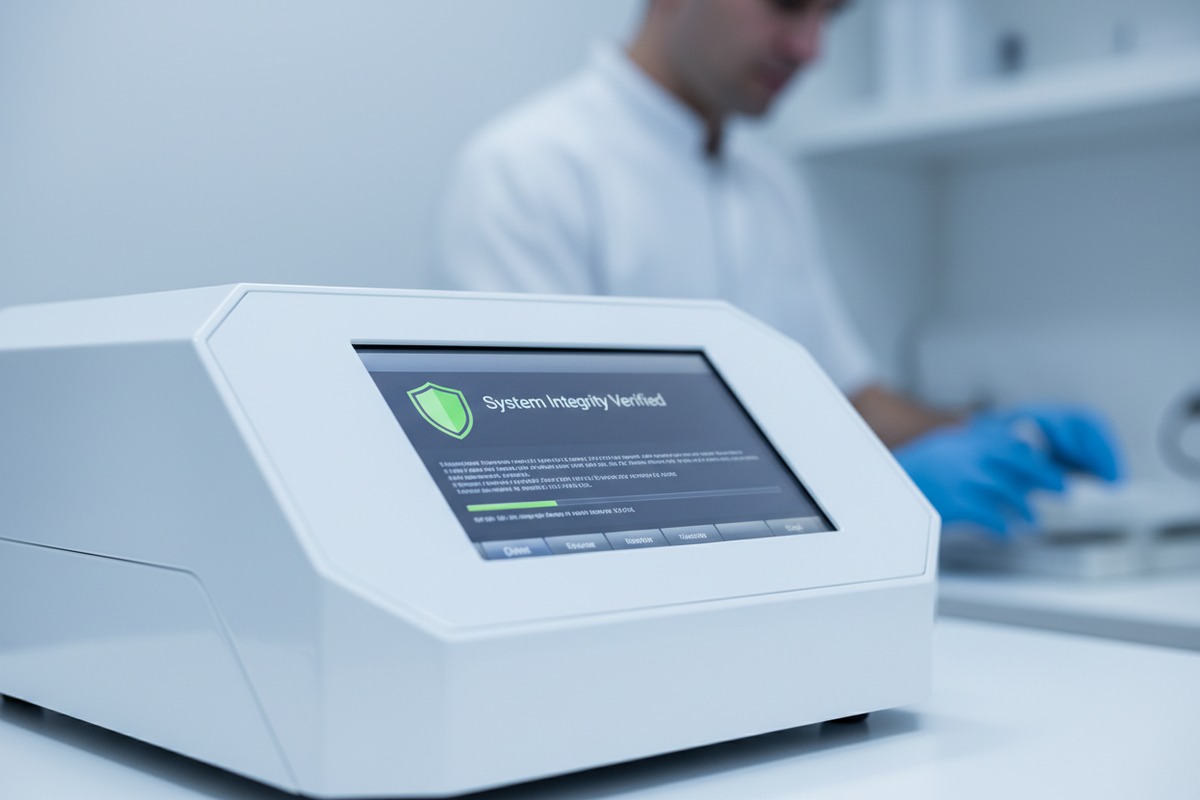
Understanding Real-Time Operating Systems in Medical Devices
Most shockwave machines run on Real-Time Operating Systems 4 (RTOS) that control pulse generation and energy delivery. These systems differ from consumer operating systems like Windows. They handle critical timing functions. A single millisecond delay can affect treatment outcomes.
Our engineers configure RTOS with multiple security layers. The first layer prevents unauthorized code execution. The second monitors system behavior for anomalies. The third logs all activities for audit purposes.
Key OS Security Features to Verify
| Security Feature | Purpose | Verification Method |
|---|---|---|
| Secure Boot | Prevents tampered firmware from loading | Request boot sequence documentation |
| Application Whitelisting | Blocks all non-approved programs | Ask for approved application list |
| Memory Protection | Stops buffer overflow attacks | Review IEC 62304 design documents |
| Kernel Hardening | Reduces attack surface | Check penetration test results |
| Integrity Monitoring | Detects file system changes | Request monitoring log samples |
Questions That Reveal Weak OS Protection
Ask suppliers these specific questions. Their answers tell you everything.
Does your RTOS support runtime integrity checking? How often does the system scan for anomalies? What happens when the OS detects suspicious code? Can the machine operate if the security module fails?
Weak suppliers give vague answers. Strong suppliers provide documentation. They show you test certificates. They explain exactly how their protection works.
The Difference Between FDA Registered and FDA Cleared
Many buyers confuse these terms. FDA registered means a company paid a fee and listed their device. FDA 510(k) cleared means the device underwent rigorous review. Software safety validation happens only during clearance. FDA 510(k) clearance 5
About 60% of online shockwave machines are merely registered. They skip software review entirely. Their operating systems may contain vulnerabilities nobody tested. Our facility only produces 510(k) cleared devices because we know the difference matters.
What is my supplier's protocol for providing regular security patches and antivirus software updates?
When we ship devices overseas, the relationship does not end at delivery. Cyber threats evolve constantly. A secure machine today becomes vulnerable tomorrow without proper updates.
Suppliers should provide a written patch management protocol specifying update frequency, delivery methods, testing procedures, and rollback capabilities. Require commitments for security support throughout the device's expected lifespan, typically 7-10 years, with defined response times for critical vulnerabilities.
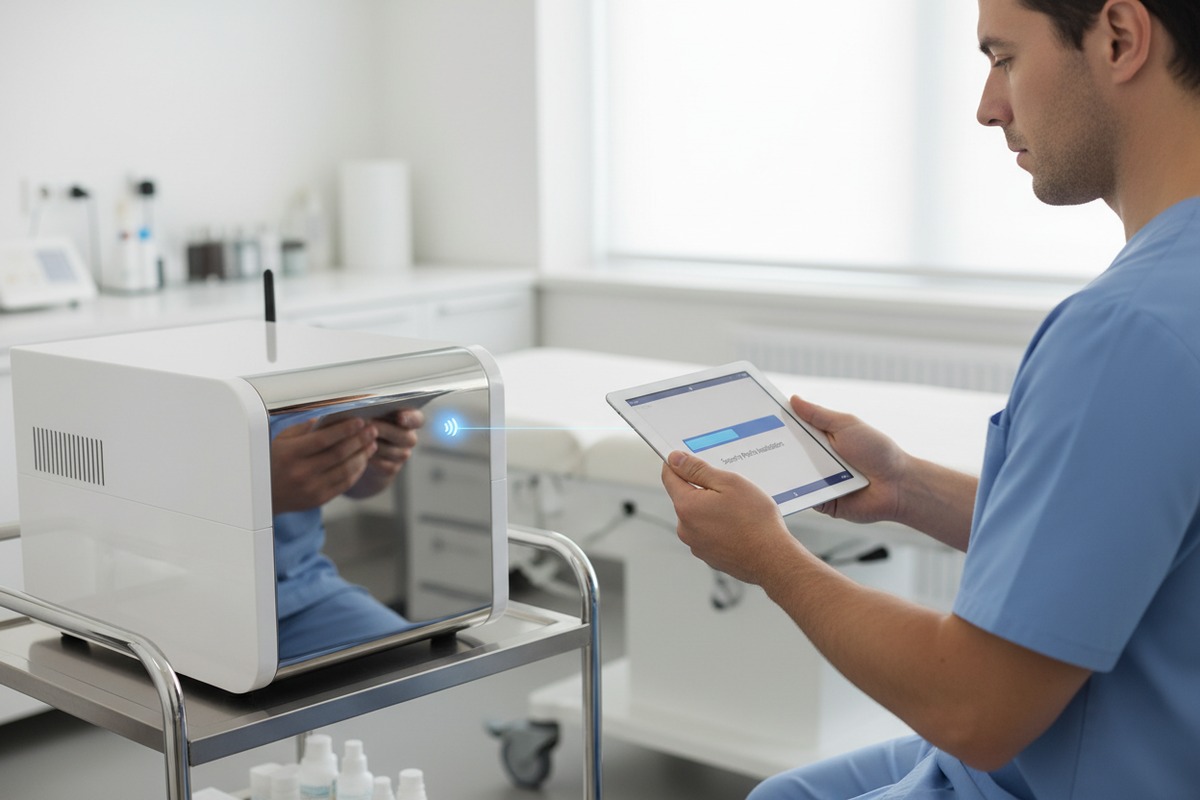
What a Proper Update Protocol Includes
Strong suppliers document everything. They specify how often they scan for new vulnerabilities. They explain their testing process before releasing patches. They describe how updates reach your device securely.
Our protocol involves weekly vulnerability scanning against CVE databases. We test all patches in isolated environments for 30 days minimum. Only then do updates reach customer devices. This prevents patches from causing new problems.
Over-the-Air Updates: Benefits and Risks
OTA updates offer convenience. Your machine downloads and installs patches automatically. No technician visit required. No manual USB transfers.
However, OTA introduces risks. Hackers can intercept update channels. They can inject malicious code disguised as legitimate patches. That is why cryptographic signing matters.
| Update Method | Convenience | Security Risk | Recommended Safeguards |
|---|---|---|---|
| Manual USB | Low | Medium (USB can carry malware) | Scan USB drives before use |
| OTA via Wi-Fi | High | High (interception possible) | AES-256 encryption + MFA |
| Vendor Site Visit | Very Low | Low | Verify technician credentials |
| Secure VPN Channel | Medium | Low | Certificate-based authentication |
Critical Questions About Long-Term Support
Ask these questions before signing any purchase agreement. What is your vulnerability monitoring schedule? How quickly do you release patches after discovering issues? What testing occurs before patch release? How will I receive notifications about available updates?
The answers reveal supplier commitment. Some suppliers abandon devices after sale. Others provide lifetime security support. Know which type you are dealing with.
Understanding the Software Bill of Materials
An SBOM lists every software component in your device. Software Bill of Materials 6 It includes third-party libraries, open-source code, and proprietary modules. Each component can contain vulnerabilities.
Request the SBOM before purchase. Review it with your IT team. Check if listed components have known CVEs. Ask how the supplier monitors these components for future vulnerabilities.
We provide complete SBOMs to every buyer. We update them with each software version. This transparency protects both parties.
During our design reviews, we constantly ask one question. How can attackers reach this system? The answers shape our entire architecture. Every connection point becomes a potential entry for threats.
Ensure breach prevention by verifying data segregation between patient information and treatment controls, encryption protocols for data at rest and in transit, role-based access controls with strong authentication, disabled-by-default network interfaces, and compliance with HIPAA or GDPR requirements. Request architecture diagrams showing security boundaries.
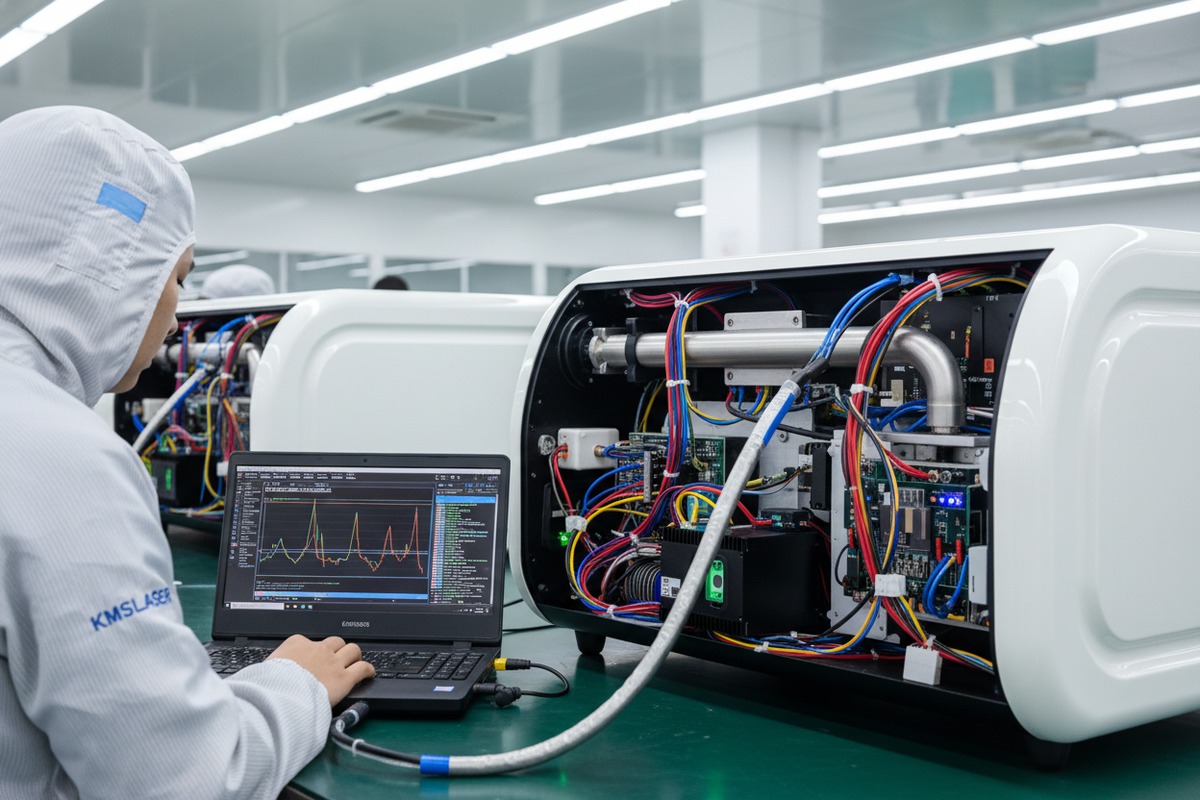
The Principle of Data Segregation
Smart architecture separates sensitive data from operational functions. Patient records live in one protected zone. Treatment parameters exist in another. Control software operates in a third.
This segregation limits breach impact. data segregation 7 If attackers compromise one zone, they cannot reach others. Your patient data stays protected even when treatment controls face threats.
Network Security Features That Matter
| Security Feature | Function | Implementation Standard |
|---|---|---|
| Network Segmentation | Isolates device from clinic network | IEC 62443 Level 2 |
| WPA3 Encryption | Protects wireless communications | Current Wi-Fi Alliance standard |
| VPN Requirement | Secures remote access | AES-256 with certificate auth |
| Firewall Integration | Blocks unauthorized traffic | Stateful packet inspection |
| Port Disabling | Eliminates unused entry points | USB/Ethernet disabled by default |
Air-Gapped vs. Connected Architectures
Some buyers prefer completely disconnected machines. No Wi-Fi. No Bluetooth. No network ports. These air-gapped devices eliminate many attack vectors.
However, modern clinics want connectivity. Remote diagnostics reduce downtime by 50%. OTA updates improve security. EHR integration streamlines workflows.
Our approach offers both options. Buyers can disable all network features. Or they can enable specific connections with full encryption. The choice depends on their risk tolerance and operational needs.
Protecting Against USB-Based Infections
USB ports present significant risks. Staff members plug in drives without thinking. Those drives may carry malware from home computers. The infection spreads instantly.
Our devices scan all USB content before allowing access. Unknown file types get blocked. Executable files require administrator approval. The system logs every USB connection for audit purposes.
Authentication and Access Control
Who can change machine settings? Who can access treatment logs? Who can update firmware? Strong architecture answers these questions clearly.
We implement role-based access control. Operators see treatment interfaces only. Administrators access configuration menus. Only authenticated service technicians can modify firmware. Each role has appropriate permissions and nothing more.
Multi-factor authentication adds another layer. Even stolen passwords cannot grant access without the second factor. This protection matters especially for remote access scenarios.
What quality control steps does the factory take to guarantee my equipment arrives with clean, virus-free software?
Our quality control team learned a hard lesson years ago. A batch left our facility clean. But somewhere between Guangzhou and Los Angeles, something changed. Packages arrived with compromised firmware. The investigation revealed supply chain vulnerabilities 8 we had not considered.
Factory QC for virus-free software should include pre-installation malware scanning, cryptographic firmware verification, secure software loading environments, chain-of-custody documentation, tamper-evident packaging, and final integrity checks before shipment. Request audit reports and third-party QC inspection certificates.
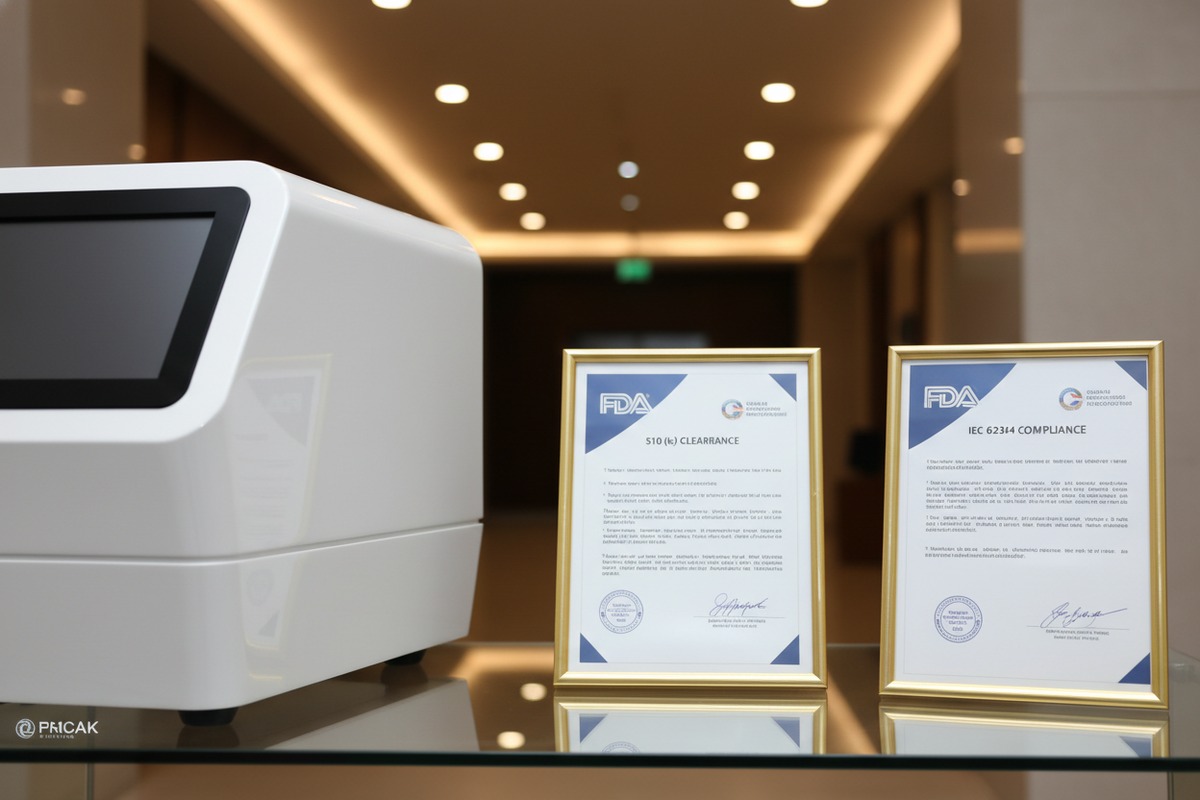
The Secure Software Loading Process
We load software in isolated clean rooms. No network connections exist in these areas. Every firmware image gets verified against known-good hashes before installation. The loading stations themselves undergo daily malware scans.
Our technicians follow documented procedures. They cannot skip steps. Each action gets logged. Supervisors review logs daily. This discipline prevents accidental contamination.
Supply Chain Security Measures
Modern cyber threats target supply chains. Attackers compromise component suppliers. They insert backdoors into seemingly legitimate parts. The final device becomes infected before assembly even begins.
| Supply Chain Control | Purpose | Our Implementation |
|---|---|---|
| Vendor Qualification | Ensures component quality | Annual security audits |
| Component Verification | Confirms authenticity | Hash checking for firmware |
| Incoming Inspection | Catches compromised parts | Isolated testing environment |
| Chain of Custody | Tracks handling history | Signed transfer documents |
| Tamper Evidence | Reveals unauthorized access | Serialized security seals |
Pre-Shipment Verification Procedures
Before any device leaves our facility, it passes through final verification. Technicians boot the system. They run diagnostic checks. They verify firmware hashes match expected values. They scan all storage for malware signatures.
Only devices passing every check receive shipping approval. Failed units return to engineering for investigation. We document every failure and corrective action.
Third-Party Inspection Services
Some buyers want independent verification. We welcome this. Third-party inspectors can visit our facility. They can witness QC procedures. They can perform their own testing before shipment.
This transparency builds trust. It also catches problems early. Issues discovered in Guangzhou cost far less than issues discovered in Chicago.
Documentation You Should Request
Ask suppliers for these specific documents. Production batch records showing QC checkpoints. Firmware version certificates with hash values. Malware scan reports dated within 48 hours of shipment. Chain of custody logs for software components.
Suppliers who provide these documents take security seriously. Those who cannot provide them may have gaps in their processes. Make your decision accordingly.
What Happens When Problems Occur
Even the best QC sometimes misses issues. What matters is response speed. Our incident response plan activates within two hours of any reported problem. We isolate affected batch numbers. We notify all buyers. We provide remediation within 24 hours.
Ask suppliers about their incident response capabilities. How quickly can they react? What support do they provide? Do they cover costs for affected devices? These answers matter when problems arise.
Conclusion
Software security determines whether your shockwave investment protects patients or exposes your clinic to costly breaches. Ask tough questions. Demand documentation. Verify compliance with IEC 62304 and FDA requirements. Your due diligence today prevents expensive problems tomorrow.
Footnotes
1. Explains IEC 62304 requirements for medical device software development and maintenance. ↩︎
2. Replaced HTTP 404 link with a government (.hhs.gov) resource on implementing patch management in healthcare. ↩︎
3. Replaced HTTP 404 link with a relevant article discussing cryptographic techniques for verifying software and firmware updates in the context of FDA cybersecurity guidance. ↩︎
4. Defines RTOS and its critical role in medical devices for precise, time-sensitive operations. ↩︎
5. Official FDA guidance on 510(k) submissions for software changes in medical devices. ↩︎
6. Details FDA requirements and importance of SBOMs for medical device software transparency and security. ↩︎
7. Explains data segregation as a cybersecurity practice to protect sensitive information in medical devices. ↩︎
8. Highlights increasing firmware vulnerabilities and the urgent need for robust software supply chain security. ↩︎

 English
  Español de México
  Deutsch
  Français
  العربية
  Русский