
Walking into a sun-drenched salon to find your pressotherapy machine’s screen nearly invisible—that’s the nightmare scenario we’ve seen too many times at our production line nits ratings 1. Clients call in frustrated. They can’t read pressure values. Treatment times become guesswork. The display that looked perfect in our warehouse testing fails under real-world clinic lights lux lighting conditions 2. This is a problem that quietly erodes customer trust and threatens repeat business.
Evaluate pressotherapy machine display visibility by checking brightness ratings in nits, verifying contrast ratios, testing readability under 500-1000 lux lighting conditions typical in salons, and requesting IPS panel technology with anti-glare coatings. Conduct hands-on testing by positioning the machine under bright overhead lights and viewing from multiple angles before final purchase decisions.
The following sections break down each evaluation method step by step. You’ll learn exactly what display specifications matter, how to test them, and what upgrades to request when working with your manufacturing partner.
How do I check if the screen brightness is high enough for my clients' well-lit salon environments?
When our engineers develop new pressotherapy control units, screen brightness testing ranks among the first quality checkpoints. We've learned through years of export experience that what works in a dimly lit factory inspection room often fails in bright American and European salons. The lighting gap between testing and real-world use creates significant usability problems.
Check screen brightness by requesting nits ratings from suppliers—aim for 500-700 nits minimum for salon use. Test displays under 500-1000 lux lighting conditions that match typical salon environments. Compare readability of pressure values and treatment times at maximum and minimum brightness settings, then verify the display remains legible from your clients' typical operating distance.
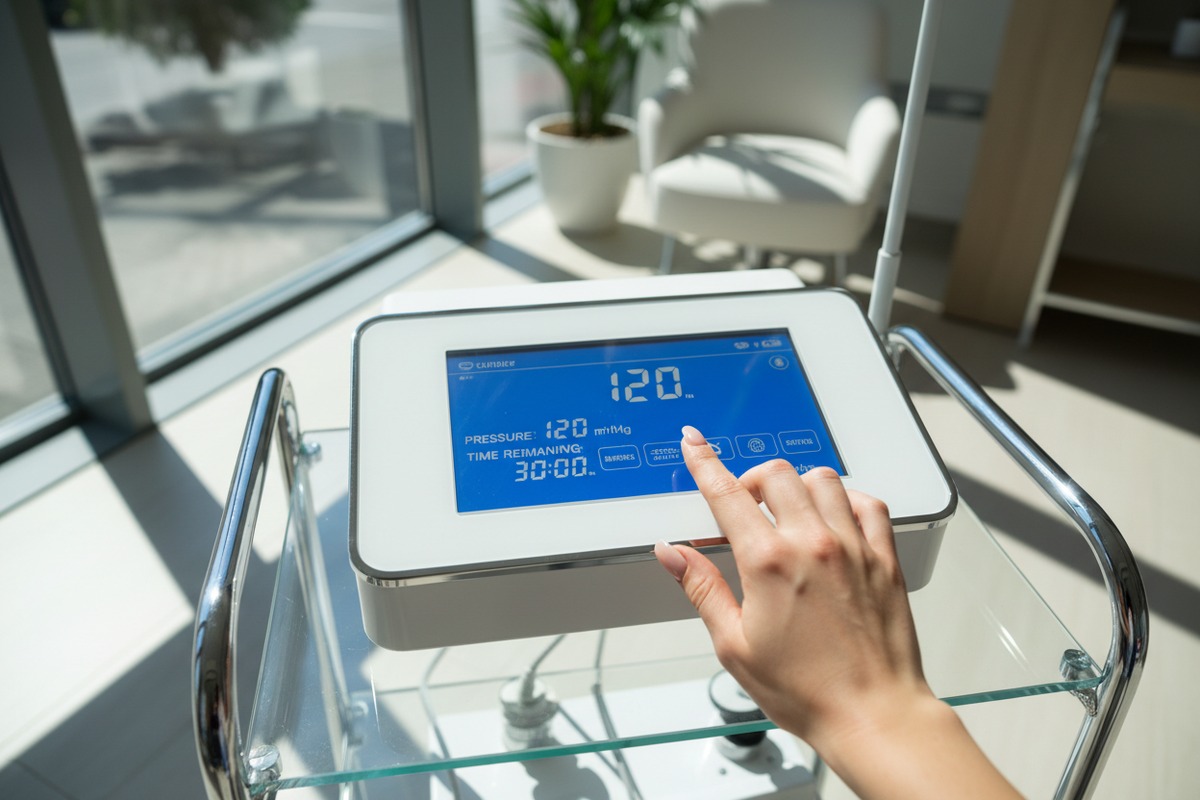
Understanding Nits: The Core Brightness Measurement
Brightness matters more than many buyers realize. Nits are a unit of luminance, which measures how much visible light a display emits from a given surface area. Technically, one nit equals one candela per square meter (cd/m²) 3—a candela being roughly the brightness of a single candle.
For pressotherapy machines used in salons, understanding nits helps you avoid costly mistakes. For most indoor applications, 300 to 500 nits is the standard sweet spot. This range provides sufficient brightness for offices, retail spaces, kiosks, and general-purpose touch interfaces.
However, salons often have brighter lighting than typical offices. At these levels, content remains clear and readable without drawing excess power or causing unnecessary eye strain. If your device will be exposed to brighter indoor lighting (think showrooms, hospitals, or factory floors), you may want to opt for something closer to 600 to 700 nits to maintain visibility.
Brightness Requirements by Environment Type
| Environment Type | Typical Lux Level | Recommended Nits | Notes |
|---|---|---|---|
| Dim spa rooms | 200-300 lux | 300-400 nits | Relaxation areas |
| Standard salon | 500-700 lux | 500-600 nits | Treatment rooms |
| Bright clinic | 800-1000 lux | 600-700+ nits | Medical facilities |
| Near windows | Variable | 700+ nits | Direct light exposure |
Why Standard Consumer Displays Often Fail
Many budget pressotherapy machines use basic consumer-grade LCD panels. Standard consumer LCD displays usually provide 200 to 350 nits of brightness. This works fine for home TVs but fails in professional settings.
Outdoor displays need much more power to work well. LCD screens used at daytime require at least 400-700 nits, while clear visibility in bright, direct sunlight needs a minimum of 1000 nits. While your salon isn't outdoors, the principle applies: brighter environments demand brighter screens.
Practical Testing Steps
Before approving any machine order, conduct these tests:
- Request nits specifications in writing from your supplier
- Set up test lighting at 500-700 lux using a light meter
- Position the machine under direct overhead fluorescent or LED lights
- Read critical values including pressure settings, timer displays, and menu text
- Adjust screen angle to simulate various operator positions
- Compare models side by side under identical conditions
What display specifications should I look for to ensure my private-label machine is readable under clinic lights?
Our quality control team reviews display specifications for every pressotherapy unit before production approval. This step prevents returns and warranty claims that damage your brand reputation. Knowing which specs actually matter—and which ones suppliers exaggerate—saves you time and money.
Look for IPS panel technology offering 178-degree viewing angles, contrast ratios of 1000:1 or higher, brightness of 500-700 nits, and anti-reflective surface treatments. Request written specifications including panel type, resolution, response time, and whether the display uses LED backlighting. These metrics directly determine readability under clinic lights.
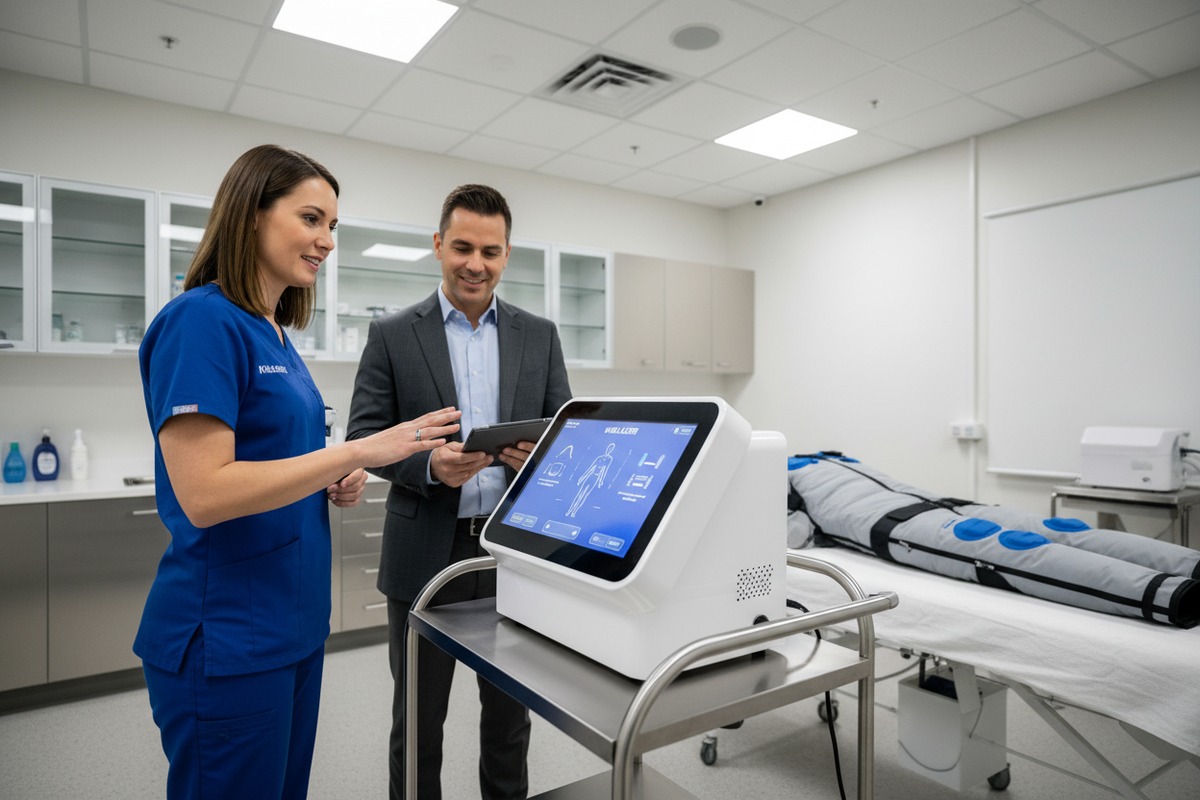
IPS vs. TN Panels: The Critical Difference
Panel technology determines viewing angle performance. Top-tier IPS panels can achieve ultra-wide viewing angles of 178°/178° (horizontal/vertical), meaning that within 89 degrees to the left and right, and 89 degrees up and down, the image quality does not degrade significantly.
This matters because pressotherapy treatments last 30-60 minutes. Operators view the display from various positions during treatment. IPS panels display consistent, accurate color from all viewing angles.
Cheaper TN panels 4 save money but create problems. While TN panels have a nominal viewing angle of 160 to 170 degrees, the contrast ratio actually drops to about 10:1 when only 20 degrees off-center. When measuring equipment shifts from a position perpendicular to the screen center toward the horizontal sides, the contrast ratio of TN panels decays extremely rapidly.
Contrast Ratio: Why It Matters More Than Brightness Alone
High brightness without good contrast creates washed-out displays. contrast ratios 5 Because the IPS structure requires liquid crystal molecules to remain parallel, its control over light is not as thorough as the vertical alignment of VA panels, making it difficult to completely avoid backlight leakage in dark scenes. Therefore, the static contrast ratio of mainstream IPS monitors is typically around 1000:1, while VA panels can easily reach 3000:1 to 5000:1.
For pressotherapy machines, 1000:1 contrast ratio provides sufficient differentiation between text, graphics, and backgrounds.
Key Display Specifications Comparison Table
| Specification | Budget Displays | Standard Displays | Premium Displays |
|---|---|---|---|
| Panel Type | TN | IPS or VA | IPS |
| Brightness | 200-350 nits | 400-500 nits | 500-700+ nits |
| Contrast Ratio | 500:1 | 800:1 | 1000:1+ |
| Viewing Angle | 160°/160° | 170°/170° | 178°/178° |
| Color Depth | 6-bit + FRC | 8-bit | 8-bit or 10-bit |
| Surface | Glossy | Semi-matte | Anti-glare |
Touch Panel Considerations
Touch responsiveness matters too. Unlike TN LCDs, IPS panels do not lighten or show tailing when touched. This is important for touch-screen devices.
When operators press menu buttons during treatment, the display should respond consistently without visual artifacts.
Questions to Ask Your Supplier
- What panel technology does this display use?
- Can you provide written nits specifications?
- What is the stated contrast ratio?
- Is the viewing angle horizontal and vertical both 170° or higher?
- Does the display include anti-glare coating?
- What backlight technology is used—CCFL or LED?
How can I verify that the interface contrast stays sharp when my customers use the device in bright rooms?
During pre-shipment inspections at our facility, contrast testing under simulated bright conditions catches problems before they reach your warehouse. This verification step requires specific procedures and clear pass/fail criteria. Random spot checks don't provide the consistency you need.
Verify interface contrast by testing displays under controlled 500-1000 lux lighting using a light meter. Compare text readability, menu navigation clarity, and numerical displays against reference standards. Check that black text on white backgrounds remains distinct, colored indicators stay visible, and touchscreen elements show clear boundaries when bright lights illuminate the screen surface.

The Science Behind Contrast Degradation
Understanding why contrast fails helps you prevent problems. A high nit value doesn't automatically guarantee sunlight readability. Contrast ratio, ambient light reflection, and display type are equally important.
Bright light reflects off screen surfaces. This reflection competes with the light emitted by the display. When reflections become too strong, text and graphics appear faded.
Optical bonding 6 improves readability by removing the air gap between the panel and cover glass, significantly reducing internal reflections.
Practical Contrast Testing Protocol
Follow this verification process for consistent results:
Step 1: Environment Setup
- Install overhead lighting at 600-800 lux
- Position machine at typical operator height
- Remove direct glare sources
Step 2: Display Calibration
- Set display to maximum brightness
- Navigate to main treatment screen
- Ensure all menu elements are visible
Step 3: Readability Assessment
- Read pressure values from 2 feet away
- Verify timer digits are distinct
- Check that mode indicators remain clear
- Test from left, right, and above positions
Step 4: Touch Accuracy
- Navigate menus while lights are on
- Confirm touch targets respond correctly
- Check for reflection-induced mis-touches
Contrast Performance by Panel Type Table
| Panel Type | Center Contrast | 30° Off-Center | 60° Off-Center | Bright Light Performance |
|---|---|---|---|---|
| TN | 1000:1 | 40:1 | 10:1 | Poor |
| VA | 3000-5000:1 | 800-1000:1 | 400:1 | Good |
| IPS | 1000:1 | 750:1 | 100+:1 | Excellent |
Color Scheme Impact on Visibility
User interface design affects readability under bright lights. In a bright office (500+ lux ambient light), IPS's higher peak brightness cuts through glare better—no squinting at spreadsheets.
Dark text on light backgrounds performs better than inverted color schemes. Blue backgrounds with white text—common in pressotherapy interfaces—can wash out under strong lighting.
Creating Contrast Verification Standards
Document your requirements clearly:
- Minimum acceptable contrast ratio: 800:1 at center
- Maximum viewing angle degradation: 25% at 30 degrees
- Text legibility distance: 3 feet minimum
- Lighting test condition: 700 lux overhead
Can I request anti-glare screen upgrades to ensure my machines meet high-end performance standards?
We receive anti-glare upgrade requests frequently from our North American and European partners. These modifications are absolutely possible, but they involve trade-offs in cost, lead time, and visual characteristics. Understanding what's available helps you make informed decisions.
Yes, you can request anti-glare screen upgrades through your manufacturing partner. Options include matte anti-glare coatings with 25% haze values, anti-reflective (AR) coatings that reduce light bounce, and optical bonding that eliminates internal reflections. Each solution has different costs, durability characteristics, and visual impacts. Discuss specific requirements with your supplier during the design phase.
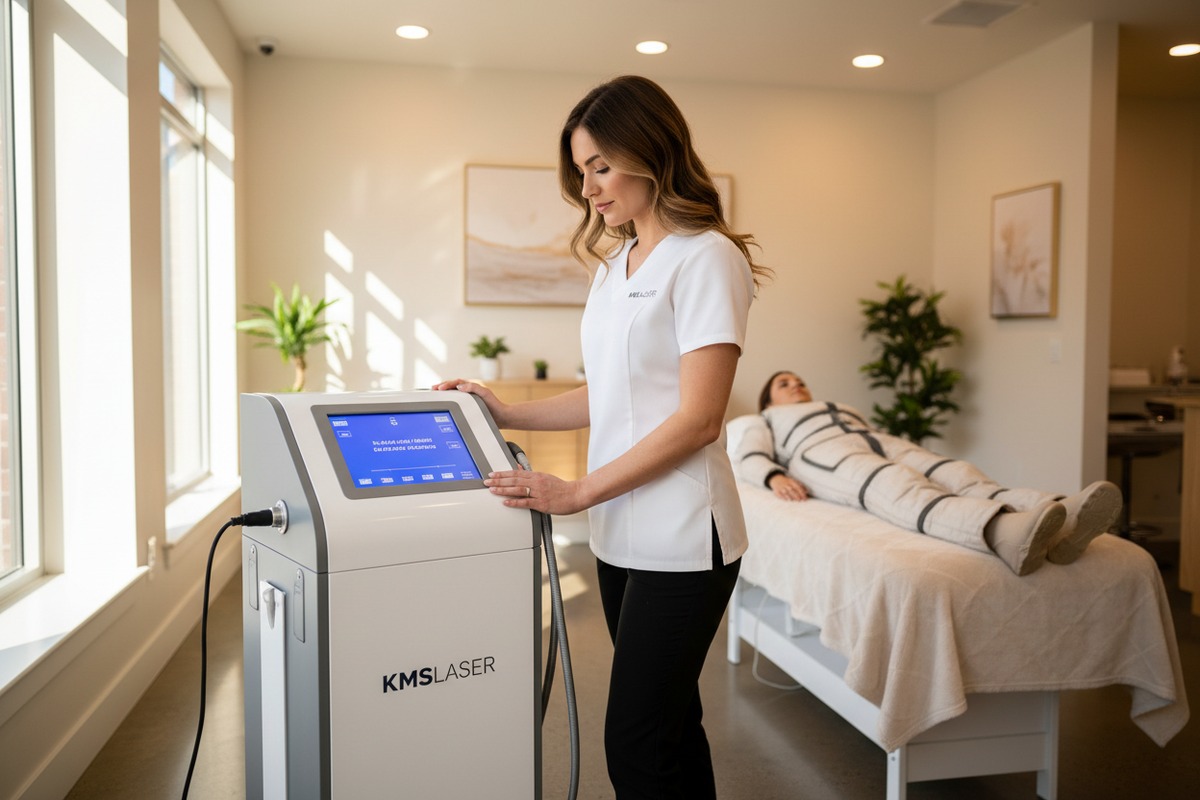
Types of Anti-Glare Solutions
Multiple technologies address glare in different ways:
Matte Anti-Glare Coatings
An anti-glare screen has a coating that reduces reflections. The degree to which an anti-glare treatment is successful is dependent on its haze value and the screen surface (matte or glossy).
Matte-screen displays with an anti-glare coating absorb light rather than reflecting it. This may appear grainy or fuzzy, but it effectively eliminates reflections.
Ideally, you should seek out displays with light or medium matte anti-glare coatings (25% haze), which reduce reflections without impairing visual quality much.
Anti-Reflective (AR) Coatings
Anti-reflective coating enhances contrast and clarity under strong light. Unlike anti-glare coatings that scatter light, AR coatings use optical interference to reduce reflections.
The goal of anti-reflective (AR) coatings 8 is to eliminate reflections by manipulating the angle of incident light to cause destructive interference of the reflected rays. This process significantly improves contrast and readability. By addressing the issues of reflection, AR coatings ensure that the content on the screen is visible and easy to read, even in challenging lighting conditions.
Optical Bonding
This premium solution bonds the touch layer directly to the LCD panel, eliminating the air gap that causes internal reflections.
Anti-Glare Solutions Comparison Table
| Solution Type | Cost Impact | Haze Level | Image Clarity | Durability | Best For |
|---|---|---|---|---|---|
| Matte AG Coating | Low | 25-50% | Good | Medium | General use |
| Glossy AG Coating | Medium | 1-4% | Excellent | Medium | Color-critical |
| AR Coating | Medium-High | 0% | Excellent | High | Bright environments |
| Optical Bonding | High | 0% | Excellent | Very High | Premium machines |
| Etched Glass | Medium | Variable | Good | Very High | Industrial use |
Trade-Offs to Consider
Each anti-glare approach has drawbacks:
Reduced screen brightness: Anti-glare coatings or films can absorb some of the light emitted by the screen, which can result in a dimmer display. This can be a problem, especially in low-light settings where every bit of brightness is needed.
Matte coatings can reduce perceived sharpness. Medical diagnostic imaging is the perfect example; doctors need to see every fine detail, which a matte anti-glare screen might obscure.
For pressotherapy machines, this trade-off is usually acceptable. You need to read pressure values and timer displays, not examine diagnostic images.
Maintenance Considerations
Anti-glare coatings on the outside of the monitor's screen can be damaged by cleaning solutions or scrubbing. You can avoid this issue by using more specialized cleaning products and microfiber cloths.
Another option is to use a display with the anti-glare filter applied to the inside of the monitor. Putting the anti-glare screen behind the glass protects it from harsh cleaning or environmental factors, but this can only be done during the manufacturing and assembly phases.
Working With Your Supplier on Upgrades
Request anti-glare modifications early in the development process. Key discussion points include:
- Specific haze level preferences (25% for balance, 50% for maximum glare reduction)
- Internal vs. external coating application
- Compatibility with touchscreen sensitivity
- Additional cost per unit
- Lead time impact
- Sample availability for testing
Dynamic Brightness Adjustment
Some premium solutions include automatic brightness control. The Ambient Light Sensor 9 automatically adjusts the brightness of the computer's LCD panel, based on surrounding light levels.
The Ambient Light Sensor automatically adjusts the screen brightness based on changes in ambient light around the screen. This not only efficiently saves energy and extends the screen's lifespan but also provides users with a more convenient and intelligent user experience.
Conclusion
Display visibility directly impacts how your customers experience pressotherapy machines in real salon and clinic environments. Focus on requesting 500-700 nits brightness, IPS panel technology 10, 1000:1 contrast ratios, and appropriate anti-glare solutions when specifying machines for bright environments. Test displays under realistic lighting conditions before committing to large orders, and work with your manufacturing partner early to incorporate visibility features that protect your brand reputation.
Footnotes
1. Explains nits as a unit of luminance for display brightness. ↩︎
2. Defines lux as the SI unit of illuminance for measuring light intensity. ↩︎
3. Provides the SI-derived unit for luminance, also known as a nit. ↩︎
4. Explains TN panels’ limitations, particularly narrow viewing angles and color shift. ↩︎
5. Explains contrast ratio as the difference between brightest and darkest display shades. ↩︎
6. Describes a display lamination process that eliminates air gaps to improve visibility and durability. ↩︎
7. Explains how anti-glare coatings diffuse light reflections to enhance screen readability. ↩︎
8. Details AR coatings that use optical interference to reduce reflections and improve contrast. ↩︎
9. Describes a component that automatically adjusts screen brightness based on surrounding light. ↩︎
10. Describes IPS as a display technology offering wide viewing angles and accurate color. ↩︎


 English
 Español de México
 Deutsch
 Français
 العربية
 Русский
Join the Conversation
Have a question or insight to share? We read every comment — whether you're a distributor, salon owner, or just curious about the technology. Your real-world experience helps others make better decisions. Drop your thoughts below.