
Every week, our engineering team receives calls from salon owners frustrated by machines that look impressive but fail to deliver consistent results shockwave therapy machine 1. The problem? They bought based on marketing claims, not clinical substance.
To evaluate smart features and preset protocols effectively, you must verify clinical validation of presets, test the user interface responsiveness, check software upgrade paths, and confirm the machine type matches your treatment depth requirements. This systematic approach prevents costly purchasing mistakes and ensures long-term reliability.
This guide walks you through the exact evaluation framework our R&D team uses when developing shockwave machines. You will learn what separates marketing hype from genuine clinical value.
How do I determine if the preset protocols are clinically effective for my salon customers?
When we calibrate preset protocols at our production facility, we test each setting against documented treatment parameters from peer-reviewed studies 2. Many buyers skip this verification step and regret it later.
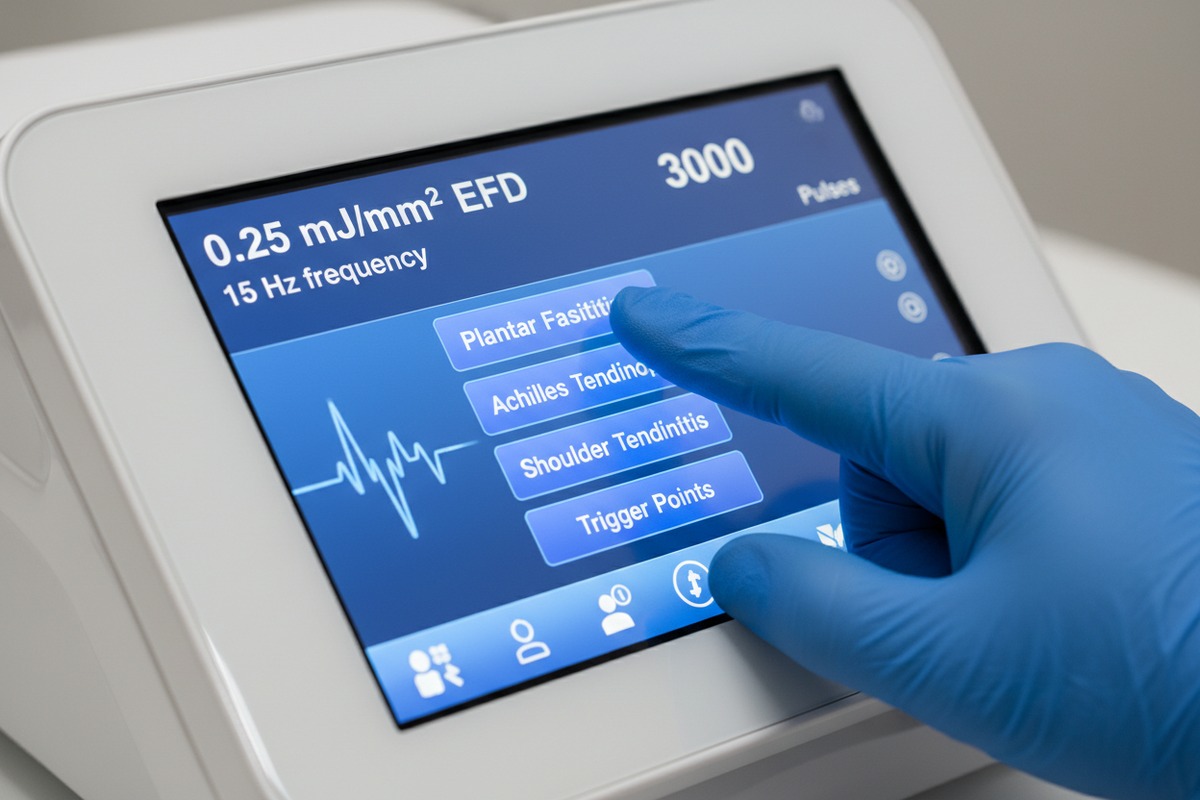
Clinically effective preset protocols must match validated energy flux density ranges, frequency settings, and pulse counts for specific conditions. For plantar fasciitis, look for 0.08-0.25 mJ/mm² EFD at 8-15 Hz. For tendinopathies, verify 2000-3000 pulses per session. Always request clinical documentation from the manufacturer.
Understanding Energy Parameters
Energy flux density 3 determines treatment depth and effectiveness. Radial shockwave machines typically deliver 1-5 bar pressure for superficial treatments up to 7 cm. Focused machines penetrate deeper, reaching 12 cm with 0.05-0.6 mJ/mm² EFD.
Your salon customers likely need treatment for these common conditions:
| Condition | Recommended EFD | Frequency | Pulses Per Session | Treatment Depth |
|---|---|---|---|---|
| Plantar Fasciitis 4 | 0.08-0.25 mJ/mm² | 8-15 Hz | 2000-3000 | 3-5 cm |
| Lateral Epicondylitis 5 | 0.10-0.20 mJ/mm² | 5-10 Hz | 1500-2500 | 2-4 cm |
| Shoulder Calcification | 0.20-0.40 mJ/mm² | 4-8 Hz | 2000-4000 | 4-6 cm |
| Trigger Points | 0.05-0.15 mJ/mm² | 10-15 Hz | 500-1000 | 1-3 cm |
Verifying Clinical Validation
Ask manufacturers for specific documentation. Legitimate suppliers provide treatment protocol guides with references to clinical studies. At our facility, we include protocol validation reports with every unit shipped.
Red flags include vague claims like "clinically proven" without specific study references. Request case studies from existing users. Ask for outcome data from similar salon environments.
Matching Protocols to Your Customer Base
Consider your typical customer profile. Beauty salons primarily treat superficial muscle tension and cellulite. Medical spas handle deeper tendon issues. Your machine's presets must align with these needs.
Radial machines suit most salon applications. They handle 80% of common treatments effectively. Focused machines become necessary only for deep tissue conditions requiring penetration beyond 7 cm.
Can I customize the smart interface and software to match my own brand identity?
Our OEM customers frequently ask this question during initial consultations. The answer varies dramatically between manufacturers and directly impacts your brand positioning.
Most mid-to-high-end shockwave machines offer interface customization including logo placement, color schemes, startup screens, and branded treatment protocol names. Full software customization requires ODM partnership with minimum order quantities typically starting at 50 units. Basic branding options are often available at 10-20 unit orders.

Levels of Customization Available
Interface customization exists on a spectrum. Understanding each level helps you negotiate better terms with manufacturers.
| Customization Level | Typical MOQ | What's Included | Timeline |
|---|---|---|---|
| Basic Branding | 10-20 units | Logo on startup screen, branded manual | 2-4 weeks |
| Interface Theming | 20-50 units | Custom colors, branded protocol names | 4-6 weeks |
| Full Software Customization | 50+ units | Custom UI design, proprietary features | 8-12 weeks |
| Complete ODM Development | 100+ units | Unique software architecture, exclusive features | 3-6 months |
Technical Requirements for Branding
When we develop custom interfaces, we need specific assets from buyers. High-resolution logos in vector format work best. Brand color codes in HEX or RGB ensure accurate reproduction. Treatment protocol names require translation verification for international markets.
Some manufacturers lock their software systems. This prevents any customization regardless of order size. Always confirm customization capabilities before committing to a supplier.
Protecting Your Brand Investment
Custom software creates competitive advantage. Your branded interface distinguishes your products from identical hardware sold by competitors. This justifies premium pricing to your downstream customers.
Request exclusive territory agreements if investing in significant customization. Document all customization specifications in written contracts. Include provisions for software updates that maintain your branding.
Hidden Costs to Consider
Software customization often involves recurring fees. Annual license costs range from $500 to $5000 depending on complexity. Update packages may require additional payment. Factor these ongoing costs into your total investment calculation.
What specific smart features should I look for to ensure the machine is easy for my clients to operate?
From our experience shipping to North American distributors, ease of operation directly impacts customer satisfaction and return rates. Complex machines generate support calls and damage your reputation.
Essential smart features for easy operation include touchscreens measuring 10-15.6 inches with responsive capacitive technology, one-touch preset activation, visual treatment guides with anatomical diagrams, automatic parameter memory for repeat customers, and ergonomic handpieces with integrated controls. Avoid machines requiring technical knowledge to operate.

Touchscreen Specifications That Matter
Screen size affects usability significantly. Smaller screens force users to navigate multiple menus. Larger screens display more information simultaneously.
| Screen Size | Best For | Limitations |
|---|---|---|
| 7-8 inches | Portable units, home use | Limited visibility, small buttons |
| 10-12 inches | Small clinics, single operators | Adequate for most applications |
| 15-17 inches | High-volume salons, multi-user | Higher cost, requires more space |
Capacitive touchscreens respond like smartphones. Resistive screens require more pressure and feel outdated. Your clients expect modern touch response.
Handpiece Ergonomics
Weight distribution matters for extended sessions. Handpieces exceeding 400 grams cause operator fatigue. Balanced designs reduce wrist strain.
Integrated controls on the handpiece eliminate trips back to the main unit. Start/stop buttons, intensity adjustment, and pulse counters should be thumb-accessible. Our engineering team positions all controls within natural grip range.
Visual Guidance Systems
Treatment guides with anatomical overlays simplify protocol selection. Users tap the affected area on a body diagram. The system automatically suggests appropriate settings.
Step-by-step treatment instructions reduce training time. New staff can operate the machine effectively within hours rather than days. This feature proves especially valuable for salons with high staff turnover.
Connectivity and Data Features
Modern machines offer app integration and data export. Treatment records help track customer progress. Some systems integrate with practice management software.
Telehealth features enable remote consultation. Therapists can adjust parameters without being physically present. This capability expands service options for your downstream customers.
Evaluating User Interface Design
Request video demonstrations before purchasing. Watch actual treatment workflows, not marketing videos. Note how many taps are required to start a standard treatment.
Good interfaces require 3-4 taps maximum from power-on to treatment start. Complex systems requiring 8-10 navigation steps frustrate users. Simplicity equals satisfaction.
How can I verify the stability of the software to avoid technical complaints from my buyers?
Our quality control department rejects approximately 8% of units during software testing. This rigorous process prevents complaints, but many manufacturers skip thorough verification.
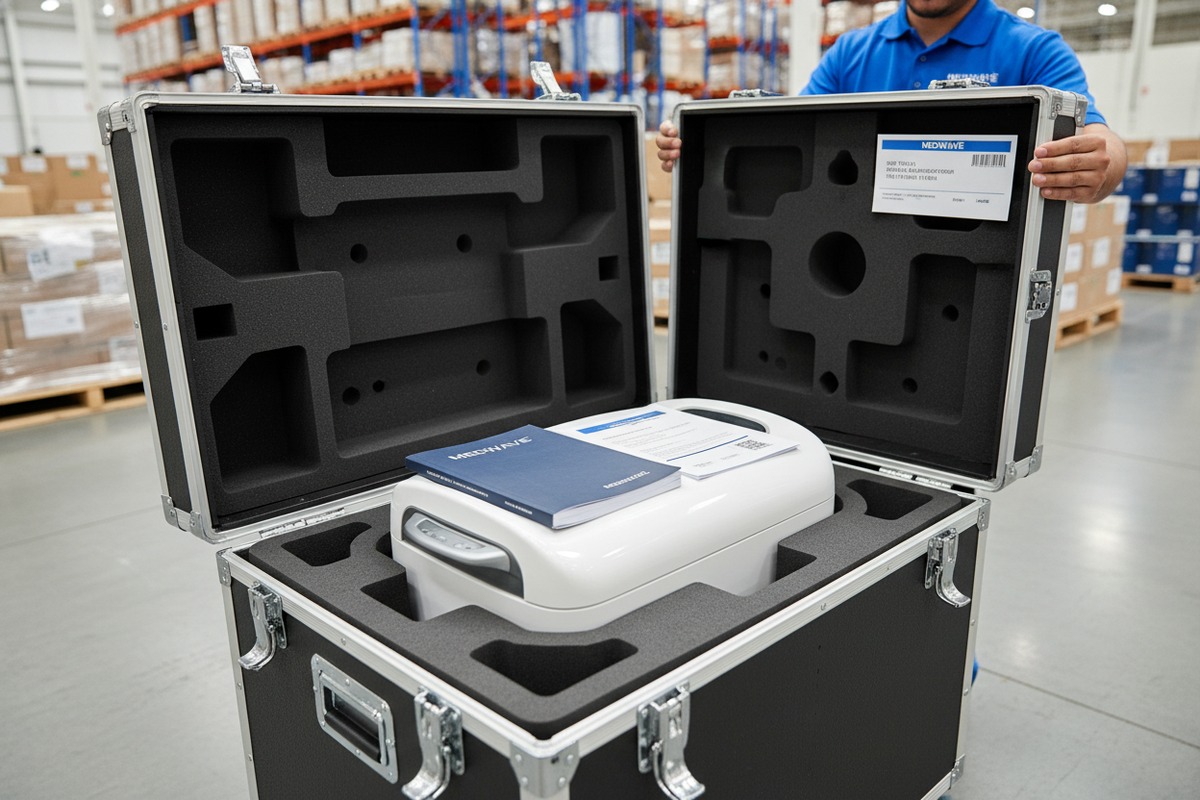
Verify software stability by requesting error rate documentation, checking firmware version history for bug fixes, confirming over-the-air update capabilities, testing demo units for at least 100 continuous cycles, and obtaining warranty terms covering software defects. Stable software shows consistent performance across temperature variations and extended operation periods.
Testing Protocols for Software Reliability
Comprehensive testing reveals hidden problems. Quick demonstrations hide intermittent issues. Demand extended testing periods before finalizing orders.
| Test Type | Duration | What It Reveals |
|---|---|---|
| Continuous Operation | 8+ hours | Overheating issues, memory leaks |
| Parameter Cycling | 100+ cycles | Button responsiveness, setting accuracy |
| Temperature Stress | Various conditions | Performance in hot/cold environments |
| Power Interruption | Multiple tests | Data recovery, restart behavior |
Firmware Update History
Mature software shows regular updates addressing specific issues. Request version history documentation. Frequent updates fixing the same problems indicate underlying instability.
Well-maintained systems receive quarterly updates adding features and improving performance. Abandoned software receives no updates, leaving bugs unfixed permanently.
Error Handling and Recovery
Good software handles errors gracefully. Power interruptions should not corrupt treatment data. Parameter errors should display clear messages, not cryptic codes.
Test error scenarios during evaluation. Intentionally interrupt operations. Observe how the system recovers. Professional software returns to safe states without user intervention.
Documentation and Support Resources
Software stability extends beyond the code itself. Comprehensive user manuals prevent operator errors. Troubleshooting guides resolve common issues quickly.
Training videos demonstrate proper operation procedures. FAQ databases address frequently reported problems. These resources reduce support burden on your team.
Warranty Coverage for Software Issues
Confirm warranty terms specifically cover software defects. Some manufacturers exclude software from hardware warranties. This gap leaves you unprotected against firmware bugs.
Negotiate extended software support periods. Two-year minimum coverage protects your investment adequately. Annual support contracts ensure continued updates and fixes.
Third-Party Verification
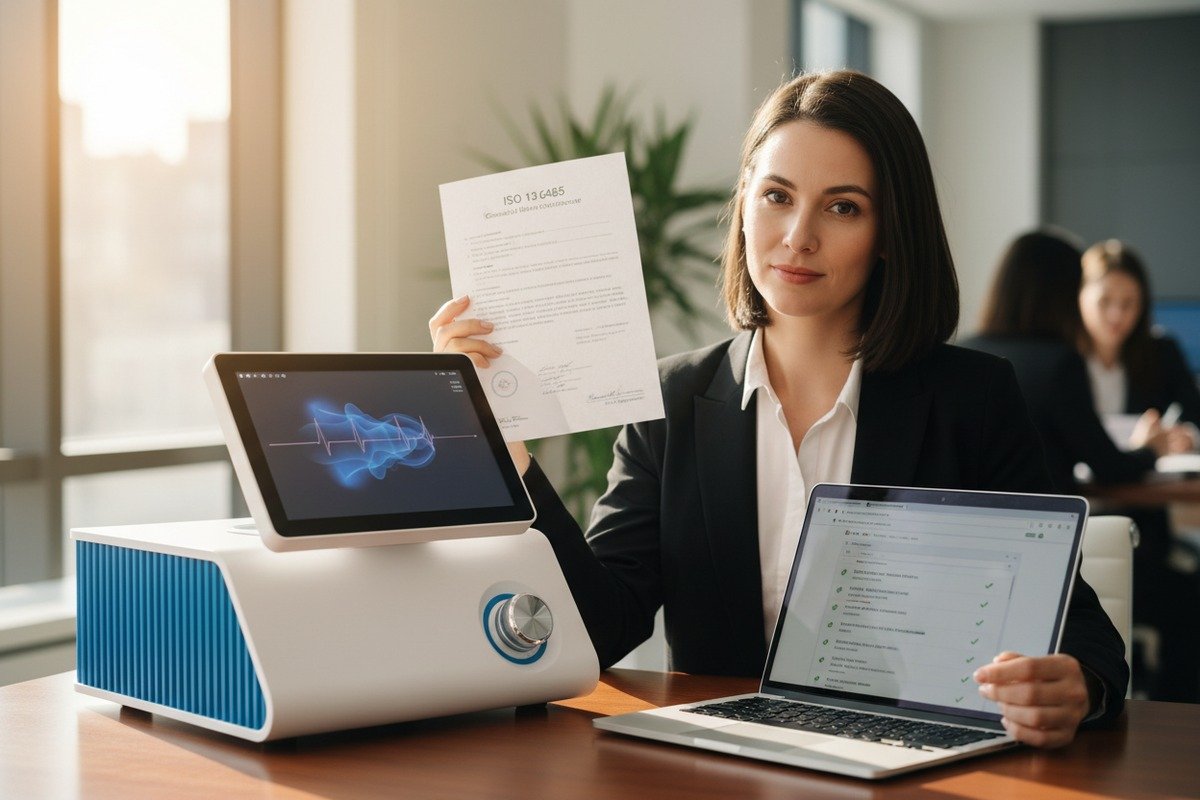
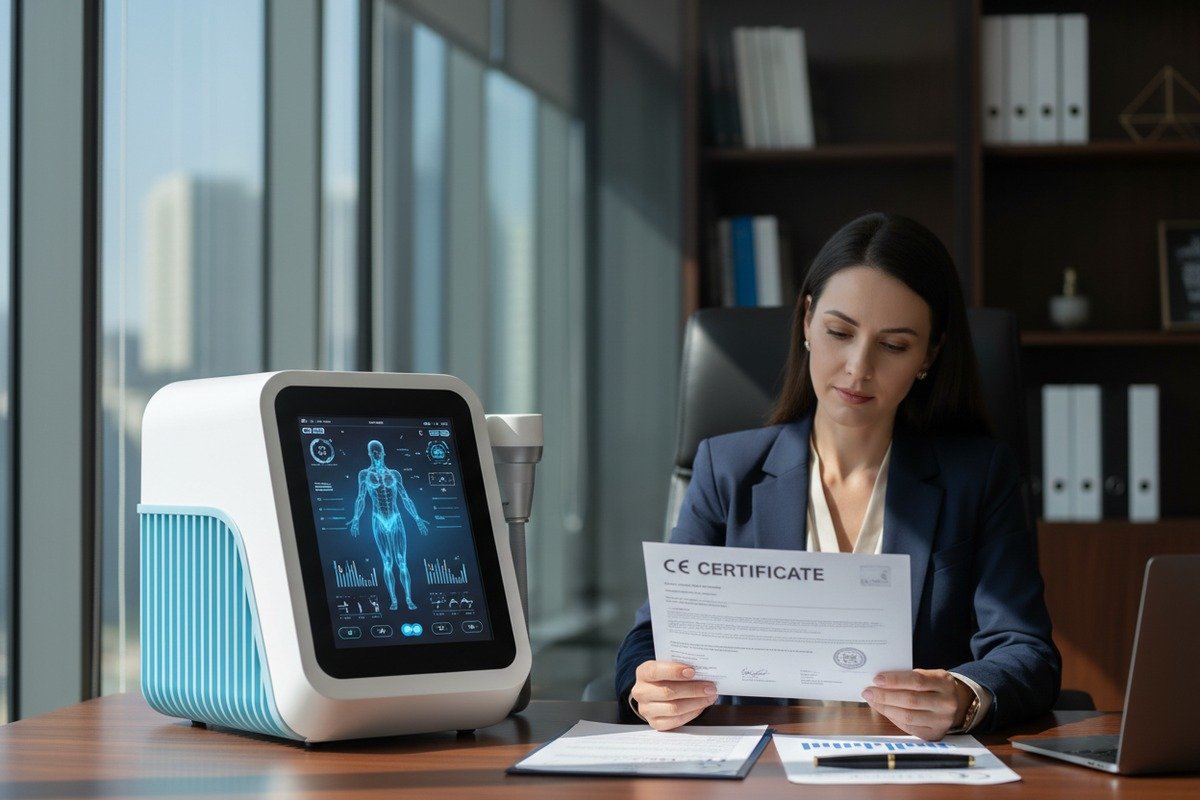
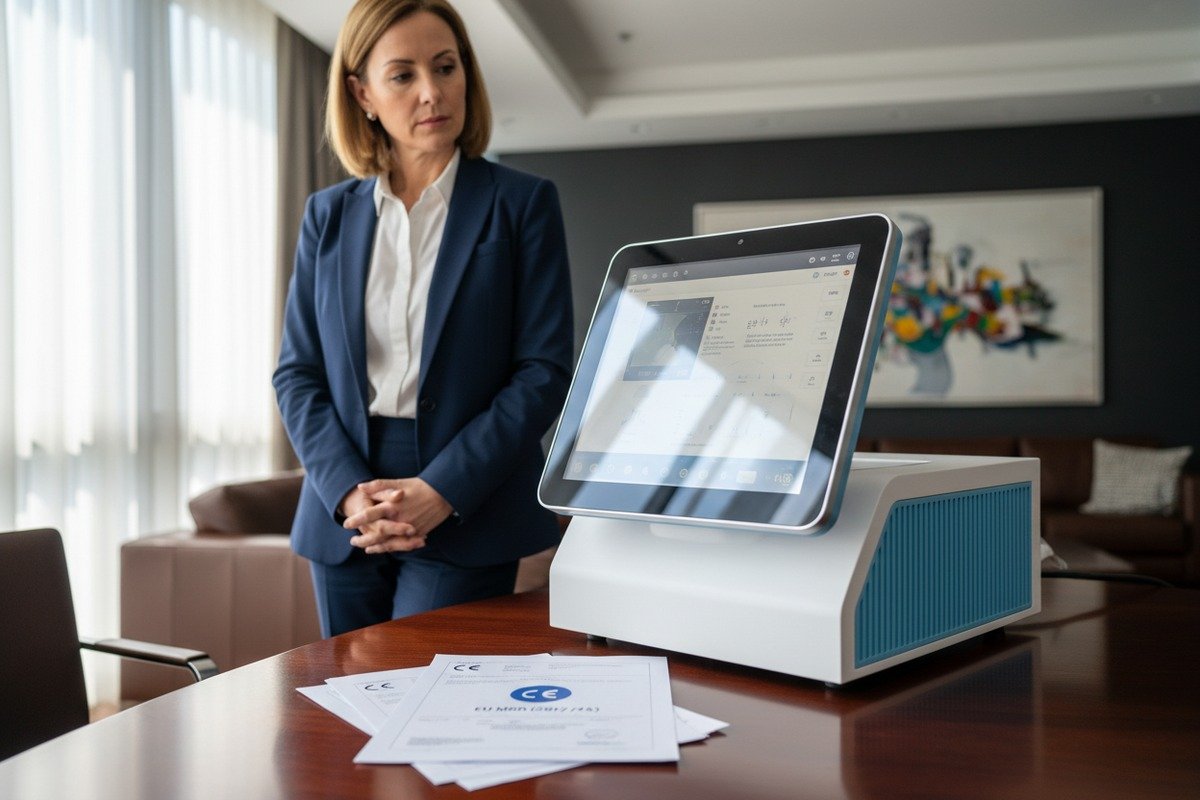
Independent testing certifications add credibility. CE marking 6 requires safety testing but not software reliability verification. FDA approval 7 involves more rigorous examination.
Ask for third-party test reports if available. Independent laboratory results carry more weight than manufacturer claims. This documentation supports your quality assurance to downstream buyers.
Conclusion
Evaluating smart features and preset protocols requires systematic verification of clinical parameters, customization options, usability factors, and software stability. Use this framework to protect your investment and ensure customer satisfaction.
Footnotes
1. Provides a general overview and definition of shockwave therapy. ↩︎
2. Explains the importance and process of peer-reviewed studies in medical research. ↩︎
3. Replaced with an authoritative source from a medical device manufacturer explaining the physics and technology of shockwave therapy, including energy flux density. ↩︎
4. Provides a comprehensive overview of plantar fasciitis, a common condition. ↩︎
5. Offers a detailed medical explanation of lateral epicondylitis (tennis elbow). ↩︎
6. Defines CE marking and its significance for medical device compliance in the EU. ↩︎
7. Explains the FDA approval processes for medical devices, ensuring safety and efficacy. ↩︎
 English
 Español de México
 Deutsch
 Français
 العربية
 Русский
Join the Conversation
Have a question or insight to share? We read every comment — whether you're a distributor, salon owner, or just curious about the technology. Your real-world experience helps others make better decisions. Drop your thoughts below.