When our team started receiving more orders from Europe and North America, we quickly realized that language barriers on our pressotherapy machine interfaces could kill deals XML, JSON, or PO files 1. Buyers in Germany, France, and Spain wanted localized UI—not just English menus. Without clear communication on multi-language capabilities, you risk purchasing equipment that frustrates end-users and fails regulatory checks.
To ask suppliers about multi-language UI support for pressotherapy machines, verify their engineering localization capabilities, request proof of professional translation processes, confirm whether you can supply your own translation files, and understand their software testing procedures for new languages. These questions ensure your equipment meets market requirements and maintains brand consistency.
In this guide, we break down the exact questions you should ask your supplier before placing an order localization testing process 2. Each section targets a specific concern—from engineering capability to software quality assurance. Let’s dive in.
How can I verify if a supplier has the engineering capability to customize the UI language for my pressotherapy machines?
Buyers often assume that any factory can simply add languages to a touchscreen interface. However, when we engineered multi-language systems for our pressotherapy devices, we learned that not every supplier has the software architecture 3 to support true localization. The result? Some machines display garbled text, truncated buttons, or crash when switching languages.
To verify a supplier's engineering capability for UI language customization, ask about their software architecture flexibility, whether they support Unicode and right-to-left scripts, how they handle text expansion issues, and whether they have in-house software engineers or outsource development. Request documentation or demo units showing multiple languages in action.
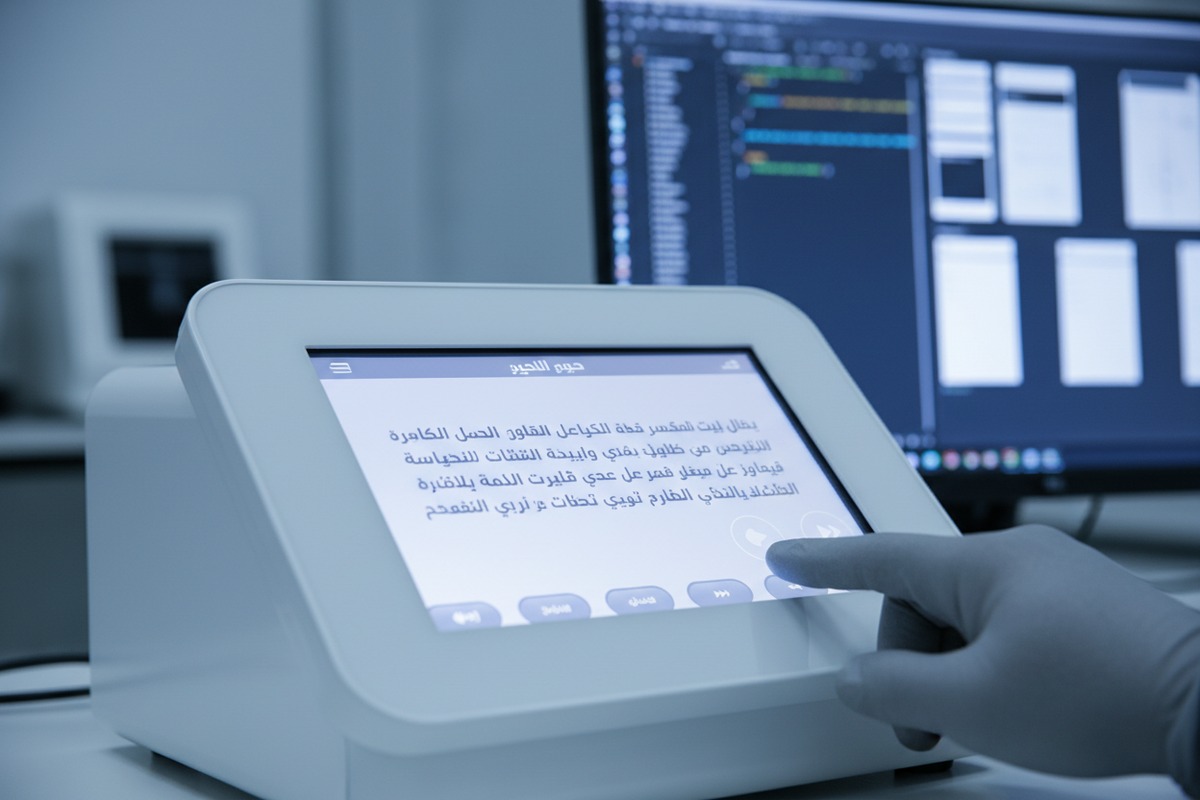
Understanding Software Architecture Flexibility
The first thing to ask is whether the supplier's software architecture supports modular language packs. A well-designed system stores UI strings separately from the core code. This means adding a new language doesn't require re-engineering the entire interface.
Haga estas preguntas específicas:
- Does your system use external language files (like XML or JSON) that can be edited without touching the source code?
- Can additional languages be added post-production through firmware updates?
- What is the maximum number of languages your current architecture supports?
Technical Requirements for True Localization
Multi-language support goes beyond simple text replacement. Your supplier must handle:
| Requisito Técnico | Por qué es importante | Pregunta a hacer |
|---|---|---|
| Unicode Support 4 | Displays characters from all languages correctly | Does your system support UTF-8 encoding for non-Latin scripts? |
| Text Expansion | German and French words are 20-30% longer than English | How do you handle button and menu text that expands after translation? |
| Right-to-Left Scripts | Arabic and Hebrew read from right to left | Can your UI mirror layout for RTL languages? |
| Font Rendering | Asian languages need specific fonts | What fonts are embedded for Chinese, Japanese, and Korean? |
In-House vs. Outsourced Development
Suppliers with in-house software teams can respond faster to customization requests. Those who outsource may face delays or communication gaps.
Ask directly: "Do you have in-house software engineers who developed the UI, or is this outsourced?" Follow up with: "What is the typical lead time to add a new language to an existing product?"
Request a Live Demo or Sample Unit
Nothing beats seeing the system in action. Ask for a demo unit configured with multiple languages. Test the language-switching function yourself. Check that all menu items, error messages, and voice prompts (if applicable) change correctly.
What should I ask to ensure the translated interface on my private-label equipment is accurate and professional?
We've seen it happen: a buyer receives their branded equipment, only to find menu items that sound awkward or are outright mistranslated. Poor translations damage your brand image and can even create safety risks if instructions are unclear. In medical and aesthetic equipment, precision in language matters.
To ensure accurate and professional UI translations, ask whether the supplier uses certified translators following ISO 17100 standards, whether translations undergo bilingual review, how they handle specialized medical terminology, and whether they provide translation certificates. Request sample screenshots in your target language before production.

Why Translation Quality Standards Matter
Professional translation goes beyond Google Translate. For medical and aesthetic devices, you need linguists who understand both the language and the technical domain.
ISO 17100 5 is the international standard for translation services. It requires that all translations be reviewed by a second professional. This catches errors the original translator might miss. Ask: "Does your translation partner hold ISO 17100 certification?"
ISO 13485 6 is the quality management standard for medical devices. Some translation agencies also hold this certification, demonstrating their understanding of regulatory requirements in the healthcare sector.
Key Questions About Translation Process
| Pregunta | Por qué es importante | Red Flag Answer |
|---|---|---|
| Who performs your translations? | Reveals if they use professionals or machine translation | "We use AI translation" with no human review |
| Is there a bilingual review step? | Ensures a second expert checks the work | "Only one person handles it" |
| Do translators have medical/aesthetic expertise? | Technical terms need domain knowledge | "Our staff handles it internally" |
| Can you provide a translation certificate? | Documents accountability for audits | "We don't issue certificates" |
Handling Specialized Terminology
Máquinas de presoterapia 7 use specific terms: lymphatic drainage, sequential compression, air chambers, pressure settings. These must be translated consistently and accurately.
Ask: "Do you maintain a terminology glossary 8 for medical and aesthetic equipment?" A professional supplier will have standardized translations for recurring terms across all their products. This ensures consistency if you order multiple models.
Reviewing Before Production
Before committing to a production run, request translated screenshots of every UI screen. Have a native speaker in your target market review them. Look for:
- Errores gramaticales
- Unnatural phrasing
- Truncated text that doesn't fit buttons
- Inconsistent terminology
This pre-production review prevents expensive corrections later.
Can I provide my own translation files to the factory to maintain brand consistency across my multi-language UI?
When we started working with larger distributors, they often wanted to supply their own translations. This makes sense—they've already developed brand-specific terminology across their product line. Accepting client-provided translation files requires the right technical setup and clear communication protocols.
Yes, you can provide your own translation files if your supplier's system uses externalized language strings in standard formats like XML, JSON, or PO files. Confirm the exact file format required, character encoding specifications, any string length limits, and how the supplier will validate your files before integration. Document this process in your purchase agreement.
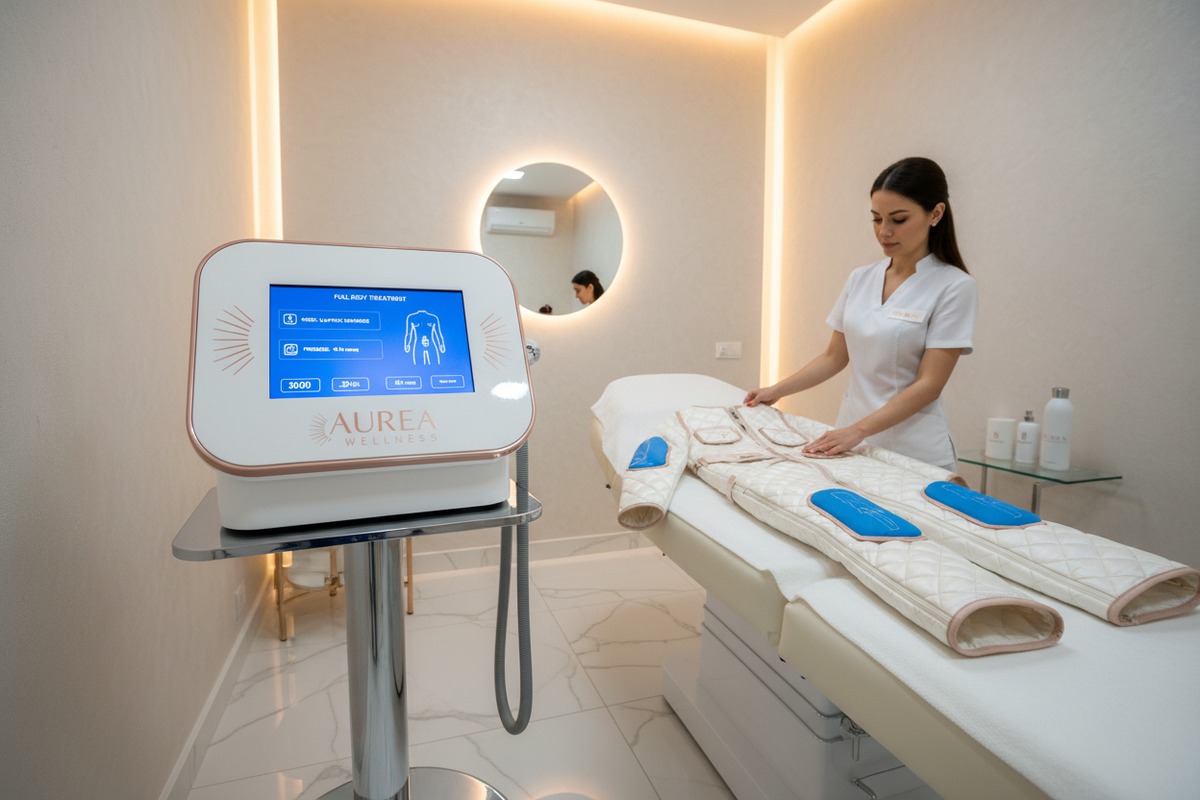
Technical Requirements for Client-Provided Files
For a smooth handoff, your translation files must match the supplier's system requirements. Before starting translation work, request the following:
| Especificación | Descripción | Por qué es importante |
|---|---|---|
| Formato de archivo | XML, JSON, PO, or proprietary | Incompatible formats require conversion, risking errors |
| Codificación de caracteres | Usually UTF-8 | Wrong encoding displays garbled characters |
| String IDs | Unique identifiers for each text element | Ensures translations map to correct UI elements |
| Maximum String Length | Characters allowed per field | Prevents text truncation in menus and buttons |
| Template File | Empty file with all string IDs | Ensures you translate every required element |
Process for File Submission and Validation
Establish a clear workflow with your supplier:
- Request Template: Get the master file with all string IDs and English source text.
- Traducción completa: Have your translators fill in target language text.
- Submit for Validation: Send files to supplier for technical review.
- Integration Test: Supplier loads files into a test unit.
- Aprobación: You review screenshots or demo before production.
Maintaining Version Control
If your pressotherapy machines receive firmware updates, the UI may add new strings. Discuss how updates will be handled:
- Will the supplier notify you when new strings are added?
- What is the timeline for providing updated template files?
- Who is responsible for translating new content?
Document these responsibilities in your contract to avoid disputes.
Protecting Your Translation Investment
Your translation files represent significant investment. Consider these protections:
- Include a clause that your translation files remain your intellectual property.
- Request that the supplier delete your files from their systems if you change vendors.
- Maintain your own master copies with version history.
How will the supplier manage software testing to prevent bugs after adding new language options to my order?
Adding a new language to your pressotherapy machine isn't just a text swap. It can break buttons, crash menus, and create display errors. Our engineering team learned this the hard way when a French translation expanded text by 35%, overflowing button containers and crashing the settings menu. Proper testing prevents these costly mistakes.
To prevent bugs after adding new languages, ask your supplier about their localization testing process, including linguistic testing by native speakers, functional testing of all UI elements in each language, visual inspection for text truncation and layout issues, and regression testing to ensure existing features still work. Request a testing report before shipment.

Types of Localization Testing Required
Comprehensive localization testing covers multiple areas. Each catches different types of bugs.
| Tipo de prueba | Qué verifica | Problemas Comunes Encontrados |
|---|---|---|
| Linguistic Testing | Translation accuracy, grammar, natural phrasing | Mistranslations, awkward wording, wrong terminology |
| Pruebas funcionales | All buttons, menus, and features work in each language | Crashes when switching languages, non-functional buttons |
| Visual/UI Testing | Text fits within design, no truncation or overflow | Cut-off text, overlapping elements, broken layouts |
| Cultural Testing | Images, icons, colors are appropriate | Offensive symbols, inappropriate imagery |
| las Pruebas de Regresión | Existing features still work after changes | New bugs introduced in previously working areas |
Questions to Ask About Testing Process
Get specific details about how your supplier tests localized software:
- Who performs linguistic testing? Native speakers catch errors that non-native testers miss.
- Do you test every UI screen? Partial testing leaves bugs in rarely-used menus.
- How do you handle text expansion? Some languages use 30% more space than English.
- What is your bug tracking process? Professional suppliers log, prioritize, and verify fixes.
- Will I receive a testing report? Documentation proves due diligence for audits.
Testing Before Production vs. After
Ideally, testing happens on a pre-production unit before your bulk order ships. This gives time to fix issues without delaying your delivery.
Ask: "Can you provide a pre-production sample with all requested languages for approval before mass production?" This is standard practice for professional OEM relationships.
Handling Post-Delivery Bug Reports
Even with thorough testing, users may find issues. Clarify your supplier's support policy:
- What is the warranty period for software bugs?
- How quickly will they provide firmware updates with fixes?
- Who bears the cost of updates after delivery?
Document these terms in your purchase agreement.
The Cost of Skipping Proper Testing
Untested localized software creates downstream problems:
- Customer complaints damage your brand reputation
- Returns and warranty claims reduce profits
- Regulatory issues if safety messages are unclear
- Expensive field updates to deployed equipment
Investing in proper testing upfront costs far less than fixing problems later.
Conclusión
Getting multi-language UI right on your pressotherapy machines protects your brand and keeps your end-users happy. Verify engineering capability, demand professional translations, negotiate control over your translation files, and insist on thorough testing. These conversations before purchase prevent expensive problems after delivery.
Notas al pie
1. Describes common file formats used for storing localization data. ↩︎
2. Outlines the steps involved in verifying software for specific locales. ↩︎
3. Defines the fundamental organization of a software system. ↩︎
4. Direct replacement from Microsoft Learn, an authoritative source for technical documentation. ↩︎
5. Wikipedia provides a comprehensive and authoritative overview of the ISO 17100 standard. ↩︎
6. BSI is an authoritative source for ISO standards and provides a clear explanation of ISO 13485. ↩︎
7. Healthline is an authoritative source explaining pressotherapy, its benefits, and how it works. ↩︎
8. Explains what a terminology glossary is and its importance in localization. ↩︎

 English
  Español de México
  Deutsch
  Français
  العربية
  Русский